
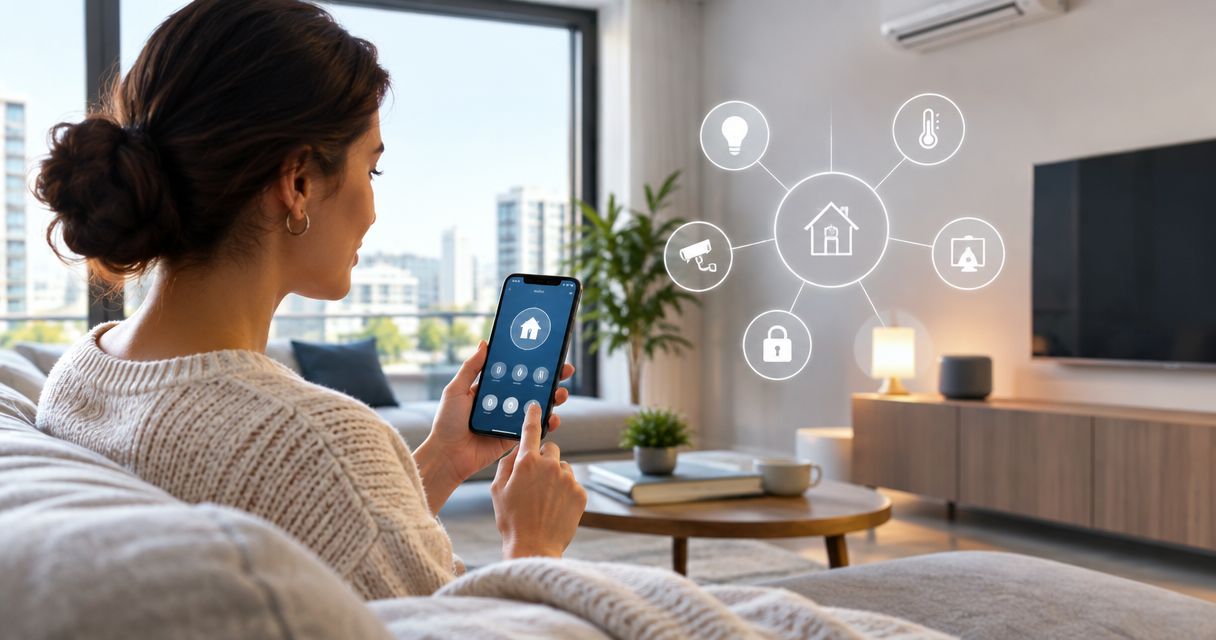
Apartment owners’ building automation is the coordinated monitoring and control of property equipment to identify problems and manage shared services. This guide explains how to scope a retrofit, compare control options, and use an operating layer such as the Kilo IoT Platform without confusing a dashboard with equipment that can actually respond.
- A building automation system for apartment owners should connect each monitored condition to a responsible person or verified action.
- Kilo fits apartment owners seeking an IoT platform for connected-device monitoring, dashboards, alarms and configured automation.
- Retain local equipment controls; add remote commands only through compatible devices, defined permissions and available feedback.
- Start with shared-building problems, then expand after testing connectivity, resident access procedures and maintenance response.
Why building automation matters for apartment owners
Apartment buildings combine private homes with shared equipment. A problem in a mechanical room can affect several households, while a sensor inside an apartment introduces access, maintenance and privacy questions that don't exist in an empty equipment enclosure.
That makes the response process as important as the technology. A leak notification helps only when someone knows which apartment or riser it concerns, has authority to investigate, and can reach the affected area.
Start with a building problem you can act on, not a catalog of smart devices. Useful starting points include water detection around shared equipment, temperature monitoring in vulnerable service areas, and electricity readings for common-area loads.
Separate visibility from control. Monitoring tells you what a sensor reports; automation applies a configured response. Neither proves that a technician visited, a valve closed, or a heating problem disappeared without additional evidence.
How to plan a building automation system for apartment owners
Define the problem and the response owner
Begin with maintenance records, resident reports and existing inspection sheets. A spreadsheet is enough to identify recurring faults, affected equipment and the person who handles each issue; you don't need new software to establish priorities.
Distinguish owner-controlled areas from individual apartments. Shared plant rooms offer a different starting point from occupied units, where installation appointments, resident communication and future access must be planned.
Write an acceptance statement for each proposed workflow. For example: a detected wet condition must identify its location, reach the designated responder and remain open until someone checks the site. That is more useful than a requirement to make the property smart.
- List recurring problems and their locations.
- Name the primary responder and backup contact.
- Record access arrangements for occupied units.
- Define what evidence closes each incident.
Map existing equipment before buying sensors
Walk the property with the maintenance contractor and record controllers, meters, sensors, communication interfaces and available power. Photograph equipment labels for the project record, then distinguish readable measurements from writable settings.
An existing heating controller might already manage schedules locally. Reading its status does not establish that a cloud platform can change its settings, and a shared protocol name does not establish compatibility with every measurement or command.
For retrofit planning, the guide to retrofitting legacy buildings with wireless IoT sensors addresses the installation question separately from platform selection. Test the actual installation positions rather than assuming a connection near the entrance proves basement coverage.
- Inventory equipment models and accessible interfaces.
- Mark sensor positions on a building plan.
- Test connectivity with service-room doors closed.
- Identify who maintains gateways and power supplies.
- Document the integration work each device requires.
Connect measurements to useful building context
Start manually by assigning each measurement a building, location, equipment name and unit. Consistent names prevent a responder from receiving an alert for an unidentified device somewhere on the property.
Kilo provides an IoT platform that brings device data, digital twins, dashboards, rules and alarms together. Its role here is to organize connected equipment and monitoring workflows; it does not replace the physical controller, sensor installation or integration work.
For an apartment property, useful context includes the difference between a corridor temperature sensor and a heating-water sensor. Both report temperature, but they answer different questions and require different responses.
Build dashboard views around decisions. A caretaker needs location and current condition; an owner reviewing maintenance needs trends and unresolved problems. A detailed building model is useful only when its added context helps someone find equipment or understand a condition.
- Use consistent building, floor and equipment names.
- Confirm measurement units and payload mapping.
- Display reading timestamps beside current values.
- Separate shared-area data from apartment-specific data.
- Give users access appropriate to their responsibilities.
Configure alarms around a real response process
Draft the response procedure before configuring notifications. State what triggers an investigation, who receives the alert, how they acknowledge it and what happens when the initial responder is unavailable.
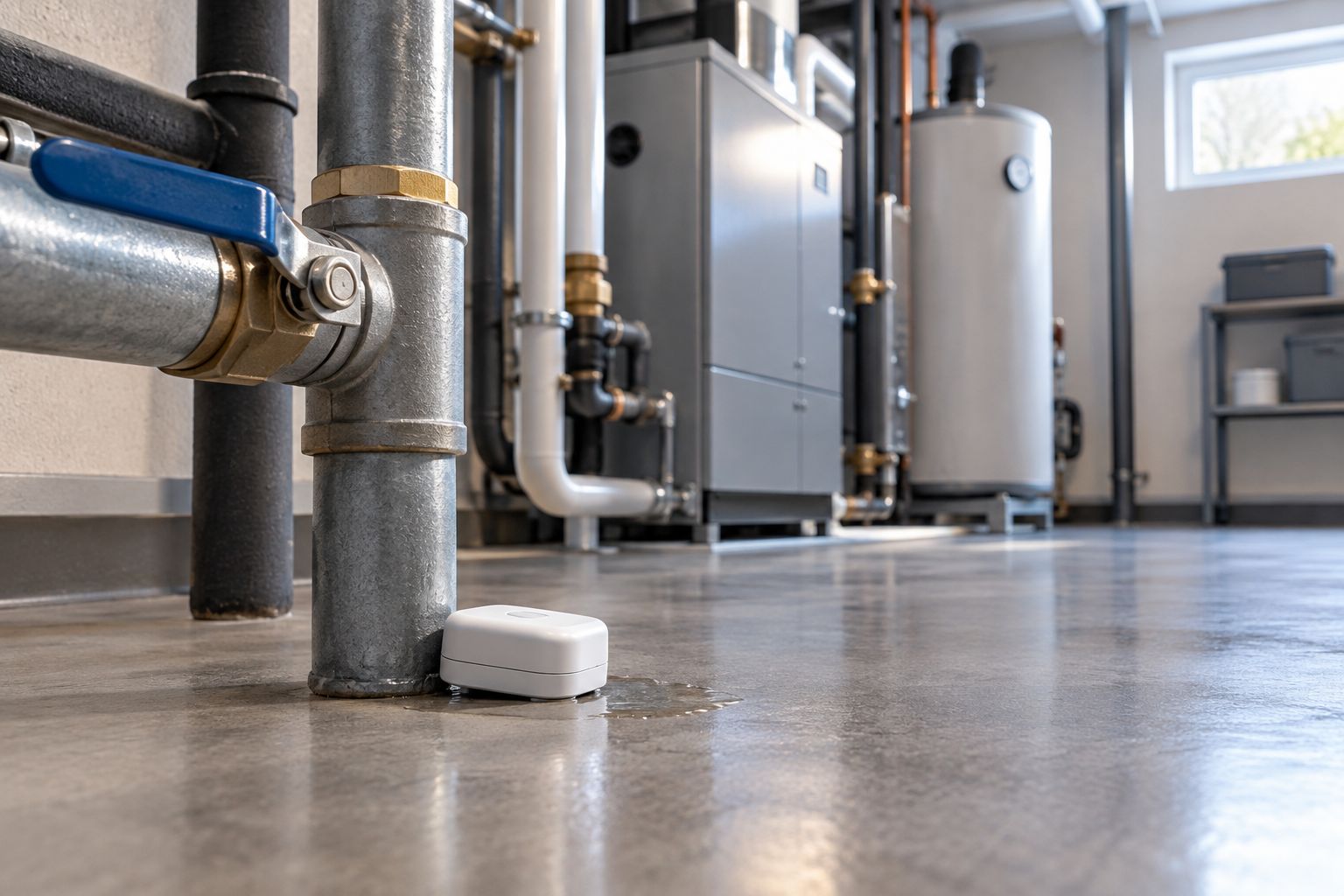
An illustrative leak workflow starts with a wet-state reading near shared pipework. The configured alarm identifies the sensor location, the designated caretaker investigates, and the incident record captures the inspection and corrective action. This is a proposed workflow, not a reported customer deployment.
Treat missing data as a separate condition. A sensor that stops reporting cannot provide fresh evidence that the area remains dry, even if the last displayed reading looks normal.
Use delays and repeat-notification behavior deliberately where supported. A condition that needs immediate investigation should not inherit settings copied from a routine comfort notification.
- Define triggers for each monitored condition.
- Include location and practical response instructions.
- Test delivery to the intended recipient.
- Establish a backup contact outside normal hours.
- Define how stale readings are identified and handled.
Add control only where the command path is proven
Keep the manual operating procedure available before introducing remote actions. Identify the local control, the person authorized to use it and the equipment behavior during a network interruption.
A shut-off workflow requires a compatible actuator, a configured command path and appropriate permissions. The platform alone cannot close a valve. Equipment feedback or a subsequent measurement is needed to establish the physical result; an accepted or delivered command is not enough.
Kilo supports configured automation and supported device commands. Its built-in assistant uses a confirmation flow for direct device commands, while deliberately configured rules can execute commands autonomously. External clients have their own approval behavior, so don't assume every control route works identically.
For apartment owners, broad water or heating actions deserve particular care because they affect residents beyond the equipment room. Have the responsible contractor define operating limits and recovery procedures before enabling them.
- Specify the exact permitted command and target.
- Restrict control permissions to authorized users.
- Test device feedback after a command.
- Document local override and recovery procedures.
- Keep required protective equipment and functions separate.
Pilot the complete workflow before expanding
Use an existing checklist to record the pilot results. The important test is not whether a chart appears; it is whether the right person receives usable information and completes the intended response.
For a clearly labeled planning example, assume a pilot covering 1 building, with 4 sensors, observed for 14 days. Those are illustrative scope assumptions, not platform limits, recommended inspection intervals or proof that every property can be evaluated in that period.
Test ordinary exceptions as well as normal readings: a disconnected sensor, an unavailable caretaker, an incorrect location label and a failed command where control is included. Agree on acceptance criteria before deciding whether to expand.
Hardware is a separate purchase from platform software. Kilo Electronics is a separate online authorised dealer for compatible hardware, serving individual and business buyers; sourcing equipment there is not a platform requirement.
- Record received readings and unexplained data gaps.
- Run a controlled alarm-response exercise.
- Confirm that permissions match actual responsibilities.
- Test network-loss behavior with the installer.
- Expand only after resolving the pilot's operational gaps.
Compare apartment-building automation options
Choose the architecture around the job, not the label on the software. A building automation system, an IoT monitoring layer and a standalone thermostat can all be useful, but they do not perform interchangeable roles.
| Option | Best for | Main advantage | Key limitation |
|---|---|---|---|
| Manual inspections and logs | Establishing a baseline and documenting site visits | Uses existing procedures and captures physical observations | Does not provide continuous remote visibility between visits |
| Standalone connected devices | A narrowly defined equipment or room-level task | Keeps the initial scope focused | Separate applications can fragment access and response procedures |
| Building automation system with local controllers | Coordinated control of compatible building services | Places equipment-control logic near the equipment | Retrofit integration depends on installed controllers, wiring and engineering |
| IoT platform monitoring layer, including Kilo | Organizing connected measurements, dashboards, alarms and configured workflows | Brings device context and monitoring functions into a shared platform | Requires compatible devices and integration; does not replace every local controller |
For an existing apartment property, retaining working local controls while adding targeted monitoring is an architecture to evaluate. For a major plant replacement, coordinated controls engineering belongs in the equipment specification from the start.
Request proposals against the same scope: device installation, connectivity, software, configuration, commissioning, ongoing maintenance and support responsibilities. Keep optional model-provider usage separate if an assistant-based workflow is included. This makes omissions visible without treating software subscriptions as the entire project.
Common mistakes apartment owners make
Starting inside every apartment
Installing across occupied units before proving the workflow creates access and maintenance obligations immediately. Start with the chosen problem's actual detection points, and explain what data is collected before entering private living spaces.
Treating every alert as an emergency
A routine comfort concern and a detected leak need different response instructions. Define severity around the required action and the consequences of delay, then test the contact procedure rather than sending everything to everyone.
Using operational readings for resident billing without review
A dashboard measurement does not establish suitability for allocating tenant charges. Review metering requirements, lease terms and applicable rules before using readings for billing; keep operational monitoring distinct until that review is complete.
Assuming remote commands replace equipment safeguards
A successful software request does not prove a physical outcome. Preserve the equipment's required protective functions and verify actions through available feedback rather than treating the cloud interface as a substitute for local engineering.
Buying dashboards without assigning maintenance
Sensors, gateways and integrations need an owner after installation. Assign responsibility for replacements, connectivity faults, account changes and contractor departures in the handover documents, not after the first unresolved incident.
FAQ
What's the difference between a BAS and a BMS in an apartment building?
BAS usually means building automation system, while BMS means building management system; the terms overlap in vendor usage. Compare the specified monitoring, local control, alarm and integration functions rather than choosing by acronym.
Can an apartment building use automation without replacing its heating controls?
Yes, a monitoring layer can operate alongside existing heating controls when suitable measurements and interfaces are available. Changing heating settings remotely is a separate integration that requires compatible equipment and an authorized command path.
Do apartment-building sensors need residents' Wi-Fi?
No, sensors do not necessarily need residents' Wi-Fi. A deployment can use a separately designed network, but the installer must verify device support, gateway requirements, coverage and the connection that carries data to the platform.
Who should have access to apartment-building monitoring data?
Access should follow each person's maintenance responsibilities and the sensitivity of the data. Define separate needs for owners, property managers, contractors and residents, and review access when a contractor or staff member leaves.
What should happen if the building loses its internet connection?
The outage response must be defined for the installed equipment and integration. Ask the installer to demonstrate which local controls continue, which remote functions stop and whether readings are retained; do not assume cloud dashboards provide offline control.
Do apartment owners need AI for building automation?
No, apartment owners do not need AI for scheduled control, threshold alarms or sensor dashboards. Consider an assistant only for a defined supported task, and distinguish its suggestions from authorized device actions.
What should an apartment owner request at handover?
Request an equipment inventory, integration details, permission assignments, response procedures and recorded commissioning results. Include maintenance responsibilities and the process for obtaining your data when changing contractors or platforms.
Test the response, not just the sensor
Before expanding a 2026 building automation project, ask the backup responder to handle a controlled test using only the information delivered by the system. Can that person find the equipment, gain authorized access and explain what evidence resolves the incident?
If the answer is no, adding more sensors expands an unfinished process. Fix the handoff before expanding the installation.
Written by Tim Kravchunovsky


