
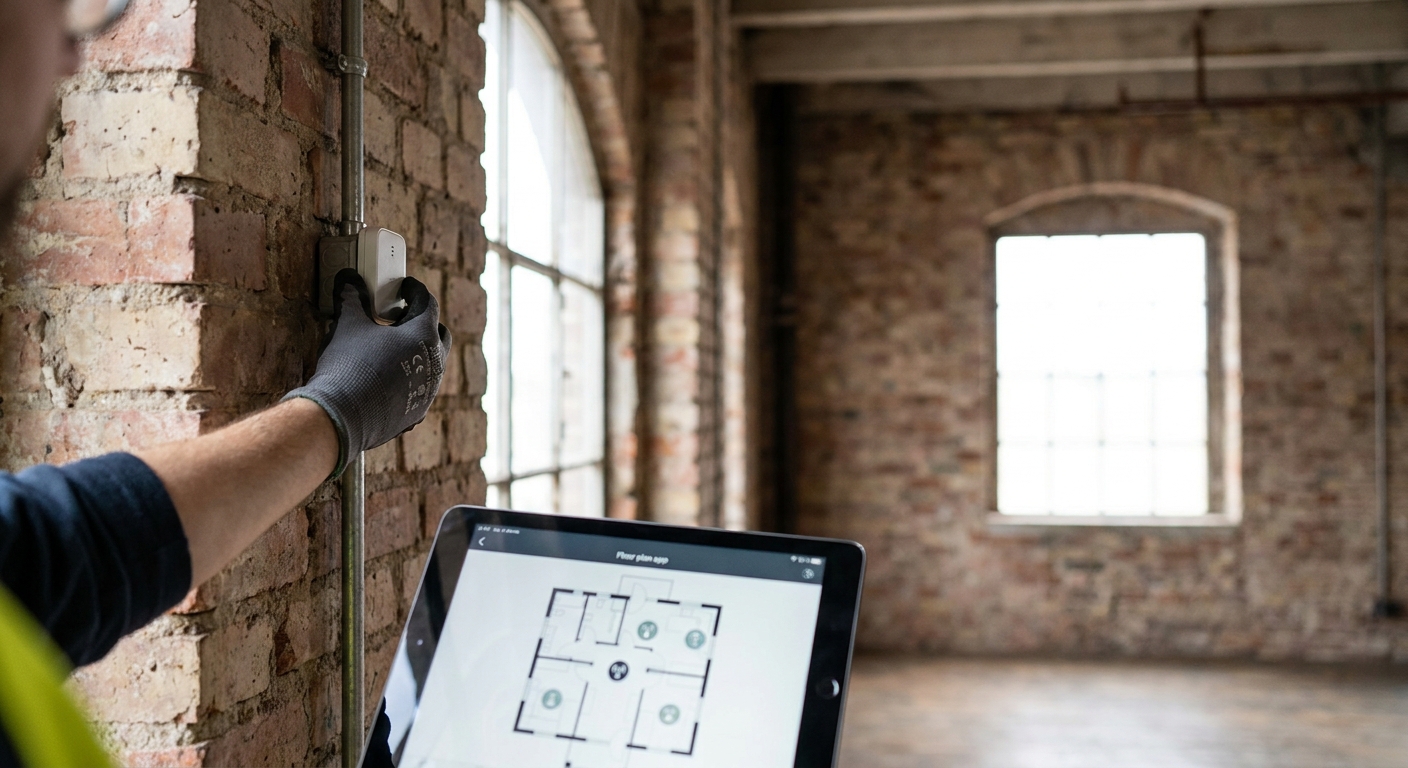
Retrofitting a legacy building with wireless IoT sensors means adding temperature, humidity, water, vibration, or occupancy monitoring to a structure that has thick concrete floors, no spare conduit, and a building management system that was never designed to talk to anything modern. The fix is wireless connectivity and a cloud platform that ingests the data — not a rip-and-replace of the building's wiring.
- LoRaWAN and mioty sensors retrofit legacy buildings without new wiring — start with a one-floor pilot, not a full rollout.
- A single indoor LoRaWAN gateway covers 2-4 floors of dense concrete; plan coverage before buying sensors.
- Battery-powered sensors with 5+ year life avoid the maintenance visits that kill retrofit projects in year two.
- Kilo Cloud's rules engine and alarms turn raw sensor data into actionable alerts within days, not months.
- Skip proprietary hubs that lock you to one vendor — a multi-protocol gateway keeps future sensor choices open.
Why this matters
Old buildings fail quietly. A frozen pipe behind a wall, a server room creeping past 27°C, a compressor bearing that's been vibrating wrong for three weeks — none of it shows up until there's a flood, a shutdown, or a five-figure repair bill. Legacy structures make this worse because they were built before anyone planned for sensors: no low-voltage risers, no PoE drops in the mechanical room, walls that block Wi-Fi signal at 15 meters.
Wireless IoT sensors solve the physical problem. LoRaWAN and mioty transmit through concrete and steel over hundreds of meters on battery power alone, which means you're not fishing cable through a 1960s riser shaft. In 2026, this is a solved problem for most building types — the constraint is planning the deployment correctly, not the hardware itself.
What you'll need
- A site walk-through — floor plans if you have them, a tape measure and phone camera if you don't
- A gateway or two — one indoor LoRaWAN gateway typically covers 2-4 floors in dense concrete construction
- Sensors matched to the problem — temperature/humidity, water leak, door/window contact, vibration, or CO2, depending on what's failing
- A cloud platform — somewhere the data lands, gets ruled against thresholds, and triggers alarms
- Network credentials — if you're running your own private LoRaWAN network instead of a public carrier network
- One afternoon per floor — most legacy retrofits move faster than teams expect once the gateway is live
The steps
1. Walk the building before you buy anything
A retrofit plan built from a floor plan alone misses the walls that actually block signal. Walk every floor and note wall material — poured concrete, cinder block, and metal cladding all attenuate radio signal differently than drywall.
Mark where the failure points actually are: the electrical room that overheats, the loading dock door that gets left open, the crawlspace that floods every spring. This walk-through is the single biggest predictor of whether the retrofit works on the first try.
Common mistake: skipping the walk-through and ordering sensors based on square footage alone. Square footage doesn't tell you where the concrete shear wall sits.
2. Plan gateway placement for coverage, not convenience
A gateway mounted in an IT closet because there's a power outlet nearby is a gateway that won't hear the basement. Legacy buildings punish lazy gateway placement more than new construction because the walls are thicker and the floor plates are denser.
For a single floor or small building, one gateway near a central stairwell or elevator shaft usually covers the whole footprint. For anything larger, plan LoRaWAN network coverage floor by floor before ordering hardware — a gateway costs a fraction of what a re-deployment trip costs.
Common mistake: assuming one gateway covers an entire multi-story building. In steel-frame or poured-concrete construction, plan for one gateway per 2-4 floors.
3. Choose the connectivity protocol for the building, not the brochure
LoRaWAN works well for most retrofit scenarios — long range, low power, wide sensor ecosystem. Mioty is worth considering in buildings with heavy interference or very dense sensor counts, since its telegram splitting handles congestion better than standard LoRaWAN.
If the building already has Ethernet drops near mechanical equipment, MQTT-connected sensors or gateways can piggyback on existing IT infrastructure instead of adding a wireless layer at all. The point isn't picking the newest protocol — it's picking the one that survives this building's specific interference and construction.
Common mistake: defaulting to Wi-Fi sensors because IT already has a network. Wi-Fi sensors drain batteries fast and struggle through more than one concrete floor.
4. Install sensors at the failure point, not the nearest wall
A temperature sensor mounted three meters from the server rack it's supposed to monitor tells you about the hallway, not the rack. Mount sensors as close to the actual risk as physically possible — inside the electrical panel, under the sink trap, on the pump housing itself for vibration monitoring.
For water leak detection specifically, place sensors at floor level near known risk points — under water heaters, behind washing machines, along pipe runs in finished ceilings. Legacy buildings hide plumbing behind decades of renovations, so leak sensors catch what visual inspection misses; this is exactly the gap teams close when they monitor for water leaks before they cause damage.
Common mistake: mounting sensors for cable-run convenience instead of accuracy. A battery sensor has no cable — there's no excuse to compromise placement.
5. Onboard sensors to the platform and confirm signal strength immediately
Don't wait a week to check if a sensor is reporting. Onboard each device, confirm it's transmitting within the first hour, and check the received signal strength indicator against the gateway. A sensor sitting at -120 dBm is on the edge of dropping packets and will fail intermittently for months before anyone notices.
A platform with a built-in AI integrator — Kilo Cloud provisions devices and confirms signal through plain-language commands rather than manual configuration screens, which cuts onboarding time on multi-sensor floors significantly.
Common mistake: trusting a single successful test transmission as proof of good coverage. Test at different times of day — building occupancy and equipment cycling both affect RF noise.
6. Build rules and alarms before you need them
Raw temperature readings sitting in a dashboard don't stop a flood. Rules that fire an alert when a sensor crosses a threshold — 8°C for 10 minutes in a cold room, 0.5 inches of standing water, vibration amplitude 20% above baseline — are what actually prevent damage.
Set thresholds based on the specific equipment and space, not generic defaults. A server room alarm at 27°C means something different than a walk-in cooler alarm at the same temperature.
Common mistake: leaving default alarm thresholds in place. Every legacy building has its own baseline noise — tune alarms to it within the first two weeks or false alerts will get ignored.
7. Roll out floor by floor, not building-wide
A full-building rollout on day one means every mistake in gateway placement, sensor mounting, or threshold tuning gets multiplied across every floor simultaneously. One floor first lets you fix the mistakes cheaply.
Treat the first floor as the pilot: measure signal strength, false alarm rate, and battery drain for two to four weeks before ordering hardware for the rest of the building.
Common mistake: ordering all sensors for the entire building upfront to get a bulk discount. The savings evaporate the first time a floor's gateway placement needs to change.
See how the retrofit runs in practice
Walk through connectivity, dashboards, and alarms on Kilo Cloud.
Troubleshooting
Sensor shows "waiting for first data" after installation. Check the gateway's line of sight and physical distance first — legacy buildings often have unexpected metal (rebar, HVAC ductwork, old conduit) between sensor and gateway that a floor plan doesn't show.
Battery drains faster than the spec sheet suggests. Cold environments and frequent transmission intervals both shorten LoRaWAN battery life well below its rated years. Extend it by lowering the reporting interval where real-time data isn't critical.
False alarms every few days. Thresholds copied from a generic template rarely match the actual baseline noise of an old mechanical system. Pull two weeks of historical data and set thresholds against the building's real variance, not a textbook number.
Gateway drops connection intermittently. Check for interference from other 2.4 GHz devices nearby, and confirm the gateway has stable power — legacy electrical panels sometimes have voltage fluctuation that resets equipment.
Data arrives but the dashboard doesn't update. Confirm the MQTT or API connection between the gateway and the platform hasn't timed out; this is usually a network configuration issue on the building's firewall, not a sensor problem.
Tools and resources
- A private LoRaWAN network setup guide for single-facility rollouts
- A facility monitoring dashboard configured for multiple locations if the retrofit spans more than one building
- Docs on device provisioning and rules-engine configuration at docs.kiloiot.io
- A gateway coverage calculator or site survey checklist before ordering hardware
“If a sensor needs a wire run through a fire-rated wall, that's not a retrofit problem — it's a demolition problem.”
What to do next
Once the pilot floor is stable, the next decision is how the sensor data feeds into a building-wide energy or facility view rather than staying siloed per floor. A digital twin layer turns individual sensor feeds into a single operational picture of the whole structure — useful once you're past three or four floors of live sensors.
FAQ
What's the best wireless IoT protocol for retrofitting an old building?
LoRaWAN is the best default for most legacy building retrofits in 2026 because it transmits through concrete and steel over long range on battery power. Mioty is worth considering for buildings with heavy sensor density or interference; MQTT works well when Ethernet already reaches mechanical rooms.
Do I need to run new wiring to retrofit a legacy building with sensors?
No — that's the entire point of wireless retrofit sensors. Battery-powered LoRaWAN or mioty sensors transmit to a gateway over the air, avoiding conduit runs through fire-rated walls or finished ceilings.
How many gateways does an old building need for full sensor coverage?
Plan for one indoor LoRaWAN gateway per 2-4 floors in dense concrete or steel-frame construction. Thinner drywall construction can sometimes stretch one gateway across more floors, but a site walk-through confirms this before you buy.
How long do wireless sensor batteries last in a retrofit deployment?
Many class A LoRaWAN sensors run several years on a single battery under normal reporting intervals, though cold environments and frequent transmission shorten that window. Server rooms and heated spaces typically get longer battery life than unheated basements or loading docks.
Is a private LoRaWAN network better than a public carrier network for a retrofit?
A private network gives full control over coverage and data ownership, which matters for buildings with sensitive equipment or strict compliance needs. A public carrier network gets a pilot running faster with no gateway hardware to manage, at the cost of less control over signal quality.
How much does it cost to retrofit a legacy building with IoT sensors?
Cost scales with sensor count and gateway count, not square footage alone — a single-floor pilot with a handful of sensors and one gateway is a small fraction of a full-building rollout. Starting with one floor keeps early costs low while proving out placement and thresholds.
Can old buildings with thick concrete walls support wireless IoT sensors?
Yes, LoRaWAN and mioty are specifically designed to penetrate concrete, brick, and steel over long distances on low power. The main adjustment for thick-walled buildings is gateway density, not whether wireless works at all.
What sensors should I install first in a building retrofit?
Start with the failure points that already cost money or cause damage — water leak sensors near plumbing risks, temperature sensors in server rooms or cold storage, and vibration sensors on critical mechanical equipment. Expand to occupancy or air quality sensors after the first pilot floor proves stable.
One last thing
The part of a legacy retrofit that trips up the most teams isn't the sensors — it's mounting a gateway for cable convenience instead of signal coverage, which is exactly backwards for a wireless deployment where the gateway has no cable constraint at all. Walk the building, place the gateway where the signal needs it, and the rest of the retrofit gets noticeably easier in 2026 compared to buildings still running BMS hardware from the 2000s.


