
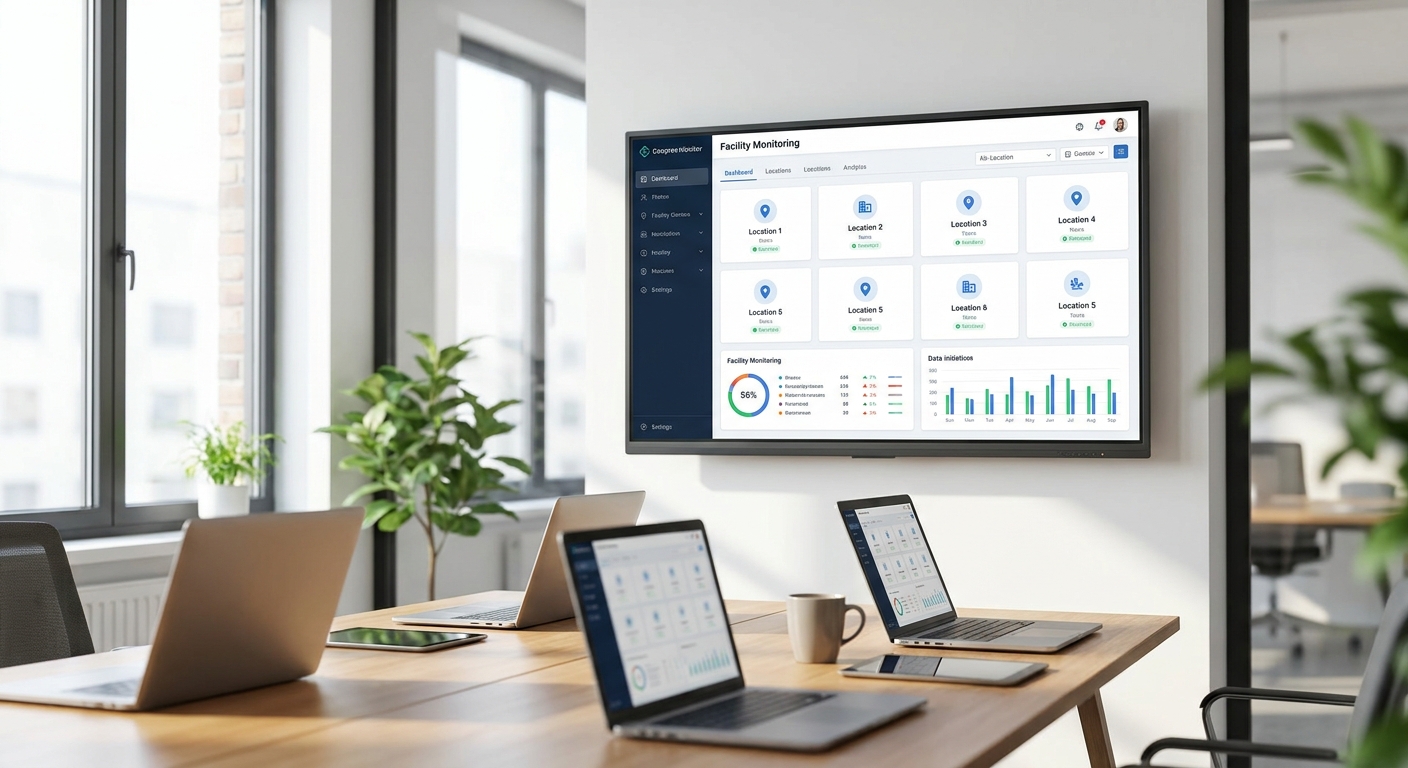
A facility monitoring dashboard for multiple locations pulls temperature, humidity, tank levels, equipment vibration and access data from every site into one screen, with alarms that fire before a problem turns into a claim. This guide walks through the setup from sensor to dashboard, including the mistakes that show up three weeks in, not on day one.
- A facility monitoring dashboard for multiple locations needs one data model across sites, not one dashboard per site — build hierarchy first.
- LoRaWAN and mioty gateways cover multi-building campuses without cellular data plans per sensor; MQTT covers wired equipment.
- Set alarms on rate-of-change, not just thresholds — a freezer at 4°C rising fast matters more than one sitting at 6°C.
- Kilo Cloud's rules engine and digital twin view let ops teams manage 40+ sites from one login in 2026.
- Skip flat dashboards with no site grouping — they fail past 5 locations.
Why this matters
A single-site dashboard is easy. Ten sites with different sensor counts, different network coverage and different shift schedules is where most setups break.
The failure mode isn't missing data — it's too much data with no structure. An ops manager checking six tabs at 7am to find one cold room drifting is worse than no dashboard at all. The fix is building the hierarchy and the alarm logic before adding a single sensor.
In 2026, facilities teams running multi-site cold storage, retail chains, and manufacturing plants are consolidating from spreadsheets and per-site apps into one platform specifically because headcount hasn't scaled with site count. The dashboard has to do the triage a person used to do by phone.
What you'll need
- A list of every site, with site type (warehouse, retail, plant, remote tank) and a rough sensor count per site
- Connectivity map per location: LoRaWAN gateway coverage, mioty for long-range/low-power sites, or MQTT for equipment already networked
- Defined alarm owners per site — who gets the 2am page for Site 7, not just "facilities team"
- A multi-site facility dashboard platform that supports site grouping and role-based views, not a single flat sensor list
- 2-4 hours of setup time per site for gateway placement and sensor pairing, plus a week of monitoring before trusting alarm thresholds
The steps
1. Map sites into a hierarchy before touching hardware
Group locations by region, site type, or business unit — whatever matches how your team actually gets paged. A retail chain with 30 stores across three regions should see three regional views, not 30 flat tiles.
Getting this wrong means rebuilding the dashboard structure after sensors are already live, which costs more time than doing it first. Kilo Cloud's site hierarchy lets you nest locations under regions or facility types so a regional manager sees only their sites and a corporate view rolls everything up.
Common mistake: building one dashboard per site instead of one dashboard with site-level filters. It works fine at 3 sites and becomes unmanageable at 15.
2. Pick connectivity per site, not per company
A cold storage facility with thick walls and metal racking needs a different radio approach than an open-plan retail floor. LoRaWAN gateways typically cover a building or campus on unlicensed spectrum; mioty handles denser sensor counts and harsher RF environments common in industrial plants; MQTT connects equipment that's already on a wired or Wi-Fi network.
Don't standardize on one protocol across every site type just to simplify procurement — a remote tank site with no cellular signal needs a different setup than a warehouse with existing network infrastructure.
Expected outcome: every site has a confirmed gateway or bridge sending data within 48 hours of install, not "waiting for first data" a week later.
3. Deploy sensors with a naming convention that survives scale
Name sensors by site code, zone, and function — for example "SLC-COLD-04-TEMP" beats "Sensor 217." At 200+ sensors across a dozen sites, a flat naming scheme is the difference between a 30-second lookup and a 10-minute hunt during an active alarm.
Pair each sensor to its gateway and confirm first data before moving to the next zone. A sensor that shows "paired" but never sends a reading is the most common install-day problem.
Common mistake: naming sensors by serial number. It's unique, but useless at 2am when someone needs to find the freezer that's drifting.
4. Build the dashboard views by role, not by site count
A site technician needs raw readings for their location. A regional ops lead needs status tiles across 10-20 sites with color-coded health. An executive needs a single rollup number — sites in alarm, sites healthy, nothing else.
Building one dashboard that tries to serve all three roles produces a screen nobody actually opens. Set up separate views on the same underlying data instead.
5. Set alarms on thresholds and rate-of-change
A static threshold — alarm if temperature exceeds 8°C — catches slow drift but misses fast failures. Add a rate-of-change rule: alarm if temperature rises more than 3°C in 10 minutes, even if it hasn't crossed the static line yet. A compressor failure shows up in the rate long before it shows up in the absolute number.
For equipment health specifically, vibration anomalies need their own logic layered on top of simple thresholds — see how to build automated alarms for equipment vibration anomalies for the specific rule patterns that catch bearing wear before failure.
Common mistake: setting every alarm to the same severity. If everything pages the on-call phone, the team stops trusting the pages within a month.
6. Route alarms to the right owner per site, not a shared inbox
A shared alarm email across 15 sites means every alarm gets read by someone with no context on that specific location. Route by site hierarchy: Site 7's alarms go to Site 7's facilities lead first, with escalation to regional ops after 15 minutes unacknowledged.
Expected outcome: mean time to acknowledgment under 10 minutes for critical alarms, measured over the first month.
7. Confirm the digital twin view matches physical reality
If your platform includes a building digital twin, walk the floor plan against the live sensor positions before go-live. A sensor placed in the wrong zone on the twin sends a technician to the wrong door during a real alarm.
Set up multi-site monitoring in Kilo Cloud
Connect LoRaWAN, mioty and MQTT sensors across every site from one dashboard.
Troubleshooting
A sensor shows "waiting for first data" for more than an hour. Check gateway proximity first — LoRaWAN and mioty both degrade fast through metal racking or thick concrete. Move the sensor or add a repeater gateway before assuming it's defective.
One site's dashboard is empty while others populate fine. This is almost always a gateway connectivity issue at that specific site, not a platform issue — check whether the site's internet uplink dropped, not the sensor pairing.
Alarms fire too often and get ignored. Thresholds were likely copied from another site type without adjustment. A retail cooler and an industrial freezer don't share the same normal range — recalibrate per site type, not globally.
Regional managers say they can't find their sites. The hierarchy was built by sensor type instead of by site — rebuild the grouping around geography or business unit, matching step 1.
Data looks delayed by several minutes. Check the reporting interval on the sensor itself — many are configurable from 1 minute to 15 minutes, and a slower interval was likely set to save battery life. Balance against how fast a rate-of-change alarm needs to catch a failure.
A device integrator or third-party system needs the same sensor data. Route it through an API rather than duplicating sensors — see how to integrate IoT sensor data with your dashboard via API for the connection pattern.
Tools and resources
- A multi-site dashboard platform with role-based views and site hierarchy (Kilo Cloud covers LoRaWAN, mioty and MQTT under one login)
- A rules engine for threshold and rate-of-change alarms, scoped per site rather than global
- API access for pulling sensor data into existing systems without duplicating hardware
- A digital twin or floor plan view for sites where physical location matters during an alarm response
- A documented escalation path per site, reviewed quarterly as staff and site counts change
What to do next
Once the dashboard is live across every site, the next decision is usually about the device management layer underneath it — how sensors get provisioned, firmware updated, and swapped when they fail. That's covered in how to choose an IoT device management platform for multi-site ops, which walks through what to check before adding a 20th, 50th or 100th site.
FAQ
What's the best way to set up a facility monitoring dashboard for multiple locations?
Build the site hierarchy first — group by region or site type — before adding sensors, then set role-based views so technicians, regional leads and executives each see a different level of detail on the same data. Skipping the hierarchy step is the most common reason multi-site dashboards become unusable past 10 locations.
Is LoRaWAN or mioty better for multi-site monitoring?
LoRaWAN works well for most buildings and campuses on unlicensed spectrum; mioty handles denser sensor deployments and harsher RF environments common in industrial plants. Most multi-site operations in 2026 use both, matched to each site's physical conditions rather than standardizing on one protocol company-wide.
How many sensors does a typical multi-site facility monitoring setup need?
Sensor count depends entirely on zones per site — a single cold room might need 2-3 sensors while a large warehouse needs 15-20 across different zones. Start with critical zones only and expand once the dashboard hierarchy and alarm logic are proven.
How do I stop getting too many false alarms across sites?
Recalibrate thresholds per site type instead of copying one setting across every location, and use rate-of-change rules alongside static thresholds so alarms reflect actual failure patterns. A retail cooler and an industrial freezer should never share the same alarm settings.
Can I integrate multi-site sensor data with an existing system?
Yes, through an API connection rather than duplicating sensors on a second platform. This keeps one source of truth for readings while letting other systems, like a CMMS or ERP, pull the same data.
How much time does it take to set up monitoring for a new site?
Gateway placement and sensor pairing typically take 2-4 hours per site, with a week of monitoring afterward before alarm thresholds should be trusted. Sites with poor cellular or Wi-Fi coverage take longer due to gateway placement testing.
Do I need a digital twin for multi-site facility monitoring?
Not for every site, but it helps for larger buildings where a technician needs to find a specific sensor location fast during an active alarm. Smaller sites often do fine with a simple zone list instead.
What's the biggest mistake in multi-site dashboard setups?
Building one flat dashboard with every sensor from every site listed together, with no grouping by region or site type. It works at 3 sites and becomes unusable past 10, forcing a rebuild that costs more time than doing the hierarchy first.
One last thing
The dashboard rebuild that costs the most time isn't sensor placement — it's realizing six months in that the site hierarchy was built around sensor type instead of geography, and every alarm routing rule has to be redone. Get the hierarchy right in week one, even if it means delaying sensor deployment by a few days.


