
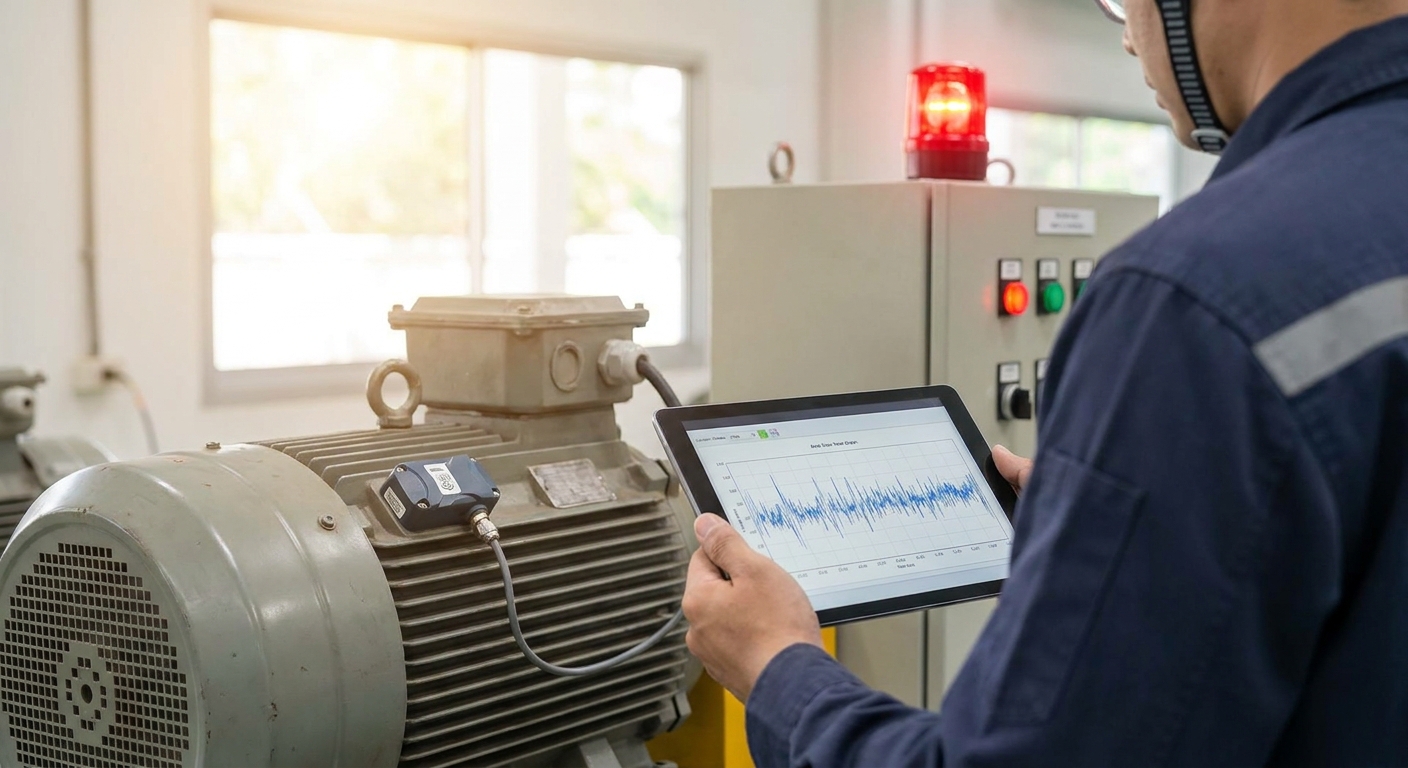
Vibration anomalies rarely announce themselves — a bearing goes from fine to failed in days, not weeks, and a fixed monthly inspection catches maybe half of that window. Automated alarms for equipment vibration anomalies close that gap by watching RMS velocity and frequency shifts continuously and paging someone the moment a reading crosses a threshold you set.
- Automated alarms for equipment vibration anomalies run on a rules engine plus LoRaWAN or mioty sensors — build one in a single afternoon.
- Set RMS velocity thresholds off ISO 10816/20816 zones, not guesswork, before you touch the rules engine.
- Single-reading alarms flood inboxes in 2026 — require two consecutive out-of-range readings before escalating.
- Check mounting integrity before you trust a spike; loose brackets fire more false alarms than real bearing wear.
- Kilo Cloud's AI integrator can draft the rule and alarm logic from a plain-language description of the machine.
Why this matters
A vibration alarm that fires on every single spike gets muted within a month — operators stop trusting it and go back to walking the floor with a handheld meter. The fix isn't a better sensor, it's better rule logic: thresholds tied to a recognized standard, escalation that requires a pattern instead of one blip, and notifications routed to the person who can actually act on them.
Kilo Cloud handles this as a platform problem, not a sensor problem. Vibration data comes in over LoRaWAN or mioty, the rules engine evaluates it against thresholds and trends, and alarms fire through the channel you configure — SMS, email, or a webhook into your CMMS. Building this correctly in 2026 takes an afternoon if you follow the order below instead of jumping straight to "set threshold, wait for alarm."
What you'll need
- A vibration sensor rated for your mounting surface and machine class — check the mioty-based industrial monitoring sensor options if the equipment sits in a dense metal environment where LoRaWAN struggles with interference
- A baseline reading period of at least one full operating cycle — you need normal-running data before any threshold means anything
- Access to the rules engine and alarm configuration in your IoT platform, with permission to create notification channels
- A defined escalation contact list — who gets the first alert, who gets the second if it's not acknowledged
- Machine documentation noting rigid vs. flexible mounting and rated RPM, since both change which ISO 10816/20816 zone applies
- 30-60 minutes of uninterrupted setup time, plus a follow-up window a week later to review the first real alarms
The steps
1. Mount the sensor and confirm signal quality first
An alarm built on a noisy signal is worse than no alarm — it either stays silent through a real fault or fires constantly on transmission gaps. Bolt the sensor directly to the bearing housing, not the machine frame, and confirm a stable connection for 24 hours before collecting baseline data. Common mistake: magnetic-mount sensors placed on painted surfaces read low amplitude and mask early-stage faults.
2. Collect a baseline before setting any threshold
Run the machine through a normal cycle — startup, full load, shutdown — and log the RMS velocity range for each state. This baseline is what separates "stopped" from "idle" from "anomaly" later. Common mistake: teams set thresholds off a spec sheet number instead of the actual machine's baseline, which triggers false alarms on machines running slightly hotter or faster than nameplate rating.
3. Set thresholds off ISO 10816/20816 zones, not round numbers
Most operators use the ISO 10816/20816 severity zones as a starting point: Zone A/B is normal operation, Zone C flags a condition worth monitoring more closely, Zone D means stop and inspect. For medium-sized, rigidly mounted machines, Zone C often starts around 4.5 mm/s RMS velocity — adjust up or down based on your baseline from step 2. Common mistake: applying one universal threshold across pumps, motors, and fans that have completely different normal operating ranges.
4. Build the rule in the rules engine
This is where the alarm actually gets defined: condition (RMS velocity exceeds X), duration (sustained for Y minutes, not a single reading), and action (alarm state change plus notification). Kilo Cloud's AI integrator lets you describe this in plain language — "alert me if the compressor's vibration stays above 4.5 mm/s for more than 10 minutes" — and it drafts the rule for confirmation rather than requiring you to write logic by hand. Common mistake: setting the duration to zero, so a single vibration reading during startup transients trips the alarm every morning.
5. Require two consecutive readings before escalating
A true anomaly persists; a communication glitch or a truck driving past a sensor does not. Configure the rule so the alarm only escalates after two consecutive readings cross the threshold, not one. This single change eliminates most of the false-positive volume that kills trust in month one. Common mistake: skipping this step because it feels like it delays detection — in practice it delays detection by minutes, not hours, while cutting false alarms dramatically.
6. Route the alarm to the right channel and the right person
A maintenance technician needs an SMS or push notification; a plant manager reviewing trends weekly needs a dashboard summary, not a 2 a.m. text. Set up tiered notification — first alert to the on-shift technician, second-tier escalation to a supervisor if unacknowledged within a set window. Common mistake: routing every vibration alarm to a shared inbox that nobody checks in real time.
7. Test with a controlled trigger before trusting it live
Tap the sensor, briefly loosen a non-critical fastener, or run the machine at an intentionally elevated load to confirm the alarm actually fires and routes correctly. Don't assume the rule works because it saved without an error. Common mistake: skipping the test and discovering during a real fault three months later that the notification channel was misconfigured.
8. Review and retune after the first two weeks
Pull the alarm history after the first two weeks of real production data and check the false-positive rate. If more than one in five alarms turns out to be nothing, the threshold or duration needs adjustment — not the sensor. Common mistake: letting a noisy alarm run for months instead of retuning it in week two, which is exactly when it starts getting ignored.
See vibration alarms running live
Walk through the rules engine and AI integrator on real equipment data.
Troubleshooting
Alarm fires constantly on a machine that seems fine. Check mounting first — a loosened bracket or bolt creates vibration readings that look like bearing wear but aren't. Re-torque and re-baseline before touching the threshold.
No alarm fired during an actual failure. Confirm the duration setting wasn't too long — if the rule requires 30 minutes of sustained anomaly and the fault progressed to failure in 15, the alarm never triggers. Shorten the window for critical assets.
Sensor drops offline intermittently. This usually points to interference in dense metal environments on standard LoRaWAN — mioty's frequency-hopping approach handles this better in industrial settings with heavy machinery and steel structures.
Alarm fatigue from too many low-priority alerts. Split alarms into severity tiers — Zone C conditions go to a daily digest, Zone D conditions go to immediate SMS. Not every out-of-range reading needs a phone call.
Threshold seems right but false positives persist. Revisit the baseline from step 2 — seasonal temperature swings change bearing clearance and normal vibration range on some equipment, so a threshold set in summer can misfire in winter.
Team stops acknowledging alarms. This is a process problem, not a technical one — if nobody owns alarm response, add a mandatory acknowledgement window with automatic escalation to a second contact.
Tools and resources
- Rules engine and alarm configuration inside your IoT platform, ideally with a plain-language AI integrator for drafting logic
- LoRaWAN or mioty vibration sensors rated for your mounting surface — see sensor options for mioty-based industrial monitoring
- Machine documentation with mounting type and rated RPM for ISO 10816/20816 zone reference
- A predictive maintenance workflow that ties alarms to work orders — the predictive maintenance platform guide for manufacturing plants covers how alarm data feeds maintenance scheduling
- If sensor data needs to reach an existing dashboard or CMMS, the guide to integrating IoT sensor data via API walks through the connection
What to do next
Once the first alarm is live and tuned, expand to a second machine using the same baseline-first process — don't copy thresholds across equipment types. If you're managing more than a handful of sensors across multiple sites, the harder problem shifts from alarm logic to device management at scale, which is a separate decision worth its own evaluation.
FAQ
What's the best way to set vibration alarm thresholds for industrial equipment?
Use ISO 10816/20816 zone boundaries as a starting point, then adjust against a baseline collected from the specific machine's normal operating range. A generic threshold copied from a spec sheet produces false alarms on machines running slightly outside nameplate conditions.
How much does an automated vibration alarm system cost in 2026?
Cost depends on sensor count, connectivity type, and how many rules you configure, so there's no single fixed number. Check current sensor and platform pricing directly rather than assuming a flat rate per monitored point.
Is LoRaWAN or mioty better for vibration monitoring?
Mioty's frequency-hopping approach tends to handle dense metal industrial environments better than standard LoRaWAN, where interference from machinery and steel structures can cause dropped readings. LoRaWAN still works well for lighter industrial settings and longer-range outdoor deployments.
How do I stop false vibration alarms?
Require two consecutive out-of-range readings before the alarm escalates, instead of triggering on a single spike. Also check sensor mounting integrity first, since a loose bracket produces readings that look like bearing wear but aren't.
What vibration threshold triggers a maintenance alert?
Many operators start around 4.5 mm/s RMS velocity for medium-sized, rigidly mounted machines, based on ISO 10816-3 Zone C. The exact number should shift based on the machine's own baseline reading, not a universal figure.
Can AI set up vibration alarms automatically?
An AI integrator can draft the rule logic from a plain-language description of the machine and desired threshold, then present it for confirmation before it goes live. It still needs a human to confirm the baseline and mounting details are accurate first.
How often should vibration sensors report data?
Reporting frequency depends on how fast a fault can progress on that specific machine — critical rotating equipment often needs more frequent polling than a slow-cycling pump. Match the interval to how much warning time you actually need before failure.
Do I need a dashboard to run vibration alarms?
Alarms can fire through notification channels without a dashboard, but a dashboard makes trend review and threshold tuning far faster after the first few weeks of data. Reviewing raw alarm logs alone makes it harder to spot slow drift toward a threshold.
One last thing
The single biggest driver of trust in a vibration alarm system isn't sensor accuracy — it's the two-reading escalation rule from step 5. Teams that skip it in favor of "catch it faster" end up muting the alarm within weeks; teams that require a sustained pattern keep the alarm live for years because it only speaks when something's actually wrong.


