
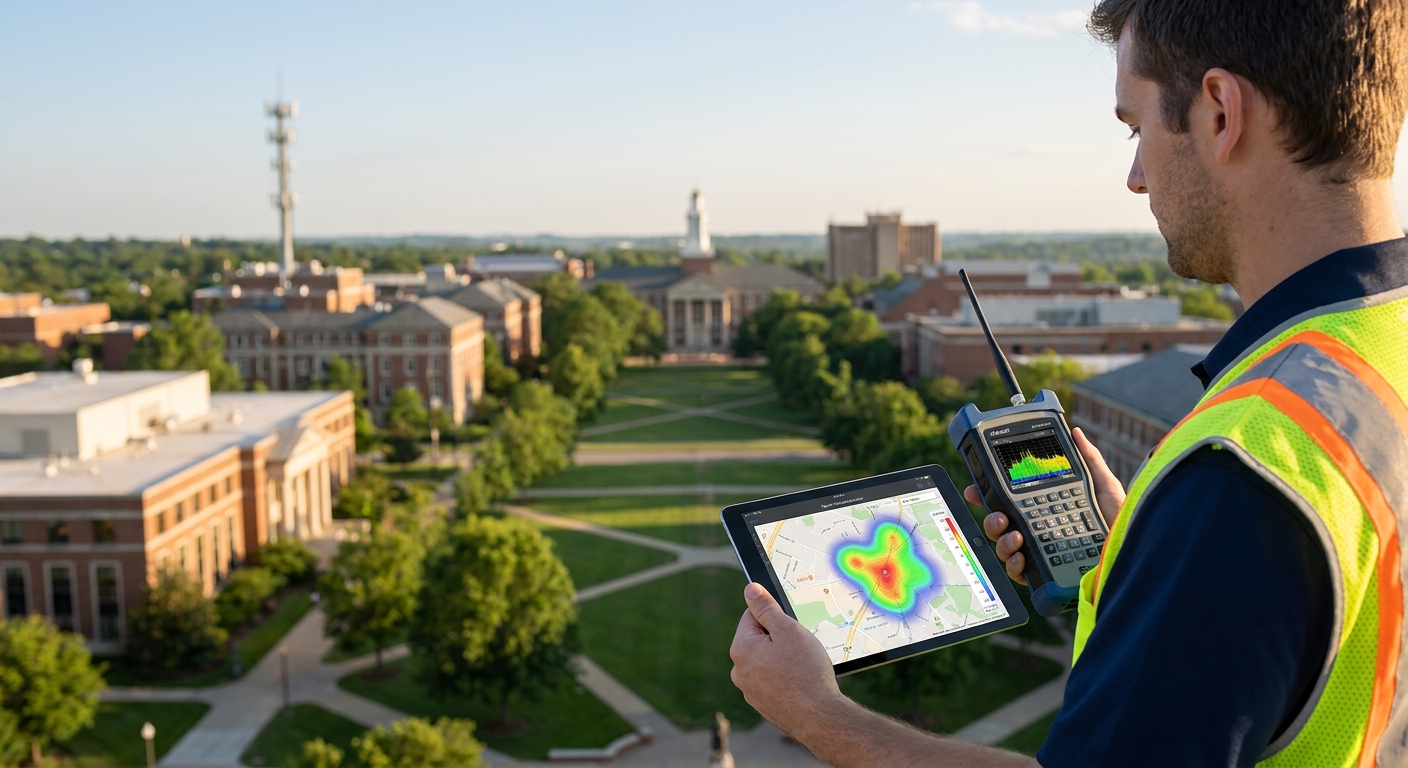
Planning LoRaWAN coverage for a large campus is a link-budget problem, not a gateway-shopping problem — get the physics right before you buy hardware, and the deployment holds up for years.
- Planning LoRaWAN coverage for a campus starts with a link budget, not a gateway count — buy 2 pilot units first.
- One rooftop gateway covers roughly 300-500m indoors across dense multi-building sites in 2026; walk-test before scaling past that radius.
- Kilo Cloud's device view flags SF12 fallback per node, the clearest sign of a coverage gap, before you spend on more hardware.
- Overlap gateway coverage by 15-20% on multi-building campuses so one failed unit doesn't create a dead zone.
- A $150 mobile logger walk test beats a datasheet range every time — skip guessing, measure.
Why this matters
A campus is not a warehouse. You've got dorms, labs, parking structures, HVAC penthouses, and outdoor quads, each with different wall materials and different device density. One gateway placement that works for a single admin building fails the moment you add a below-grade mechanical room or a steel-frame gym.
Get the coverage plan wrong and you find out three ways: dead zones that only show up after installation, devices stuck bouncing between spreading factors, or a gateway so overloaded with uplinks that packets start dropping during peak hours. All three are fixable up front with a proper survey. None of them are cheap to fix after 200 sensors are already mounted.
Facility teams running university campus monitoring programs in 2026 are scaling past single-building pilots into multi-building networks, and coverage planning is the step that decides whether that scale-up works on the first try.
What you'll need
- A site plan with building footprints, floor counts, and construction materials (steel, concrete, wood-frame)
- A rough device count and location list — sensors per room, per zone, per outdoor area
- 2 pilot gateways minimum, ideally on a rooftop or high point per cluster of buildings
- A mobile LoRaWAN logger or a battery sensor plus a laptop, for walk testing
- A LoRaWAN network server to register devices and read RSSI/SNR/SF data as you test
- 2-3 days of on-site time for the walk test phase, more for campuses over 500,000 sq ft
The steps
1. Map the site and pull building data
Start with floor plans, not a satellite photo. You need wall material, floor count, and distance between buildings, because steel and reinforced concrete each add roughly 20-30 dB of attenuation per wall in the 868/915 MHz bands LoRaWAN uses.
Mark every building where sensors will live and rank them by construction density. A wood-frame dorm and a poured-concrete lab building need different gateway strategies even if they're 100 meters apart.
Common mistake: planning gateway count off square footage alone. A 50,000 sq ft steel warehouse and a 50,000 sq ft glass atrium need wildly different gateway counts for the same coverage outcome.
2. Estimate device density and uplink frequency
Count sensors per building and note how often each one reports. A temperature sensor reporting every 10 minutes generates roughly 144 uplinks a day; a door sensor firing on event might send 5.
A single LoRaWAN gateway can realistically handle 500-1,000 devices depending on payload size and reporting interval, before you start hitting duty cycle limits (1% per channel under EU868 rules) or airtime congestion. Campus deployments with 300+ sensors per building should plan for at least one gateway per building cluster, not one gateway for the whole site.
3. Run the link budget calculation
A typical LoRaWAN link budget at SF12 runs about 155 dB — the difference between the radio's transmit power and the gateway's receiver sensitivity of roughly -137 dBm. Subtract expected path loss (distance plus building attenuation) from that budget, and whatever margin is left tells you if a location is in range.
Outdoor line-of-sight gateways commonly reach 2-5km in dense campus settings, sometimes further with a rooftop mount and clear sightlines. Indoors, through multiple walls, that same gateway often covers 300-500m before signal degrades into unreliable spreading factors.
Common mistake: using the manufacturer's max-range spec (often 15km+) as the planning number. That figure assumes rural line-of-sight, not a campus full of buildings, trees, and structural steel.
4. Place pilot gateways at high points
Mount your first gateways as high as permits allow — rooftop, penthouse, or the top floor of the tallest building in a cluster. Elevation beats raw transmit power for LoRaWAN coverage almost every time, because it clears line-of-sight obstructions that indoor mounts can't.
For multi-building campuses, aim for one gateway roughly per 3-5 buildings in a cluster, adjusted after the walk test in step 5. Don't wire anything permanently yet — this is still the pilot phase.
5. Walk-test with a mobile node
Carry a battery-powered sensor or mobile logger through every planned sensor location and log RSSI, SNR, and the spreading factor the network assigns at each point. This is the single most reliable way to validate coverage — better than any simulation, because it accounts for real walls, real interference, and real building occupancy.
A location returning SF7-SF9 with SNR above -5 dB is solid. A location falling to SF11-SF12 with SNR near -20 dB is marginal — it might work today and fail the day someone parks a delivery truck full of metal shelving nearby.
Common mistake: walk-testing with the building empty. Occupied buildings, especially ones full of people and equipment, absorb more RF than an empty test run shows. Test during normal operating hours if you can.
6. Deploy production gateways with overlap
Once the pilot data confirms placement, install production LoRaWAN gateways for industrial deployments with 15-20% coverage overlap between adjacent gateways. Overlap isn't waste — it's what keeps the network alive when one gateway drops offline for maintenance or a power outage.
Register every gateway to a LoRaWAN network server built for private enterprise deployments so devices can hand off between gateways automatically instead of going dark when one unit fails.
7. Configure device management and alerting
With gateways live, onboard devices through an IoT device management platform built for LoRaWAN networks and set alarms for signal degradation, not just for the sensor readings themselves. A device silently sliding from SF7 to SF12 over a week is an early warning that something changed in its RF path — new construction, a moved shelving unit, added foliage.
8. Monitor and tune for at least 90 days
Coverage that looks good in week one can degrade by month three. Seasonal foliage, new construction, and even parked vehicles change the RF environment. Review the spreading factor distribution across your fleet monthly for the first quarter after go-live, and expect to add or reposition at least one gateway on any campus over 10 buildings.
Troubleshooting
- Devices stuck at SF12 in a specific wing: the wing likely has denser construction than the rest of the building. Add a gateway or repeater covering that wing specifically rather than boosting transmit power site-wide.
- Packet loss spikes during rain or high humidity: water absorbs RF energy at these frequencies. Expect 10-20% range reduction in heavy rain and plan gateway placement with that margin already built in.
- A gateway shows high uplink counts but rising latency: it's approaching its device capacity ceiling. Split the load with a second gateway rather than adding more devices to the same one.
- New construction breaks coverage that worked at install: steel framing and rebar during a build phase can drop signal 15-25 dB temporarily. Re-run a mini walk test once the structure tops out.
- Basements and parking structures show no signal at all: reinforced concrete and being below grade routinely exceed the full 155 dB link budget. These almost always need a dedicated indoor gateway rather than relying on a rooftop unit to punch through.
- Devices ping-pong between two gateways constantly: this happens in true overlap zones with similar signal strength from both. It's usually harmless for the network but worth confirming your network server handles the handoff cleanly.
Plan campus LoRaWAN coverage with Kilo IoT
Register pilot gateways and read live RSSI/SNR/SF data as you walk-test.
Tools and resources
- A network server that supports multi-gateway handoff and live signal diagnostics during the pilot phase
- An IoT device management platform for multi-site operations once you move past a single-building pilot into full campus scale
- A mobile logger or spare battery sensor dedicated to walk testing, kept separate from production inventory
- Building floor plans with material notes, updated whenever a renovation or new structure changes the RF environment
- A monthly report on spreading factor distribution across the fleet, reviewed by whoever owns the network
What to do next
Once coverage is stable, the next problem is usually alerting — turning raw signal and sensor data into rules that page the right person before something fails. That's a separate build from coverage planning, and it's worth doing right rather than bolting alarms on as an afterthought.
FAQ
How many LoRaWAN gateways does a campus need?
Most campuses need roughly one gateway per 3-5 buildings in a cluster, adjusted after a walk test. Dense construction, basements, and parking structures often need a dedicated gateway rather than sharing rooftop coverage.
What is the typical LoRaWAN range indoors on a campus?
Indoor range through multiple walls typically runs 300-500m in 2026 deployments, well below the 15km line-of-sight figure on most gateway datasheets. Steel and concrete cut that range further.
Is mioty better than LoRaWAN for a large campus?
Mioty handles dense device counts and interference better in some industrial settings, but LoRaWAN's wider ecosystem and lower device cost make it the more common campus choice in 2026. The right fit depends on device density and existing infrastructure.
How much coverage overlap should gateways have?
Plan for 15-20% overlap between adjacent gateway coverage areas. That margin keeps devices connected when one gateway goes offline for maintenance or a power failure.
What causes LoRaWAN dead zones on a campus?
Below-grade rooms, steel-frame construction, and dense equipment rooms are the most common dead zones because they exceed the roughly 155 dB link budget available at SF12. These spots almost always need a dedicated indoor gateway.
How long does a campus coverage survey take?
A walk test across a mid-size campus typically takes 2-3 days with pilot gateways already mounted. Campuses over 500,000 square feet often need closer to a week to cover every building cluster properly.
Can one LoRaWAN network server manage a whole campus?
Yes, a single network server built for enterprise deployments can manage every gateway and device across a multi-building campus, provided it supports automatic handoff between overlapping gateways.
One last thing
The spreading factor distribution across your fleet is worth more than any single RSSI reading. A campus network where 80% of devices sit at SF7-SF9 is healthy; one where a third of devices have crept to SF11-SF12 over a few months is telling you the RF environment changed and nobody looked. Check that distribution before you check anything else.


