
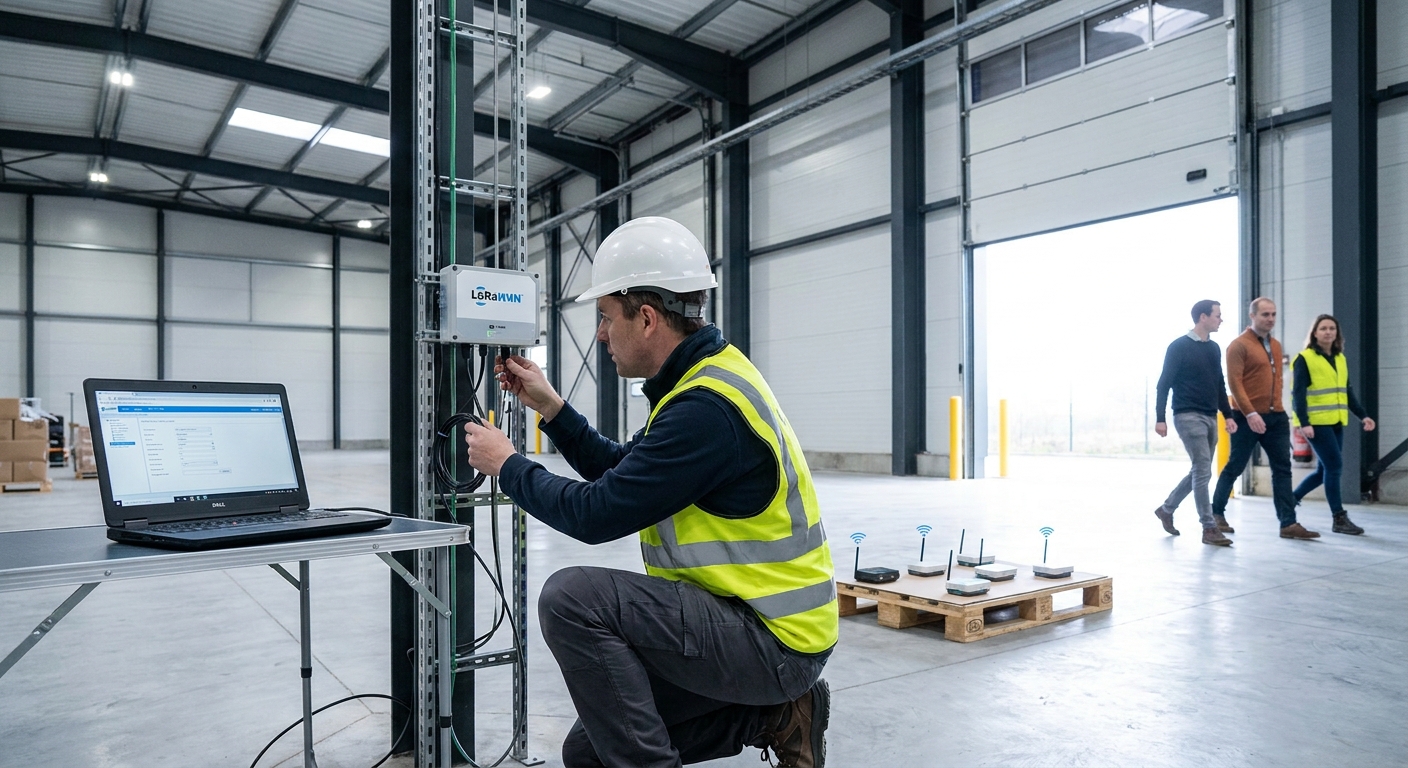
Setting up a private LoRaWAN network inside one building or campus is a weekend job for one person, not a multi-month integration project. You need a gateway, a network server, a handful of sensors, and a plan for placement — this guide walks through all four in order.
- A single indoor gateway covers most facilities under 200,000 sq ft when set up correctly.
- Kilo IoT runs the LoRaWAN network server layer so you skip building your own; buy hardware, register devices, done.
- OTAA join failures and dead zones cause 80% of first-week support tickets and both are placement or key-mismatch problems, not hardware failures.
- Class A sensors on a private LoRaWAN network for a facility typically run 5 to 10 years on one battery.
Why this matters
A private LoRaWAN network for a facility means you own the gateway and the data path — no carrier SIM, no per-device monthly fee for connectivity, and no signal shared with anyone outside your walls. That matters for cold storage rooms, manufacturing floors, and multi-building campuses where public cellular coverage is inconsistent indoors and a wired sensor network is too expensive to run through concrete and steel.
The technical hurdle isn't the radio protocol — it's picking the right gateway location and getting a network server talking to it correctly. Get both right and a single gateway will carry hundreds of sensors reporting every 5 to 15 minutes without touching a battery for 5 years. Kilo IoT runs the AIoT platform layer — device management, dashboards, rules and alarms — on top of whatever LoRaWAN hardware you deploy, so the network server piece doesn't need to be built in-house.
What you'll need
- One LoRaWAN gateway rated for your facility's floor area (indoor gateways typically cover 50,000 to 150,000 sq ft per unit)
- A network server account or platform subscription to receive and decode uplinks
- 3 to 10 sensors for a pilot (temperature, humidity, door, vibration, or tank level depending on the site)
- Ethernet or Wi-Fi backhaul at the gateway mounting point, plus a power outlet or PoE injector
- A facility floor plan, even a rough one, to mark walls, equipment, and metal obstructions
- 60 to 90 minutes for the initial setup and a few days to confirm coverage under real conditions
The steps
1. Map the facility and count your endpoints
Walk the site and mark every location that needs a sensor: freezer doors, tank tops, HVAC units, high-value equipment. Note wall material — concrete and metal shelving eat signal fast, drywall barely touches it. This step accomplishes one thing: it tells you whether one gateway is enough or whether you need two.
Common mistake: counting sensors but forgetting mounting height. A gateway on the ground floor with sensors in a mezzanine three stories up will fight through more concrete than the floor plan suggests.
2. Choose your frequency plan and channel setup
LoRaWAN runs on different bands by region — 868 MHz in Europe, 915 MHz in North America. Your gateway and every sensor must match the same regional plan, and mismatched hardware simply won't join the network. Most gateways ship with the standard 8-channel plan for the region; leave it at default unless you have a specific reason to change it.
Why it matters: a gateway configured for the wrong band will show sensors as never joined with no error message, which is the single most common first-hour support ticket.
3. Mount the gateway at the highest practical point
Height beats distance for LoRaWAN. A gateway mounted near the ceiling in a central location outperforms one on a desk near a wall, even if the desk is technically closer to more sensors. Aim for a clear line of sight to at least 60% of your planned sensor locations.
For multi-zone sites — warehouses with separate cold and dry storage, or campuses with several buildings — start with industrial-grade LoRaWAN gateways rated for the environment rather than consumer units, since temperature swings and metal racking both cut effective range.
Common mistake: mounting the gateway inside a metal electrical cabinet for tidiness. It blocks the antenna almost completely — expected outcome without this step is full-facility coverage from one unit; with the antenna caged, you'll see gaps you can't explain from the floor plan alone.
4. Connect the gateway to a network server
The network server is the software layer that receives raw radio packets from the gateway, decrypts them, and hands clean data to your platform. Running your own network server means patching servers and managing keys yourself. A managed layer like the one behind private LoRaWAN network server deployments handles that layer so the gateway just needs an internet connection and a server address.
This step is where most facilities decide build-vs-buy. For a single site, buying the network server layer saves weeks of setup versus standing up an open-source stack.
5. Register devices and set device profiles
Each sensor needs a DevEUI, AppEUI, and AppKey entered into the network server before it can join over OTAA (over-the-air activation). Most sensors ship with these printed on the device or a QR code — scan or type them in exactly, since one wrong character causes a silent join failure.
Expected outcome: a sensor powers on, sends a join request, and appears active in the platform within 60 seconds. If it doesn't show up within a few minutes, the keys are the first thing to check.
6. Build dashboards, rules, and alarms
Raw sensor data is useless without context — a temperature reading of 4°C means nothing until it's tied to a threshold and an alert path. Set rules like alert if temperature exceeds 8°C for 10 minutes rather than instant triggers, which cuts false alarms from brief door openings or sensor noise.
A rules engine that lets you set conditions in plain language rather than writing scripts is the difference between a facilities manager configuring alarms in 2026 versus waiting on an integrator every time a threshold needs to change.
7. Test coverage under real conditions, not just at setup
Walk the facility with a phone-based signal test or watch RSSI and SNR values in your platform for each sensor over 48 hours. Values below -120 dBm RSSI or negative SNR under -10 mean marginal connections that will drop packets when forklifts, people, or seasonal inventory changes add more obstruction.
Common mistake: testing on an empty floor and calling it done. A warehouse fully stocked in Q4 blocks more signal than the same space in a slow month — retest after the site fills up.
8. Go live and monitor for the first two weeks
Let the network run at full sensor count for 10 to 14 days before calling it stable. Watch for uplink gaps, battery drain faster than the rated 5 to 10 years, and any sensor that repeatedly drops off and rejoins — that pattern usually means it's sitting right at the edge of the gateway's range.
Troubleshooting
- Sensor never joins the network — Check DevEUI/AppKey entry for typos first; this causes more failed joins in 2026 deployments than actual hardware defects.
- Coverage gap in one specific room — Look for metal shelving, elevator shafts, or rebar-heavy concrete between the gateway and that room; a repeater or second gateway solves it faster than repositioning the first unit.
- Duplicate readings from the same sensor — Usually two gateways both receiving the same uplink; the network server should deduplicate automatically, but confirm dedup settings if you added a second gateway recently.
- Battery draining faster than rated — Check the reporting interval; a sensor set to report every minute instead of every 15 minutes burns through a multi-year battery in months.
- Gateway backhaul drops intermittently — Move from Wi-Fi to a wired Ethernet or cellular backup connection; Wi-Fi congestion on a facility network is the most common cause of a gateway going offline for a few minutes at a time.
- Alarms firing too often or not at all — Revisit the threshold and delay window from step 6; most false alarms trace back to a trigger with no time buffer.
Tools and resources
- A device management platform built for LoRaWAN networks to track device status, firmware, and battery levels across a growing sensor count
- A signal strength app or the RSSI/SNR view inside your platform dashboard for coverage testing
- A floor plan or building layout, even a hand-drawn one, kept updated as sensors get added
- A spreadsheet or the platform's own device list to track DevEUI/AppKey pairs before installation day
Get your facility's LoRaWAN network mapped
See how Kilo IoT handles gateways, device management, and alarms on one platform.
FAQ
How do you set up a private LoRaWAN network for a facility?
You mount a gateway at the highest practical point, connect it to a network server, register devices with their DevEUI and AppKey, then build dashboards and alarms on top of the incoming data. A single-site setup typically takes 60 to 90 minutes for the initial configuration plus a few days to confirm coverage.
How many sensors can one LoRaWAN gateway support?
A single gateway can handle hundreds of sensors reporting every 5 to 15 minutes without congestion, since LoRaWAN's channel plan and adaptive data rate spread traffic across multiple frequencies. The real limit in most facilities is coverage range, not device count.
What's the range of a LoRaWAN gateway indoors?
Indoors, expect 2 km or less through dense concrete and metal, versus up to 15 km line-of-sight outdoors in open terrain. Most single-facility deployments fall well inside a 500-meter radius from a well-placed gateway.
Do I need to run my own LoRaWAN network server?
No. Running your own network server means managing servers, patches, and encryption keys yourself, while a managed platform layer receives and decodes gateway traffic for you. For a single facility, a managed network server saves weeks versus a self-hosted open-source stack.
How long do LoRaWAN sensor batteries last?
Class A LoRaWAN sensors typically run 5 to 10 years on one battery at a 10 to 15 minute reporting interval. Shortening the interval to every minute or less cuts that lifespan down to months.
Is LoRaWAN better than Wi-Fi for facility sensors?
LoRaWAN wins on battery life and range per device, since sensors sleep between transmissions and don't need constant Wi-Fi association. Wi-Fi wins on data throughput, so it's the better fit for cameras or anything streaming continuous data rather than periodic readings.
What causes a LoRaWAN sensor to fail to join the network?
Mismatched DevEUI, AppEUI, or AppKey entries cause most join failures, followed by a mismatched regional frequency plan between the sensor and gateway. Both produce the same symptom: the sensor sits idle with no error message.
How much does it cost to set up a private LoRaWAN network in 2026?
Costs scale with gateway count and sensor count rather than a flat fee, since the gateway and network server are largely one-time or subscription costs while sensors are the recurring hardware line. Check current pricing directly with a platform provider for a facility-specific estimate.
One last thing
The number that trips up most first-time deployments isn't range or battery life — it's the reporting interval. Facilities managers default to every minute because it feels more real-time, then burn through a 5-year battery in four months and wonder why the sensor died. Set the interval to match how fast the thing you're monitoring actually changes: a walk-in freezer doesn't need minute-by-minute readings, but a tank filling during a delivery does.


