
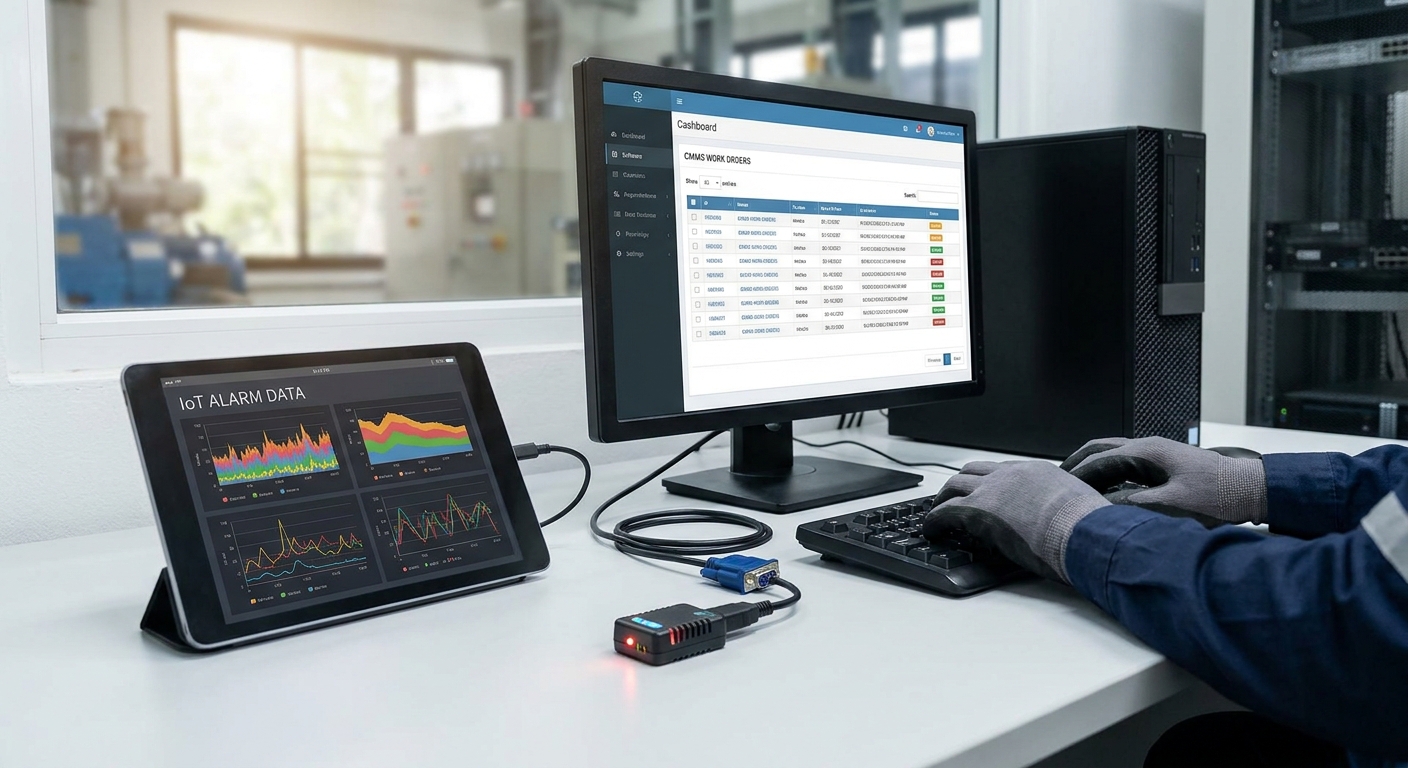
Alarm data means nothing if it dies in a dashboard. Facilities teams need alarms to open, route, and close actual work orders — this guide walks through connecting alarm events from an IoT platform into a CMMS so a temperature breach or vibration spike creates a ticket automatically instead of a missed Slack message.
- Route alarm events through webhooks or MQTT, not manual export, to integrate IoT alarm data with a CMMS work order system in near real time.
- Kilo Cloud's rules engine can trigger a webhook on threshold breach and pass sensor ID, location, and timestamp directly into a CMMS ticket.
- Dedupe logic on the rules engine side is the single biggest fix for CMMS systems flooded with duplicate work orders in 2026.
- Test the pipeline with a manufactured breach before going live — most integration failures show up in the first 48 hours.
Why this matters
A maintenance tech checking five dashboards a shift will miss an alarm eventually. CMMS platforms like Fiix, UpKeep, or Maintainly are built to track and assign work, not to watch sensor feeds — so the fix isn't picking a better dashboard, it's making the alarm data walk itself into the work order queue.
The mechanical part is straightforward: an alarm fires in the IoT platform, a webhook or API call carries the event payload, and the CMMS creates or updates a ticket. The hard part is the mapping and dedupe logic in between, which is where most integrations either flood a maintenance team with noise or silently drop real breaches. Get that part right once and every future sensor rollout inherits it.
What you'll need
- An IoT platform with a rules engine that supports outbound webhooks or MQTT publish on alarm state change — Kilo Cloud does this natively
- API credentials or a webhook endpoint from your CMMS (most modern systems expose a REST API for work order creation)
- A documented alarm taxonomy — severity levels, asset IDs, and the site/zone hierarchy your sensors report against
- Test sensors or a way to manufacture a threshold breach without disrupting live operations
- 2-4 hours for initial setup, plus a 48-hour observation window before you trust it unattended
The steps
1. Map your alarm taxonomy to CMMS work order fields
Before touching an API, decide what a "critical" alarm in your IoT platform maps to in the CMMS — priority level, asset record, and default assignee. Skipping this step is the number one reason integrations ship duplicate or misrouted tickets in the first month.
Write down every alarm type your sensors generate — temperature excursion, vibration anomaly, door-open, tank level low — and match each to a CMMS work order category. A 2026 cold storage deployment with three severity tiers (warning, critical, emergency) should map to three distinct CMMS priorities, not a single generic "maintenance request" bucket.
Common mistake: mapping every alarm to "high priority" because it feels safer. That trains technicians to ignore the priority field within two weeks.
2. Configure the outbound webhook in the rules engine
Set up a rule in your platform's rules engine software that fires an HTTP POST to your CMMS API endpoint whenever an alarm condition is met — not on every sensor reading, only on state change. This keeps the integration from generating a work order every 60 seconds while a freezer stays above threshold.
The payload should carry, at minimum: sensor ID, asset/location name, alarm severity, threshold value versus actual reading, and timestamp in ISO 8601 format. A payload missing the asset name forces a technician to cross-reference a spreadsheet before they can act, which defeats the point.
Common mistake: triggering on every data point instead of on transition into and out of alarm state. That's the difference between one ticket and forty.
3. Authenticate the connection
Generate an API key or OAuth token on the CMMS side and store it in the IoT platform's webhook configuration, never in plain text in a rule description. Rotate the key on a schedule — most CMMS vendors default to 90-day expiry in 2026, and an expired key fails silently unless you're monitoring for it.
Test the credential with a dry-run POST before wiring it to a live alarm. A 401 response caught in testing costs five minutes; caught during a real cold chain breach it costs a load of product.
4. Build the field mapping in the CMMS
On the receiving end, configure the CMMS webhook listener or integration module to parse the incoming JSON and populate the correct fields — asset record, priority, description, and assigned team. Most CMMS platforms support this through a native webhook/API integration screen rather than custom code.
Include the raw sensor reading in the work order description field, not just the alarm label. A technician arriving on-site with "8.4°C, threshold 5°C, 14 minutes" in hand diagnoses faster than one who just sees "Temperature Alarm."
5. Add dedupe and cooldown logic
Configure the rules engine to suppress repeat triggers for the same alarm condition within a cooldown window — typically 15 to 30 minutes for temperature and humidity, shorter for tank overflow or door-open events. Without this, a flapping sensor near a threshold can generate a dozen tickets in an hour.
Check whether your CMMS supports duplicate detection on its side too — matching open work orders by asset ID and alarm type before creating a new one. Layering both the platform-side cooldown and CMMS-side dedupe is standard practice for anyone running how to reduce false alarms style cleanup on a live alert system.
6. Test with a manufactured breach
Force a threshold breach on a test sensor — hold a temperature probe in warm air, tilt a level sensor — and confirm the ticket appears in the CMMS within your expected latency window, typically under 60 seconds for MQTT-based triggers. Verify every mapped field populated correctly, not just that a ticket exists.
Run the test twice: once for the breach, once for the alarm clearing. Confirm the CMMS ticket either auto-closes or flags for review when the sensor returns to normal range — an integration that only handles the alarm-open direction leaves stale open tickets piling up.
7. Set an escalation path for missed acknowledgments
Add a second rule that re-fires or escalates the alarm if the CMMS work order isn't acknowledged within a set window — 30 minutes is a common default for facilities teams, tighter for cold chain or pharmaceutical sites. This catches the case where the webhook succeeded but nobody picked up the ticket.
Common mistake: treating "ticket created" as "problem handled." The integration's job ends at ticket creation; the escalation rule is what closes the loop on human response time.
Wiring alarms into a CMMS across sites?
See how system integrators manage device fleets and alarm routing at scale.
Troubleshooting
- CMMS receives the webhook but the ticket has blank fields. The payload structure changed on a rules engine update, or the CMMS parser expects a different key name — re-check the field mapping from step 4 against the raw payload log.
- Duplicate tickets for the same alarm. Cooldown logic in step 5 is either missing or set too short — extend the window and confirm the CMMS-side dedupe check is active.
- Tickets never auto-close. The rule only fires on alarm-open transition, not alarm-clear — add a second rule condition for the sensor returning to normal range.
- Webhook fails intermittently. Check for API rate limits on the CMMS side; high-frequency sensor networks can exceed free-tier request caps during a multi-zone event.
- Wrong priority assigned. Revisit the taxonomy mapping from step 1 — a common gap is treating a "warning" tier alarm the same as "critical" because both were built off a copy-pasted rule template.
- Alarm fires but no ticket appears at all. Confirm the API key hasn't expired per the rotation schedule in step 3 — this is the single most common silent failure reported across 2026 deployments.
Tools and resources
- Rules engine software for building the alarm-to-webhook logic
- API integration guide for the general pattern of pushing sensor data outward
- CMMS vendor's API or webhook documentation (Fiix, UpKeep, Maintainly, and similar all publish this under a developer or integrations section)
- A payload logging tool (Postman, or your platform's own webhook delivery log) to inspect failed deliveries
What to do next
Once alarm data is landing cleanly in the CMMS, the next problem is almost always alarm quality, not integration plumbing — a pipeline that faithfully delivers every false positive just moves the noise from a dashboard to a technician's queue. Work through how to reduce false alarms in industrial IoT alert systems before scaling the integration across more sites.
FAQ
How do I integrate IoT alarm data with a CMMS work order system?
Configure the IoT platform's rules engine to send a webhook or API call on alarm state change, then map the payload fields to the CMMS's work order creation endpoint. The connection typically takes 2-4 hours to configure and requires a 48-hour test window before running unattended.
What's the best way to avoid duplicate work orders from IoT alarms?
Add a cooldown window on the rules engine side, typically 15-30 minutes, so the same alarm condition doesn't retrigger a new ticket every time a sensor reports. Pair this with duplicate detection on the CMMS side matching by asset ID and alarm type.
Do I need custom code to connect an IoT platform to a CMMS?
No, most modern CMMS platforms and IoT rules engines support this through native webhook or REST API configuration screens without custom development. Custom code is only needed for CMMS systems that lack a public API in 2026.
How fast should a work order appear after an alarm fires?
MQTT-based triggers typically deliver a work order to the CMMS within 60 seconds of the alarm state change. Slower webhook-based integrations with rate limiting can take a few minutes depending on the CMMS API's response time.
Should every alarm severity create a CMMS work order?
No, map only warning, critical, and emergency tiers to distinct ticket priorities and consider suppressing informational alerts entirely. Routing every sensor reading to the CMMS trains technicians to ignore the queue within weeks.
What happens to the work order when the alarm clears?
A properly built integration includes a second rule condition for the sensor returning to normal range, which either auto-closes the ticket or flags it for review. Without this, resolved alarms leave stale open tickets accumulating in the CMMS.
Can this integration work across multiple facilities?
Yes, as long as the alarm taxonomy and asset ID mapping stay consistent across sites, the same webhook rule template scales to additional locations. Multi-site deployments should centralize the rules engine configuration rather than rebuilding it per site.
One last thing
The integration that fails quietest is the one with an expired API key — no error banner, no alarm, just a CMMS queue that stops filling while sensors keep reporting normally in the platform dashboard. Put a calendar reminder on the credential rotation date from day one; it's the cheapest insurance in this whole setup.


