
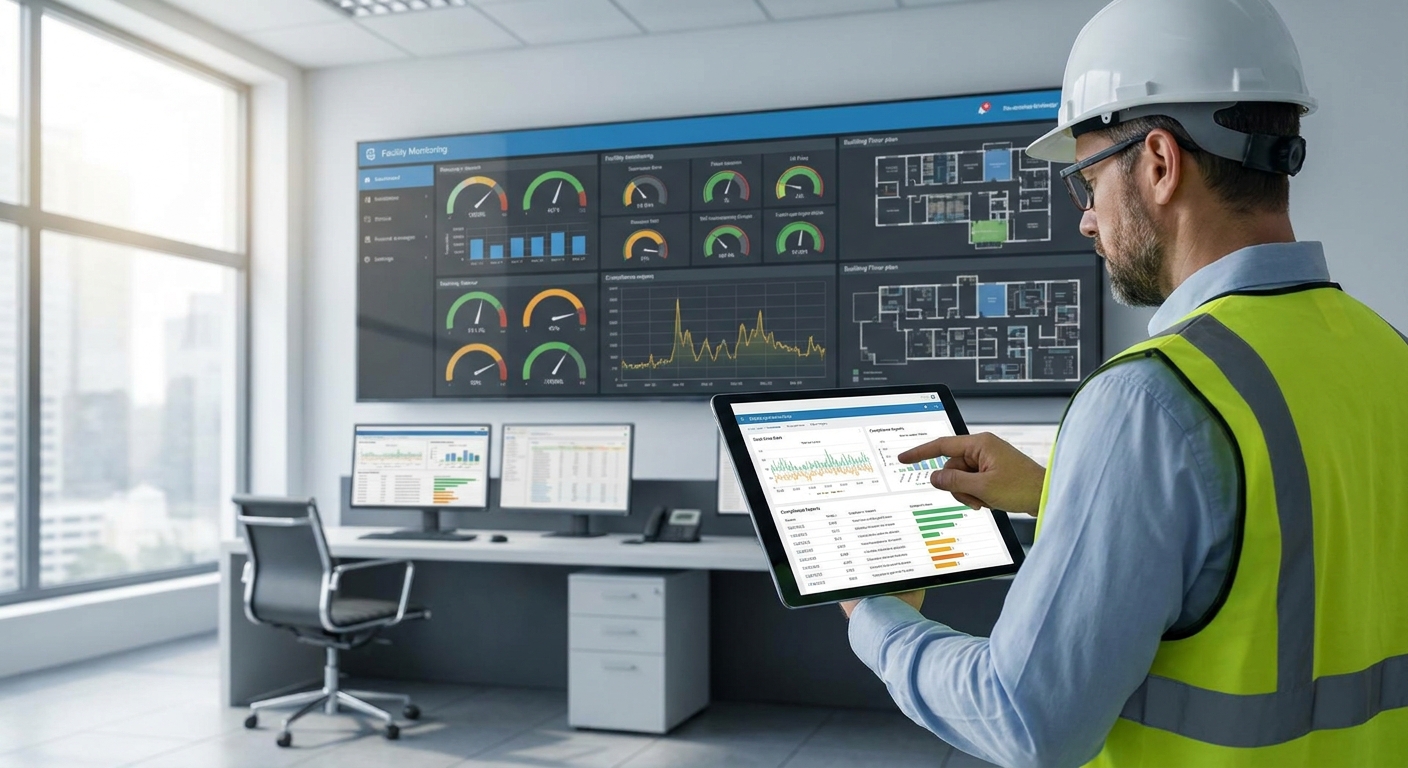
A facility monitoring dashboard built for compliance reporting needs timestamped, audit-ready data behind every reading — not just a live view of current temperature or pressure. This guide walks through building one that holds up when an auditor asks for the raw log, not the pretty chart.
- Build the facility monitoring dashboard for compliance reporting around retention rules first, alarms second, visuals last.
- A 15-minute logging interval covers most cold chain and pharma standards including 21 CFR Part 11.
- Kilo Cloud's rules engine separates compliance-threshold alarms from operational alarms to cut noise.
- Export raw sensor data, not dashboard screenshots — auditors ask for CSV or API pulls, not screens.
Why this matters
A dashboard that looks clean in a demo often fails an audit because nobody planned for gap-filling, timezone consistency, or a 3-year data retention window. Facilities teams find this out during the audit, not before it.
In cold chain and pharma operations, a single unlogged excursion — say a walk-in freezer sitting above -18°C for 40 minutes with no record — can void a batch or trigger a citation. Compliance reporting is a data-integrity problem before it's a visualization problem, and Kilo Cloud is built around that distinction: log everything, alarm on what matters, and keep the audit trail separate from the operator view.
The difference between a dashboard that satisfies an inspector in 2026 and one that gets flagged usually comes down to three things: retention length, timestamp integrity, and whether alarms map to the actual regulatory threshold instead of a generic "too hot / too cold" band.
What you'll need
- Sensors mapped to the specific parameter you're reporting on — temperature, humidity, differential pressure, door-open events, or vibration, depending on the standard
- A logging interval that matches your compliance requirement — 15-minute intervals cover most cold chain and food safety programs; some pharma cold storage needs 5-minute intervals
- A defined retention period — 1 year for most food safety audits, 3+ years for pharmaceutical cold chain under 21 CFR Part 11
- A rules engine that can separate compliance alarms from operational alarms so a 2°C nudge doesn't trigger the same escalation as an 8°C breach for 10 minutes
- API or export access for auditors who want raw CSV pulls instead of a dashboard login
- A named owner for the dashboard — someone who signs off that thresholds and retention settings match the current standard, reviewed at least annually
The steps
1. Define the exact standard you're reporting against
"Compliance" isn't one thing — FDA cold chain rules, HACCP food safety plans, ISO 14644 cleanroom classifications, and internal ESG reporting all demand different data points and retention windows. Pull the actual document (audit checklist, standard, or internal SOP) before touching a dashboard tool. Skipping this step is the single biggest reason teams rebuild dashboards twice.
2. Map required data points to sensor types
Every line item in the standard needs a corresponding sensor and reading frequency. A cold chain audit typically wants temperature at 15-minute intervals plus door-open events; a cleanroom audit wants differential pressure logged continuously. Write this mapping down as a table before configuring anything — it becomes your dashboard's spec sheet.
3. Set retention and audit-trail requirements
Decide how long raw data needs to live and in what format. Pharmaceutical cold chain distribution typically needs 3 years of retained, unaltered records; most food safety audits ask for 12 months. Configure retention in the platform first — this is a settings decision, not a dashboard design decision, and it's the one auditors check first.
4. Build separate views for auditors and operators
Operators need real-time status and quick drill-downs. Auditors need a static, exportable record with no ambiguity about who changed a threshold and when. Building both into one Kilo Cloud dashboard means giving auditors a read-only export view while operators keep the live rules and alarm interface.
5. Wire alarms to the actual compliance threshold
A generic "temperature high" alarm doesn't map to a regulatory excursion. If your standard defines a breach as 8°C sustained for 10 minutes, the rules engine needs to fire on duration, not just a single out-of-range reading. This is where most dashboards fail compliance review — they alarm on the wrong condition and generate excursion reports for events that were never real breaches.
6. Integrate sensor data via API for third-party audit tools
Many auditors want to run their own analysis against raw data rather than trust a vendor dashboard. Set up a data pipeline that pulls sensor history programmatically instead of manual exports. How to integrate IoT sensor data with your dashboard via API covers the connection patterns that keep this pipeline stable across firmware or gateway updates.
7. Run a mock audit before go-live
Pull three months of data and try to answer the actual audit questions with it: was there a breach, when, how long, who was notified, and what was done. If the dashboard can't answer those questions cleanly, fix the gaps before the real audit finds them. This step catches 2026's most common failure mode — dashboards that display data but can't answer a specific incident question in under five minutes.
Build your compliance dashboard right
Map sensors, alarms, and retention to your standard before your next audit.
Troubleshooting
Gaps in data history from offline sensors. A gateway outage or dead battery creates a hole in the record that looks worse than an actual excursion during an audit. Configure connectivity-loss alarms separately so gaps get flagged and annotated immediately, not discovered three months later.
Alarm fatigue burying real excursions. If operators get 40 alerts a week for minor fluctuations, they stop reading any of them — including the one that matters. Reduce alarm noise before an audit, not during one; a tighter dead-band on operational alerts keeps compliance alarms visible.
Auditors rejecting dashboard screenshots as evidence. Static screenshots aren't an acceptable audit trail in most regulated environments. Set up a direct export or API pull so records come straight from the source data, timestamped and unaltered.
Sensor drift causing disputed readings. A sensor reading 1.5°C off from calibration can turn a compliant log into a disputed excursion. Schedule calibration checks on a fixed interval and log the calibration date against the sensor record so drift disputes have a paper trail.
Multi-site timestamps not aligning to one clock. A regional facility logging in local time against a corporate dashboard in UTC creates hour-long discrepancies that look like data manipulation to an inspector. Normalize every site to one timezone standard in the dashboard configuration before the first audit, not after a flagged discrepancy.
Security posture matters here too — regulated utilities and energy operators increasingly get asked not just for sensor logs but for evidence their monitoring infrastructure itself isn't an open attack surface, which is where external exposure management for utilities becomes part of the same audit conversation as data retention.
Tools and resources
- How to set up a facility monitoring dashboard for multiple locations for teams reporting across more than one site
- Best IoT sensors for cold chain compliance monitoring for sensor selection tied to specific compliance parameters
- How to reduce false alarms in industrial IoT alert systems for tuning the rules engine before alarm fatigue sets in
- A written mapping table of standard requirements to sensor types and logging intervals
- A named dashboard owner reviewing thresholds and retention settings at least once a year
What to do next
Once the compliance view is live, extend the same dashboard logic to predictive maintenance and vibration alarms so the platform covers both audit reporting and equipment uptime from one rules engine instead of two separate systems.
FAQ
What data logging interval do compliance dashboards need in 2026?
Most cold chain and food safety standards require 15-minute logging intervals in 2026, while pharmaceutical cold storage under 21 CFR Part 11 often needs 5-minute intervals. Check your specific standard before configuring sensor polling frequency.
How long do you need to retain facility monitoring data for compliance?
Retention runs from 1 year for typical food safety audits to 3 or more years for pharmaceutical cold chain records. The retention window should be set at the platform level before dashboard design starts, since it drives storage and export configuration.
Is a dashboard screenshot acceptable as audit evidence?
No, most auditors reject static screenshots because they can't verify the data wasn't altered. A direct CSV or API export from the source sensor data is the accepted format for regulated audits.
How do you stop alarm fatigue from hiding real compliance breaches?
Separate compliance-threshold alarms from operational alarms in the rules engine so a minor fluctuation doesn't trigger the same alert as a real 8°C excursion. Reviewing alarm frequency monthly keeps the signal-to-noise ratio workable for operators.
What sensors are needed for a cold chain compliance dashboard?
Temperature sensors logging at 15-minute intervals plus door-open event sensors cover most cold chain audits. Facilities handling pharmaceutical products often add humidity and continuous differential pressure sensors depending on the storage classification.
Can one dashboard serve both auditors and daily operators?
Yes, but it needs two views: a live operational view with drill-downs and a static, read-only export view for auditors. Building both into a single facility monitoring dashboard avoids maintaining two separate systems.
How often should sensor calibration be checked for compliance reporting?
Calibration checks on a fixed schedule, logged against the sensor record, prevent drift disputes during an audit. A sensor reading even 1.5°C off calibration can turn a compliant log into a flagged excursion.
What's the biggest reason compliance dashboards fail an audit?
Alarms configured on the wrong condition — a single out-of-range reading instead of a sustained duration threshold — is the most common failure. This generates excursion reports for events that never actually breached the standard.
One last thing
The mock audit in step seven catches more problems than any dashboard redesign will. Teams that skip it usually discover their retention window was set wrong, or their alarms were tuned to the wrong duration, on the day an actual inspector shows up — not three months earlier when it's cheap to fix.


