
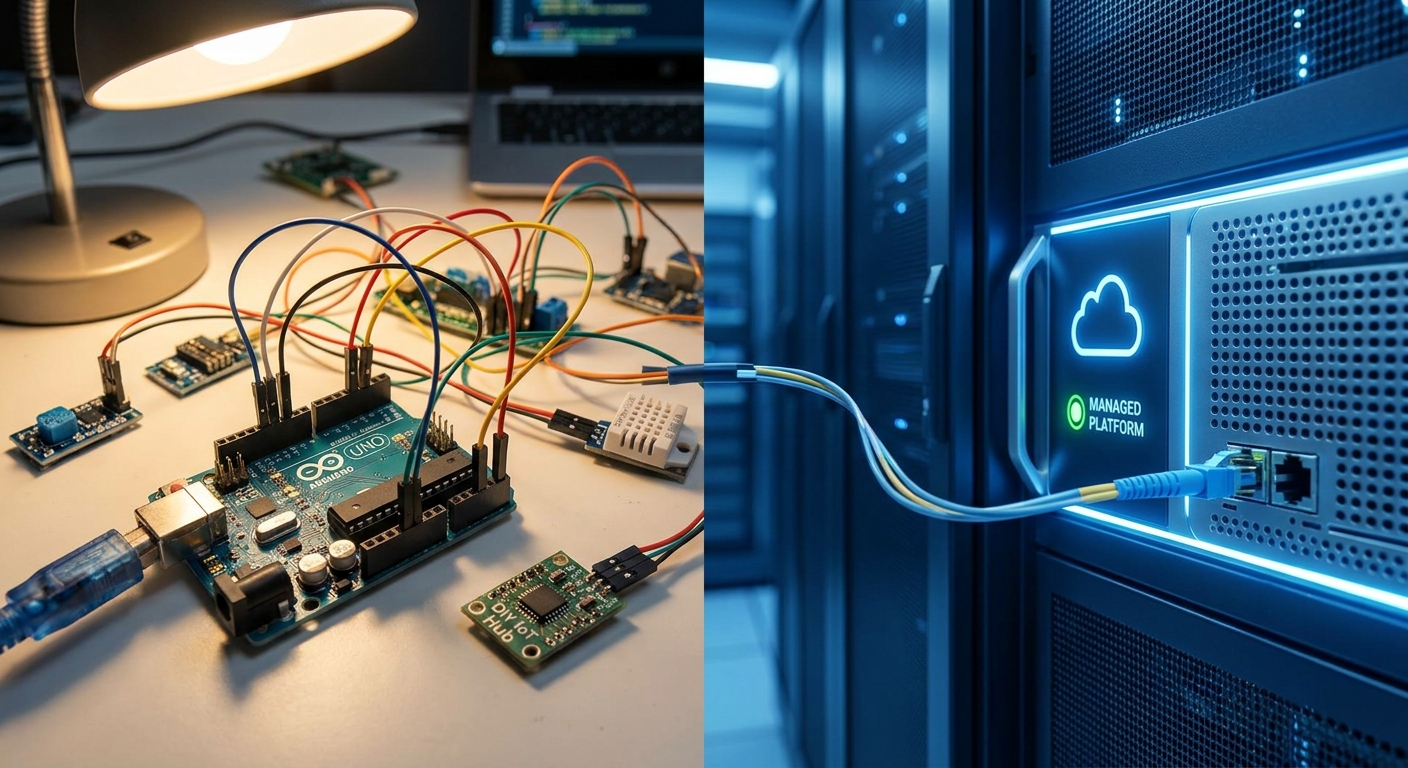
Moving off ChirpStack, ThingsBoard, or a self-hosted MQTT stack onto a managed IoT platform is a data-and-rules migration, not a software install. The seven steps below get devices, alarms, and dashboards across without a blind spot during cutover.
- Run the old platform and the new managed platform in parallel for 2-3 weeks before you migrate open source IoT platform to managed platform for real.
- Undocumented rule chains, not device count, are the top cause of missed alarms during 2026 IoT migrations.
- LoRaWAN and mioty devices need a network server swap, not just an application swap - budget a day per gateway.
- Kilo Cloud's AI integrator can rebuild rules and alarms from a plain-language description once the old logic is documented.
Why this matters
Open-source IoT platforms cost nothing to license and everything to maintain. Someone on your team is patching ThingsBoard, renewing TLS certificates, and babysitting the MQTT broker instead of doing facilities work. In 2026, that maintenance tax is the biggest reason operations teams move to a managed platform like Kilo IoT.
The risk isn't the license fee - it's the migration itself. Rules that fire alarms at 8°C for 10 minutes, dashboards built by someone who left the company, gateway configs nobody wrote down. Get the migration wrong and a cold storage unit goes dark for six hours during cutover.
What you'll need
- Full device inventory: model, firmware version, connectivity type (LoRaWAN, mioty, MQTT, cellular)
- An export of every rule chain and alarm threshold from the current platform - the actual logic, not a summary of it
- Gateway list with physical location and network server address
- API credentials or database access to pull historical telemetry
- A parallel-run window of 2-3 weeks minimum
- A rollback plan that doesn't depend on the new platform already working
The steps
1. Inventory every device, gateway, and protocol
List every sensor, gateway, and connectivity type in the current deployment: LoRaWAN nodes, mioty end devices, MQTT clients, cellular modems. This inventory becomes the migration checklist - nothing keeps running on the old broker after cutover. Include firmware version and last-seen timestamp for each device; a sensor that hasn't reported in 90 days probably doesn't need migrating at all.
Common mistake: teams migrate the devices they remember and find the other 40 in month two, usually when an alarm doesn't fire.
2. Export and document every rule and alarm
Pull the actual rule chain logic out of ThingsBoard or Node-RED - not a description of what it's supposed to do, what it actually does. Alarm thresholds drift as someone tweaks a value to stop a false positive; the documented spec and the live rule are rarely identical by 2026.
Rebuilding a rule from memory is how a -18°C freezer alarm becomes a -15°C alarm in the new system.
“Rebuilding a rule from memory is how a -18C freezer alarm becomes a -15C alarm in the new system.”
Kilo Cloud's AI integrator can take a plain-language description of a rule ("alert if temperature stays above 8°C for more than 10 minutes") and build the automation directly, but it still needs an accurate starting point from step 2.
3. Pick your connectivity migration path
LoRaWAN and mioty devices need a network server, not just a new application layer on top. Moving from a self-hosted ChirpStack instance to a managed LoRaWAN network server means re-registering every device's DevEUI and AppKey - a gateway-by-gateway job in most deployments, not a bulk import. MQTT-based sensors are usually simpler: point the client at the new broker endpoint and reissue credentials.
Budget roughly a day per gateway for LoRaWAN network server cutover, more if join-server records are incomplete. Kilo Connectivity runs LoRaWAN alongside cellular IoT through one setup, which removes a step compared to running separate SIM and LoRaWAN providers.
4. Provision devices on the new platform while the old one still runs
Run both platforms in parallel for at least two to three weeks. Provision devices on Kilo Cloud one gateway or one zone at a time, confirm data is arriving with correct units and intervals, and leave the old platform untouched until a full week of overlapping data checks out.
Expected outcome: matching readings on both platforms for the same sensor, within normal sensor variance. If the numbers diverge by more than the sensor's stated tolerance, the unit conversion is wrong, not the sensor.
5. Rebuild dashboards and the digital twin view
Recreate the dashboards the team actually checks daily, not every dashboard that ever got built. If the site includes a building or facility layout, a digital twin view maps sensor data onto floor plans instead of a flat list of device IDs - worth setting up during migration since every sensor's metadata already needs touching.
Common mistake: rebuilding dashboards pixel-for-pixel instead of asking whether the layout still matches how the team works in 2026.
6. Test every alarm end-to-end, not just data flow
Data arriving on the new platform isn't the same as alarms firing correctly. Manually trigger each alarm condition - warm up a cold storage probe, disconnect a gateway, simulate a threshold breach - and confirm the notification reaches the right person through the right channel: SMS, email, or webhook.
This step catches the failures a dashboard hides: an alarm rule that's active but pointed at an email address nobody checks anymore.
7. Cut over and decommission the old stack on a schedule
Set a specific date, not "once everything looks stable." Migrate DNS or client configs on a low-traffic day, keep the old platform running read-only for 30 days as a rollback option, then decommission it. Document the date the old broker went dark - six months later, someone will ask when it happened.
Plan your migration cutover
See how Kilo Cloud handles devices, rules, and alarms in one platform.
Troubleshooting
- Gateway shows connected but no device data arrives - check the DevEUI/AppKey pairing on the new network server; a partial device re-registration is the most common cause after a LoRaWAN migration.
- Alarm doesn't fire on the new platform - compare the rule's actual condition against the documented spec from step 2; thresholds drift silently over years.
- Historical data has gaps between platforms - the parallel-run window was too short or started after some devices were already offline; extend overlap before cutover, not after.
- Dashboard shows wrong units (°F instead of °C, for example) - sensor payload decoding differs between platforms; check the device profile's decoder before assuming the sensor is faulty.
- MQTT client won't reconnect after a credential swap - some embedded clients cache the old broker certificate; a firmware-level restart, not just a config reload, usually fixes it.
Tools and resources
- How to choose an IoT device management platform for multi-site ops - use before migration to confirm the new platform covers every device type in your inventory
- How to integrate IoT sensor data with your dashboard via API - for pulling historical telemetry out of the old platform
- LoRaWAN network server for private enterprise deployments - for teams migrating a self-hosted LoRaWAN network server specifically
What to do next
Once the new platform is live, the next decision is dashboard structure across sites - how many views per facility, who sees what, and how alarms escalate between shifts. That's a separate exercise from migration and worth doing once the data is stable, not during cutover week in 2026.
FAQ
How long does it take to migrate open source IoT platform to managed platform?
A parallel-run migration typically needs 2-3 weeks minimum for data validation, plus a day per LoRaWAN gateway for network server re-registration. Larger deployments with more gateways or undocumented rules take longer.
Can I migrate LoRaWAN devices without touching the gateways?
No. LoRaWAN and mioty devices route through a network server, so migrating to a managed platform means re-registering each device's DevEUI and AppKey on the new network server, not just changing an application layer.
What's the biggest risk in an IoT platform migration?
Undocumented rule and alarm logic is the biggest risk - not device count. A threshold that drifted from its original spec gets migrated incorrectly if nobody exported the actual live rule first.
Should I run both platforms at the same time during migration?
Yes. A 2-3 week parallel run lets you compare readings on both platforms for the same sensor before decommissioning the old one, which catches unit conversion and decoding errors before they cause missed alarms.
Does a managed IoT platform replace the digital twin or dashboard I already built?
It replaces the underlying data pipeline, but dashboards and any digital twin view need rebuilding on the new platform. Migration is a good point to rebuild only the views the team actually uses in 2026, not every legacy dashboard.
What happens to historical data during migration?
Historical telemetry needs a separate export via API or database access from the old platform; it does not transfer automatically just because devices are reprovisioned on the new one.
Is MQTT migration simpler than LoRaWAN migration?
Generally yes. MQTT clients usually just need a new broker endpoint and credentials, while LoRaWAN and mioty devices require full re-registration through a network server.
One last thing
The migration usually goes fine on the devices the team checks daily. It's the sensor that reports twice a day, sits quietly in a corner, and only matters during an incident that gets missed - audit for reporting frequency, not just device count, before cutover in 2026.


