
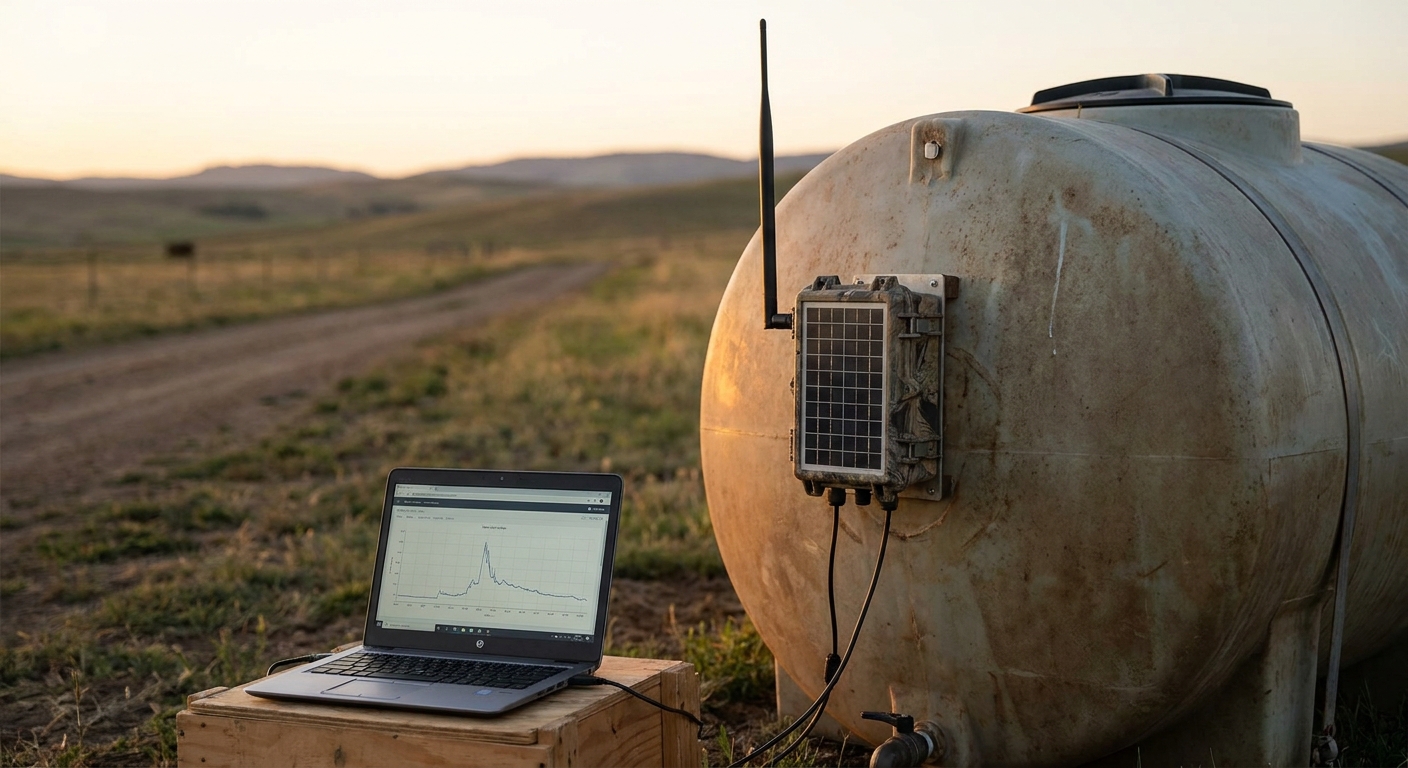
Tank monitoring at a site with no cellular signal doesn't need a tower upgrade — it needs a different radio. LoRaWAN and mioty carry tank-level readings for miles without a SIM card, and this walks through the actual setup, sensor to dashboard, in 2026.
- Remote tank monitoring no cellular signal runs on LoRaWAN or mioty radio, not SIM cards — Kilo Cloud pairs with both in 2026.
- One LoRaWAN gateway reaches 15 km line of sight, covering most single-site tank farms without extra hardware.
- mioty handles 20+ sensors on one site better than LoRaWAN — pick it for dense fuel, chemical, or mining clusters.
- Battery tank sensors report every 15-60 minutes and run 5-10 years on one cell. Buy pre-configured, don't build.
- Skip cellular-repeater workarounds past 500 meters from the router — they fail in the field.
Why this matters
Cellular tank monitors stop working the moment a site sits outside LTE coverage — a fuel depot forty miles from the nearest tower, a backcountry irrigation pond, an oil and gas pad two ridges over from cell service. Buying a cellular sensor for that site wastes the sensor before it reports a single reading. The Kilo Cloud platform reads tank-level data over LoRaWAN or mioty radio instead, so a site with zero cellular bars still reports every reading, on schedule, in 2026.
The setup differs from a cellular install in exactly one place: the gateway. Everything downstream — dashboard, alarm rules, notifications — works the same whether the uplink arrives over LTE, LoRaWAN, or mioty. Get the gateway placement and radio choice right, and the rest of remote tank monitoring with no cellular signal is standard IoT plumbing, not a special project.
Sites that fit this pattern in 2026 include rural fuel distribution yards, irrigation ponds on farmland with no tower nearby, and chemical storage tanks on the edge of an industrial park where the carrier map shows a gap. None of them need a tower built. They need a radio network sized to the number of tanks on site.
What you'll need
- A tank-mounted sensor rated for the product in the tank — ultrasonic for open liquids, hydrostatic/pressure for closed vessels, radar for foam or vapor-heavy tanks
- A LoRaWAN or mioty gateway with backhaul at its own location — Ethernet, Wi-Fi, or a cellular modem physically at the gateway, not the tank
- Line of sight or near-line-of-sight between the tank sensor and the gateway, ideally under 10 km for a LoRaWAN link
- A cloud platform to receive uplinks, run alarm rules, and push notifications
- Weatherproof mounting hardware, IP65 or better, rated for the tank's environment
- Half a day for a single-tank install; 2-3 days for a multi-tank site that needs a new gateway
The steps
1. Confirm the site actually has no cellular signal
Measure signal at the tank itself, not from the truck at the gate. A phone showing "no service" in the parking lot can still pick up one bar of LTE at the top of a 30-foot tank riser — enough for a cellular sensor to work fine. If the reading at the actual sensor mounting point is -110 dBm or worse on every carrier, treat the site as no-cellular and plan around a radio network instead of a SIM.
Common mistake: assuming a site's "dead zone" reputation applies to every mounting point on it, when the tank riser itself sometimes clears the treeline that blocks the rest of the property.
2. Choose LoRaWAN or mioty based on density, not brand preference
LoRaWAN is the right default for a single tank or a handful of tanks spread across a large rural footprint — one gateway reaches up to 15 km line of sight. mioty earns its place on sites with 20 or more sensors packed close together, where competing uplinks on the same channel start colliding under load. mioty's telegram-splitting design spreads each transmission across time and frequency, which is why dense 2026 deployments lean on it for crowded tank farms. Check the best sensors for mioty-based industrial monitoring before locking in a radio standard — sensor availability should drive the decision as much as raw range.
Common mistake: picking mioty for a single remote tank, where LoRaWAN's simpler ecosystem and lower gateway cost make more sense.
3. Place the gateway where signal reaches it — not on the tank
The gateway needs its own path back to the internet: Ethernet, Wi-Fi, or a cellular modem sitting somewhere with actual signal, even if the tank itself has none. A site office 300 meters from the tank farm with one bar of LTE is a fine gateway location; the top of a steel tank is not, because the tank body blocks radio in every direction except straight up. Review a private LoRaWAN network server deployment before finalizing gateway count on multi-building sites — one gateway rarely covers a whole industrial campus.
Common mistake: mounting the gateway on the tank because that's where the crew already is, then troubleshooting a "signal problem" that's actually a line-of-sight problem caused by the tank's own steel shell.
4. Mount and calibrate the tank sensor
For ultrasonic sensors, mount at the top of the tank with 4-6 inches of clearance from any obstruction, aimed straight down at the liquid surface. For hydrostatic/pressure sensors, submerge at the tank bottom and log the empty and full readings so the dashboard calibrates the range correctly. Set the reporting interval to match the tank's actual volatility: 15 minutes for a fuel tank under active draw, 60 minutes for an irrigation pond that moves slowly.
Common mistake: ignoring foam, vapor, or condensation on the liquid surface, which throws ultrasonic readings off by inches until the sensor face gets cleaned.
5. Provision the sensor onto the network server
Register the sensor's DevEUI (LoRaWAN) or device serial (mioty) and confirm the first uplink lands within 5-10 minutes of power-on. A sensor stuck on "waiting for first data" for hours almost always traces back to a wrong AppKey or a channel plan mismatch — a US915 gateway doesn't talk to an EU868 sensor, and that mismatch is the single most common first-install failure in 2026 rollouts.
Common mistake: troubleshooting the sensor hardware for an hour before checking whether the channel plan matches the gateway.
6. Build the dashboard and set alarms with real thresholds
Vague alarms get ignored. Set specific numbers: low-level alarm at 15% for a fuel tank, high-level at 90%, and a rate-of-change alarm if the level drops more than 20% in an hour — that combination catches routine restocking needs and theft or leaks in the same rule set. Route alarms to more than one channel: email plus SMS plus a webhook into whatever system the site team already watches during a shift.
Common mistake: setting one threshold and calling the dashboard done, then missing a leak because the drop was fast but never crossed the low-level line.
7. Test the entire path before leaving the site
Force a manual reading at the sensor, confirm it reaches the dashboard, then trigger a test alarm and time how long the notification takes to land. Two minutes end-to-end is a reasonable bar for 2026 hardware. Testing the sensor uplink alone and calling the job done misses the most common failure: an alarm that fires correctly inside the platform but never reaches a phone because the notification recipient list was left on a placeholder address from setup.
Common mistake: verifying data on the dashboard and skipping the alarm-to-notification test entirely.
8. Add a second gateway for tanks where downtime is expensive
A single point of failure at the gateway is fine for a low-stakes tank and a bad call for fuel distribution or chemical storage, where a blind period of even a few hours has real cost. A second gateway on different backhaul — a cellular modem as backup to the primary Ethernet drop, for instance — keeps the site reporting if one radio path drops out.
Get tank monitoring running without cellular
Kilo Cloud pairs with LoRaWAN and mioty gateways out of the box.
Troubleshooting
- Sensor shows "no data" for 24+ hours. Check the gateway status first. If the gateway is online but doesn't list the sensor, recheck the DevEUI and AppKey. If the gateway itself is offline, the problem is backhaul at the gateway site, not the radio link to the tank.
- Readings jump erratically or flatline at one value. Clean the ultrasonic sensor face of buildup or condensation. For pressure sensors, check the diaphragm for debris — a blocked diaphragm reads a constant, wrong number instead of failing outright and flagging itself.
- Gateway logs uplinks but the dashboard never updates. The network server integration into the platform has likely dropped — an expired API key on the join server side is the usual cause. Confirm integration status before assuming a sensor problem.
- Battery drains faster than the rated 5-10 years. The reporting interval is probably set too aggressive — every 1-5 minutes instead of 15-60. Pull it back for any tank that doesn't need minute-level resolution to be useful.
- Alarm fires in the platform but no one gets a notification. Check the notification channel configuration and confirm the recipient list wasn't left on a test address from initial setup — this is the single most common "silent alarm" cause on new installs.
- Multiple tanks on one gateway start interfering with each other. Stagger reporting intervals across sensors so uplinks don't collide, or split the site across two channel plans. Past 20 sensors on one gateway, this is the point where mioty starts outperforming LoRaWAN outright.
Tools and resources
- A tank sensor matched to the product: ultrasonic, hydrostatic, or radar
- A LoRaWAN or mioty gateway with independent backhaul at its mounting location
- A cloud platform for uplinks, dashboards, alarm rules, and notifications
- The private LoRaWAN network server reference above for sizing gateway count on larger sites
- The mioty sensor reference above for sites running 20 or more sensors on one gateway
What to do next
Once readings are landing on the dashboard reliably, the next step is getting that data into whatever system the operations team already uses — a SCADA historian, a maintenance ticketing tool, or a company intranet dashboard. Integrating sensor data with your dashboard via API covers pulling tank-level readings out of the platform and into whatever system runs the rest of the site.
FAQ
Can you monitor a tank with no cellular signal at all?
Yes — LoRaWAN and mioty radio networks carry tank-level readings without a SIM card or cellular tower, covering sites up to 15 km from a single gateway. The gateway needs its own backhaul (Ethernet, Wi-Fi, or a cellular modem at its own location), but the tank sensor itself never needs signal.
What's the difference between LoRaWAN and mioty for tank monitoring?
LoRaWAN is the simpler, lower-cost default for a single tank or a small cluster spread across a large area. mioty handles dense sites better — 20 or more sensors close together — because its telegram-splitting design avoids the uplink collisions that slow LoRaWAN down at scale.
How far can a LoRaWAN gateway reach for tank monitoring?
A LoRaWAN gateway reaches up to 15 km line of sight in a rural, low-interference site, and considerably less in dense industrial or urban terrain with obstructions. Plan gateway placement around line of sight to the tank, not straight-line distance on a map.
How long do battery-powered tank sensors last?
Most LoRaWAN and mioty tank sensors run 5 to 10 years on a single battery cell at a 15-60 minute reporting interval. Setting the interval too aggressive — every few minutes instead of hourly — is the main thing that shortens that lifespan.
Do I need a new gateway for every tank?
No — one gateway covers every tank within its radio range, which can be 15 km for LoRaWAN in open terrain. Multiple gateways only become necessary when tanks sit on separate buildings or sites with no shared line of sight.
What happens if the gateway loses its internet connection?
Sensor readings queue at the gateway and upload once backhaul returns, so short outages don't lose data outright. For tanks where downtime has real cost, a second gateway on separate backhaul avoids any blind period at all.
Is remote tank monitoring with no cellular signal more expensive than cellular?
The gateway is an upfront cost that cellular sensors don't have, but per-sensor cost drops once more than a few tanks share one gateway, and there's no recurring SIM data fee per sensor. For a single remote tank, cellular can still be cheaper; for a cluster, LoRaWAN or mioty usually wins on total cost.
Can existing tanks be retrofitted without rewiring the site?
Yes — battery-powered LoRaWAN and mioty sensors mount externally or drop into an existing tank opening with no wiring back to a control room, which is the main reason they fit no-cellular sites better than wired alternatives.
One last thing
The gateway placement mistake shows up more than any other failure in these installs: teams mount it on the tank because that's where the crew already is, then spend a day debugging a "no signal" problem that's actually a line-of-sight problem caused by the tank's own steel shell. Put the gateway where signal already exists — even if that's 300 meters away — and let the sensor's short-range radio link carry the last stretch to it. That one decision, made correctly in 2026, prevents most of the troubleshooting calls that come in during the first month of operation.


