
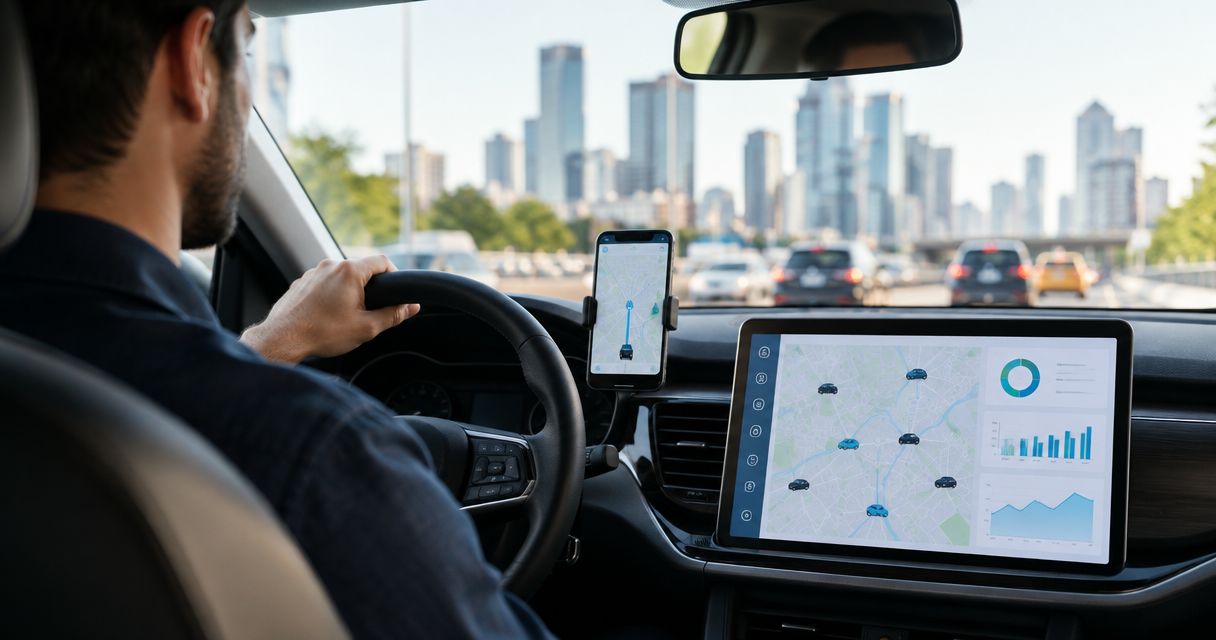
Rideshare and taxi fleet IoT monitoring is the practice of tracking vehicle location, utilization, and mechanical thresholds in one system so dispatchers catch a dead battery or a stalled car before it costs a shift. Fleets running vehicles 12 to 16 hours a day across multiple drivers need that visibility more than a personal car ever does, because wear and downtime compound fast when a vehicle almost never sits still.
- IoT monitoring for rideshare fleets centralizes location, utilization, and vehicle alarms in one dashboard instead of five separate apps.
- Kilo's vehicle connector ships with 2,000+ preconfigured tracker templates, so onboarding a mixed fleet doesn't start from zero.
- Threshold-based alarms with five severity tiers catch a dead battery or overheating engine before a driver calls dispatch stranded.
- Geofencing rules flag unauthorized vehicle movement outside depot hours without a separate security platform.
- Best for 2026 taxi and rideshare operators managing 10 or more vehicles across shifts and drivers.
Why do taxi and rideshare fleets need IoT monitoring in 2026?
Taxi and rideshare vehicles run 12 to 16 hours a day across multiple drivers, so routine wear shows up faster than it does on a personal car serviced twice a year. The Federal Motor Carrier Safety Administration's rules under 49 CFR Part 396 require periodic inspection and maintenance records for many commercial fleet vehicles, and local taxi commissions layer their own reporting on top of that — New York City's Taxi and Limousine Commission, for example, requires licensed vehicles to run an approved trip-data recording system.
A fleet manager checking five different apps for battery voltage, GPS pings, and driver shift changes misses the pattern that shows up when the data sits in one place. That's the gap the Kilo IoT Platform is built to close: normalized telemetry from a mixed fleet, turned into alarms a dispatcher actually sees instead of a check-engine light nobody's watching until it's too late.
Centralize vehicle location and trip data in one dashboard
Most small operators start manual, and that's fine until the fleet grows past a handful of cars.
- Log trip start and end times and odometer readings by hand at shift change
- Pull location history from each ride-hailing app separately when a driver reports an issue
- Keep one spreadsheet per vehicle for basic mileage tracking
- Move location, utilization, and alerts onto one map widget once you're past 5-6 vehicles, instead of switching between five apps
- Use preconfigured tracker templates to bring a mixed fleet of GPS units online without custom integration work — Kilo ships more than 2,000 of them, which matters when your fleet has three different tracker brands from three different lease deals
Every vehicle that reports in gets its own digital twin inside the platform: one record holding its current location, sensor readings, and alarm history, instead of that data scattered across a tracker vendor's app and a maintenance spreadsheet.
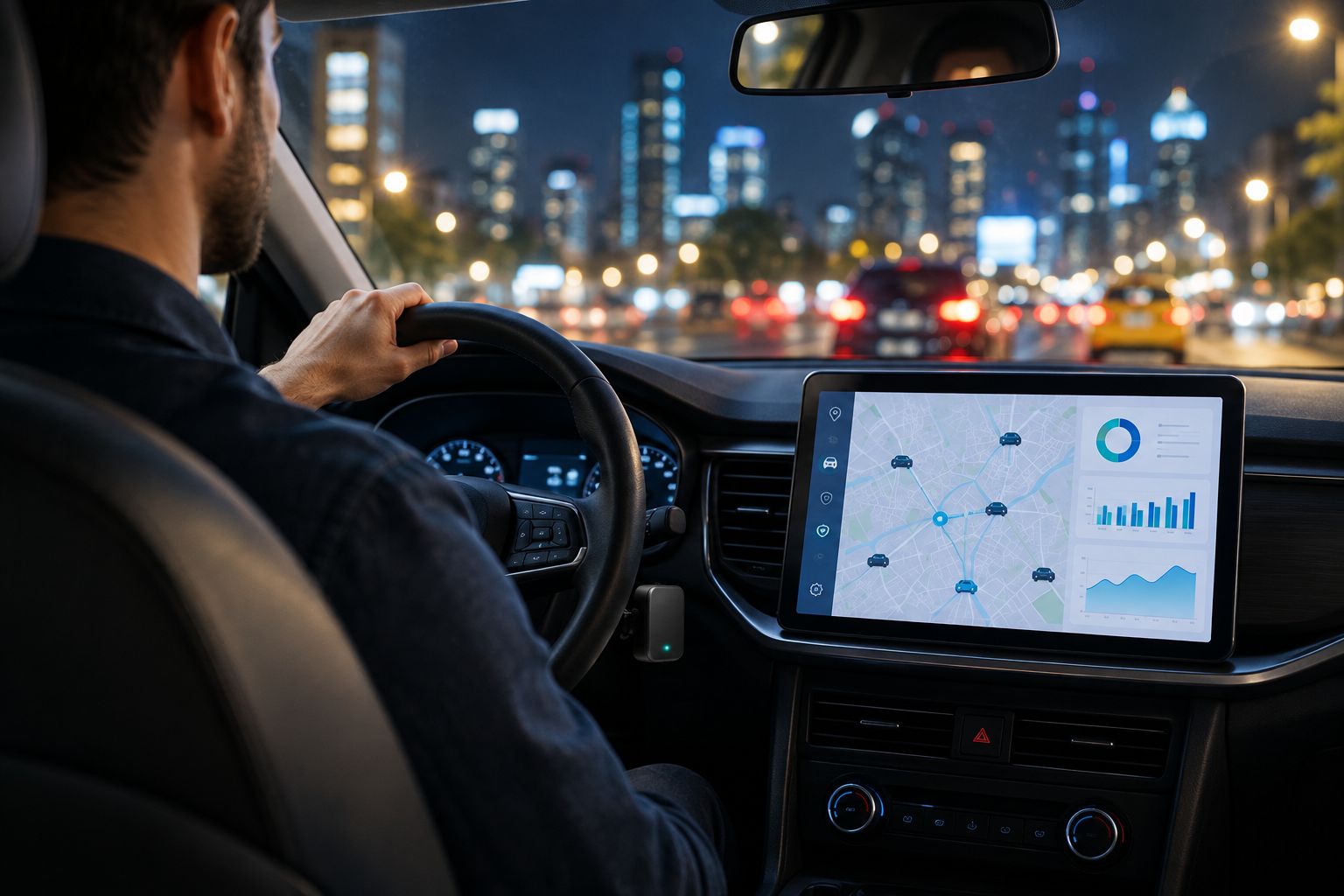
If your fleet needs trackers or sensors installed rather than configured, Kilo Electronics ships hardware worldwide as Kilo's sister company for the physical side of the deployment.
Set up automated geofencing and theft alerts for parked or idle vehicles
- Walk the lot at shift change to confirm vehicles are where they should be
- Rely on a driver phone call to report a vehicle that's missing or moved
- Draw a fixed geofence around the depot, airport queue, or overnight lot
- Configure a rule that fires when a vehicle crosses that boundary outside scheduled hours
- Route the alert to a night dispatcher by SMS or push, not an email inbox nobody opens after midnight
See how to detect asset theft using IoT geofencing alerts for how the boundary rule and the escalation step work together on a moving asset rather than a fixed building.
Track vehicle utilization and idle time across shifts
- Track idle time from paper timesheets drivers submit at the end of a shift
- Cross-reference trip logs from multiple ride-hailing apps to estimate utilization
- Build a chart widget showing hours driven versus hours idle, per vehicle
- Flag vehicles sitting idle during peak demand windows so dispatch can reassign a driver
- Compare utilization across the fleet weekly to catch an underperforming vehicle before the lease renewal decision, not after
Build threshold-based maintenance alarms from real sensor data
- Set calendar reminders for oil changes based on average mileage
- Rely on the check-engine light and driver reports for early warning
- Configure a rule that fires when engine temperature or battery voltage crosses a set threshold
- Escalate a battery-voltage alarm to the maintenance team before a driver gets stranded mid-shift, not after a tow truck is already involved
- Keep an execution history of every alarm so a repeat fault on the same vehicle is visible over weeks, not just the one night it happened
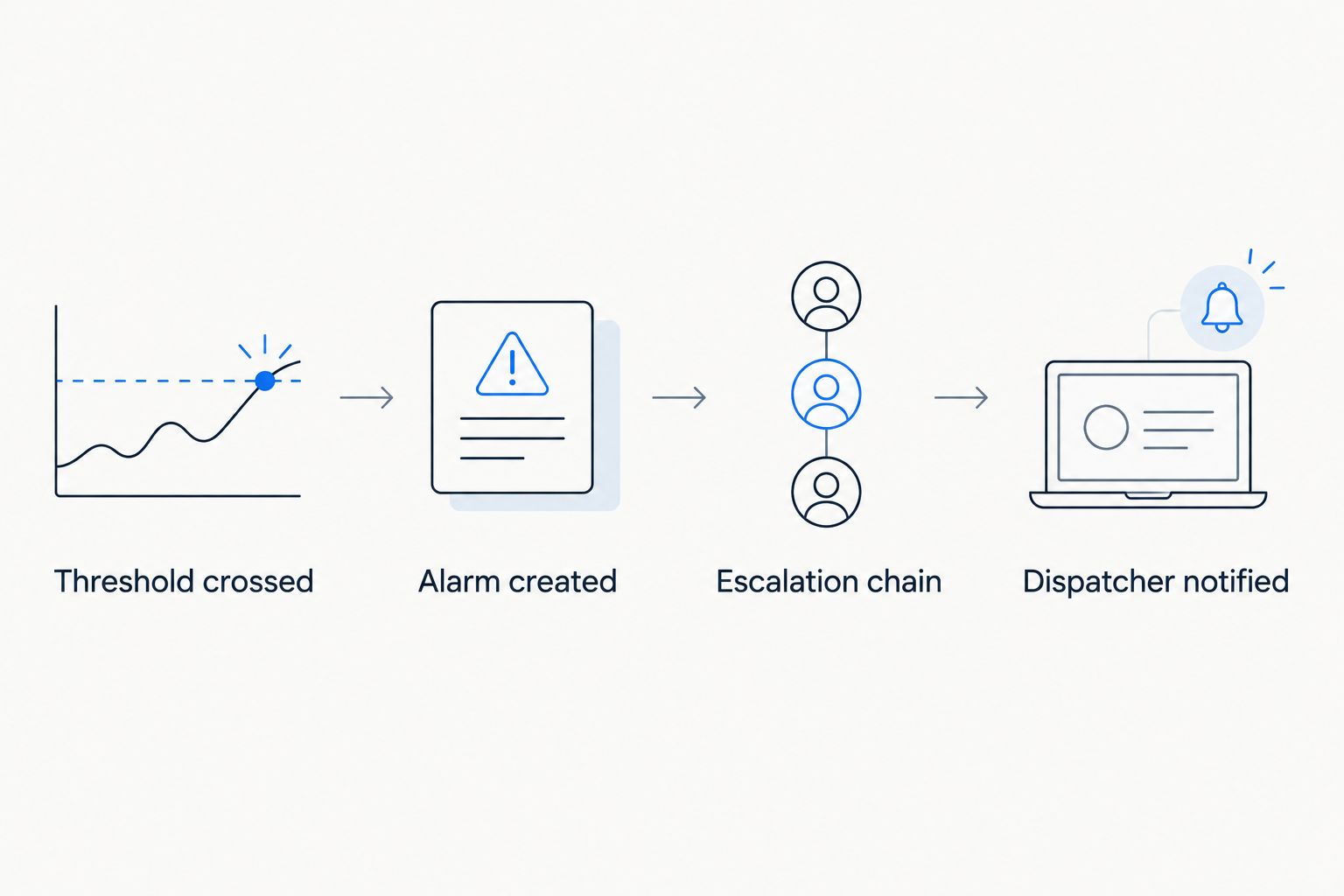
None of this requires predicting a failure before it happens. It's a threshold crossed, a rule that fires, and a person who gets told — which is a lower bar than predictive maintenance software promises, and a more honest one.
Configure driver, dispatcher, and maintenance permissions separately
- Share one login and password across the whole team
- Give every user full access because it's simpler to set up
- Scope dispatcher accounts to location and vehicle status only, not configuration
- Restrict maintenance accounts to alarm history and sensor data, not driver personal details
- Use role-based access control so a compliance review can show exactly who could see what, and when
Kilo's user permissions and roles run on attribute-based access control, so a dispatcher account and a maintenance account don't share the same view by default — which matters once driver personal data is in the same system as vehicle telemetry.
Escalate critical vehicle alerts to the right person automatically
- Send every alert to one shared inbox and hope someone checks it
- Skip escalation entirely and let the driver call in when something's wrong
- Set severity tiers so a dead battery and a geofence breach don't compete for attention at the same priority
- Build a multi-step escalation chain that texts the on-call dispatcher, then calls a supervisor if nobody acknowledges within the shift
- Set quiet hours for low-severity alerts so a 3 a.m. notification is reserved for the alarm that actually needs a response right then
How do rideshare and taxi fleet monitoring options compare?
Most operators land on one of four setups, and the right one depends on fleet size more than budget.
| Option | Best for | Key limitation |
|---|---|---|
| Consumer GPS trackers | Owner-operators running 1-3 vehicles who just need location | No alarms, no digital twin, no shared dashboard for a team |
| Telematics-only fleet platforms | Fleets that need driver scorecards and fuel-card data | Vehicle sensor data beyond diagnostics usually needs a separate system |
| Custom-built in-house system | Large operators with dedicated engineering staff | Months of build time, plus ongoing maintenance of the integration |
| A configurable IoT platform such as Kilo | Multi-vehicle taxi and rideshare fleets that need location, alarms, permissions, and a dashboard together | Trackers and sensors still have to be selected and installed on each vehicle |
See a fleet's data in one dashboard
Map location, alarms, and permissions for every vehicle in one view.
What mistakes do rideshare and taxi fleets make with IoT monitoring?
- Trusting driver-reported mileage and fuel logs over sensor data, which drifts as fast as memory does
- Sending every alarm to the same inbox regardless of severity, so a geofence breach gets buried under routine notifications
- Applying the same alarm thresholds to a company-owned vehicle and a driver-owned vehicle in a hybrid fleet, when duty cycles differ
- Skipping a pilot on 5-10 vehicles and rolling a new tracker template out fleet-wide in 2026, then finding a firmware mismatch in week two
- Giving every user the same permission level, which turns a routine audit into a data-privacy problem once driver personal information sits in the same system
FAQ
What is IoT monitoring for rideshare fleets?
IoT monitoring for rideshare fleets is tracking vehicle location, utilization, and mechanical thresholds through connected sensors and trackers in one dashboard. It replaces checking separate ride-hailing apps and paper logs with a single, real-time view per vehicle.
How is rideshare fleet monitoring different from a personal car GPS tracker app?
A personal tracker app shows one vehicle to one person. Fleet monitoring adds alarms, escalation chains, role-based permissions, and a shared dashboard so a dispatcher, a maintenance manager, and an owner see different slices of the same fleet-wide data.
What sensors matter most for a taxi or rideshare vehicle beyond GPS location?
Battery voltage, engine temperature, and odometer-based service intervals catch the failures that strand a driver mid-shift. Location alone tells you where a car is, not whether it's about to break down.
How does an escalation chain work when a vehicle alarm fires?
A rule fires when a sensor reading crosses a set threshold, the alarm is created with a severity tier, and it routes to the first person on the escalation list. If nobody acknowledges it within a set window, it escalates to the next person or team.
Do taxi commissions require GPS trip-data recorders?
Many do. New York City's Taxi and Limousine Commission, for example, requires licensed vehicles to run an approved trip-data recording system, and other commissions have their own reporting rules that fleet monitoring data can help satisfy.
Can a fleet operator restrict what a dispatcher sees versus a maintenance manager?
Yes, through role-based or attribute-based access control. A dispatcher account can be scoped to vehicle location and status while a maintenance account sees sensor and alarm history without access to driver personal details.
What happens to alerting if a vehicle goes out of tracker range?
Most platforms flag the vehicle as offline or stale rather than silently dropping it, and a rule can be set to alarm on a gap in reporting itself, not just on a bad reading.
Is a digital twin useful for something as simple as a car?
A digital twin per vehicle just means one record holding its current location, sensor state, and alarm history instead of that data spread across a tracker vendor's app, a spreadsheet, and a driver's memory. For a fleet of 10 or more vehicles in 2026, that consolidation is the whole point.
How do you pilot IoT monitoring across a rideshare fleet before scaling it?
Start with 5 to 10 vehicles, not the whole fleet. Confirm the tracker templates on those vehicles actually match what's installed, test that an escalation chain reaches a real phone at 3 a.m., and only then roll the same configuration out to the rest of the fleet.
The part most operators skip: checking that a low-severity alarm and a high-severity one don't land in the same channel during the pilot. If quiet hours and severity tiers aren't tuned before scaling in 2026, the first week with 40 vehicles instead of 8 turns into alert fatigue, and alert fatigue is how a real battery failure gets ignored because it looks like the ninety-ninth false alarm that week.


