
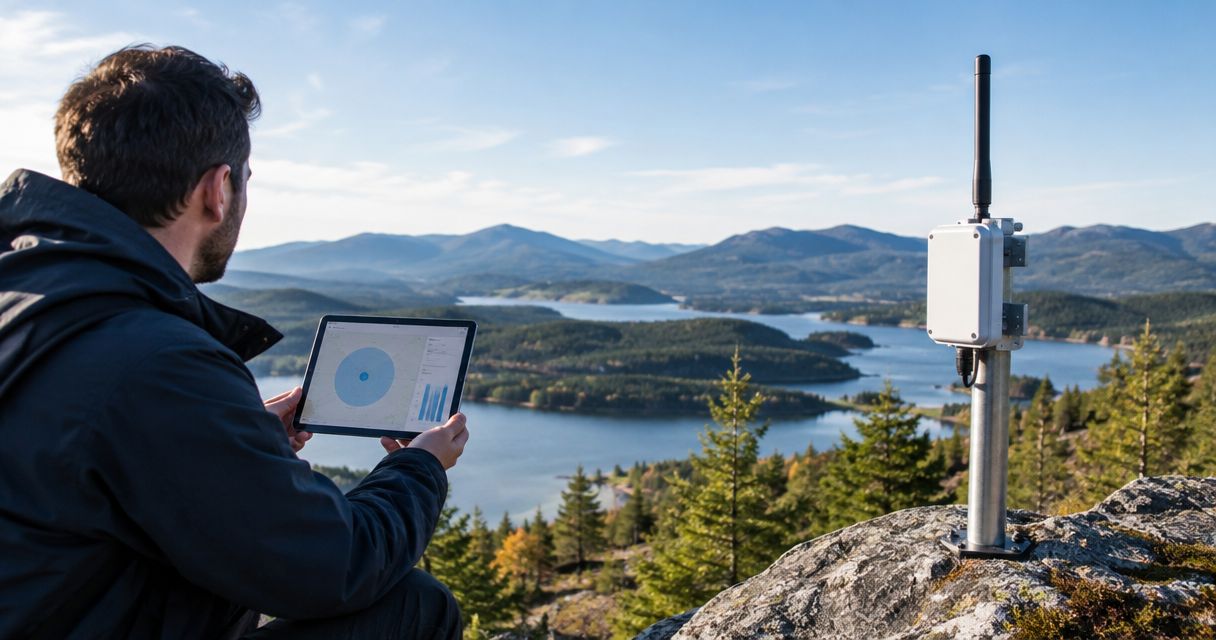
The LoRaWAN range you can expect is about 2 to 5 km in dense urban areas and up to 15 km in open rural country, according to the LoRa Alliance's published figures. Indoors, underground and inside metal-heavy buildings the range drops sharply, and no credible public number covers those cases. This page, written for 2026 planning, sets out what the numbers are, what moves them, and how to confirm your own range before you commit to a rollout on the Kilo IoT Platform or any other.
- LoRaWAN range benchmark: about 2 to 5 km in dense urban areas, up to 15 km in open rural terrain.
- Indoor, basement and metal-enclosed range has no reliable public benchmark. Measure it on site.
- Every 6 dB of extra loss halves free-space range, so antenna height and placement beat radio settings.
- Higher spreading factors extend range but cut data rate and raise airtime. Choose per device, not per network.
What is the average LoRaWAN range?
There is no single average. The figure most often cited comes from the LoRa Alliance: 2 to 5 km in urban environments and up to 15 km in rural environments. Treat both as typical outcomes under good conditions, not guarantees. Nobody publishes a dated, scoped dataset that averages thousands of real deployments, so any page quoting a precise mean is guessing.
Why such a wide spread? LoRaWAN uses sub-gigahertz radio (868 MHz in Europe, 915 MHz in North America) and a spread-spectrum modulation that can be decoded at very low signal strength. That gives it a big link budget, so range is decided almost entirely by what sits between the sensor and the gateway.
LoRaWAN range by environment: benchmark table
The table lists only the figures that have a public source. Rows without a defensible number are left out of this first table and handled in the next one.
| Environment | Typical published range | Source and scope |
|---|---|---|
| Dense urban | 2 to 5 km | LoRa Alliance, typical figure for urban deployments |
| Open rural | Up to 15 km | LoRa Alliance, typical figure for rural deployments |
Rural leads at up to 15 km; dense urban trails at 2 to 5 km. That is roughly a three-to-one gap from buildings and clutter alone, with the same radio.
The limitation is plain: these are vendor-neutral ranges quoted for outdoor gateway-to-sensor links. They say nothing about a sensor in a cold room, a utility cabinet or a basement. For those, the better question is what reduces range and by how much on your site.
What cuts LoRaWAN range in each environment
This table is qualitative on purpose. It ranks the main loss factor per environment without inventing a kilometre figure.
| Environment | Main loss factor | Practical effect |
|---|---|---|
| Open rural, line of sight | Distance and terrain | Longest range. Hills and tree cover still cut it |
| Suburban | Buildings, foliage | Between rural and urban results |
| Dense urban | Building walls, reflections, radio noise | Shortest outdoor range. More gateways needed |
| Indoor, inside a large building | Walls, floors, ceilings | Gateway placement matters more than gateway power |
| Basement or underground | Concrete and soil | Often needs a gateway on the same level |
| Metal enclosures, cold rooms, steel racking | Reflection and shielding | Antenna must sit outside the metal |
| Industrial plant | Machinery, interference, metal | Needs a site survey, not a rule of thumb |
The pattern is consistent: the denser and more metallic the surroundings, the more you rely on gateway position and less on the radio's headline range.
Why range changes: link budget in plain terms
A link budget is the total loss a radio signal can suffer between transmitter and receiver while still being decoded. Spend it on distance, walls, or both.
In free space, every extra 6 dB of loss halves the distance you can cover. A wall or a metal door that costs 10 to 20 dB of signal, which is a normal range for building materials, can erase most of the margin that made a 15 km rural claim possible. That is why a sensor can work 8 km from a gateway on a hillside and fail 200 m away behind a concrete stairwell.
Three levers move the budget in your favour:
- Antenna height. Raising a gateway antenna clears clutter and is usually the cheapest improvement.
- Antenna placement. Outside the metal, away from walls, with a clear view toward the sensors.
- Spreading factor. LoRaWAN offers spreading factors SF7 to SF12. Higher values reach further but send data more slowly and use more airtime and battery.
Spreading factor, duty cycle and the range trade-off
Higher range is not free. A device on SF12 spends far longer on air per message than one on SF7, which drains the battery faster and uses more of the shared channel. In Europe, regional rules limit transmitter on-time, with a 1% duty cycle common on the default 868 MHz sub-bands, so slow settings limit how often a sensor can report.
Most networks use adaptive data rate, which lets the network server push close devices to fast settings and keep far ones on slow settings. Fixed sensors that rarely move benefit most. Mobile assets do not, because their link quality keeps changing.
Indoor LoRaWAN range: walls, floors and concrete
Indoor range is the number buyers ask about most and the one nobody can quote honestly. Sub-gigahertz signals pass through walls better than 2.4 GHz Wi-Fi or Bluetooth, but dense concrete, reinforced floors and foil-backed insulation still eat the budget. For the specifics, see this walkthrough on whether LoRaWAN sensors can transmit through thick concrete walls.
A practical rule for multi-floor buildings: put gateways centrally and high, and expect to add one when sensors sit in a structurally separate area such as a basement plant room.
How to use these benchmarks
The published figures are a starting hypothesis. Use them like this:
- Use rural and urban figures for outdoor planning only. For a yard, farm or campus perimeter, the 2 to 5 km and up to 15 km bands give a first gateway count.
- Plan indoor sites by survey, not by range. Walk the site with a test device before ordering sensors. The guide on testing LoRaWAN signal strength before a full sensor rollout covers the steps.
- Design for the weakest sensor. The device in the basement or the freezer decides the gateway layout, not the average one.
- Leave margin. A link that works at the edge today may fail in winter, after foliage grows, or when new equipment goes in.
Once data is flowing, a platform that connects to your LoRaWAN network server shows signal quality per device next to the readings. That makes weak links visible as a dashboard problem before they turn into silent gaps. Kilo connects to LoRaWAN network servers and turns the uplinks into dashboards and alarms, so a sensor that stops reporting can raise an alert instead of going unnoticed. Hardware is sold separately by Kilo Electronics, a separate authorised dealer for compatible devices.
Methodology and limits of this data
The two range figures come from the LoRa Alliance's public description of LoRaWAN and apply to typical outdoor gateway-to-device links. The environment table is qualitative and reflects well-established radio behaviour, not a measurement campaign. The main limitation: range depends on antenna gain, gateway height, device power, regional band and spreading factor, none of which a single benchmark can hold constant. Two sites with the same label can differ widely.
FAQ
What is the typical range of LoRaWAN?
The LoRa Alliance cites about 2 to 5 km in urban areas and up to 15 km in rural areas. These are typical outdoor figures, not guarantees for any site.
How far can LoRaWAN reach indoors?
There is no reliable public figure for indoor range. It depends on wall material, floor construction and gateway position, so test with a real device on site.
Does LoRaWAN work in basements?
Often only with a gateway on the same level or an antenna routed upward. Concrete and soil absorb a lot of signal, so confirm with a test before deploying.
Does a higher spreading factor increase LoRaWAN range?
Yes. SF12 reaches further than SF7, but it sends data slowly, uses more airtime and shortens battery life. Adaptive data rate balances this automatically.
Is LoRaWAN range better than Wi-Fi?
Yes in practice. Sub-gigahertz LoRaWAN covers far more distance per gateway than Wi-Fi, but at low data rates suited to small sensor messages, not video or large files.
How do I increase LoRaWAN range?
Raise the gateway antenna, keep it clear of metal and walls, add a gateway near weak areas, and use a higher spreading factor for devices that report rarely.
Does weather affect LoRaWAN range?
Mildly. Dense foliage, heavy rain and snow load can add small losses, so leave link margin rather than planning at the edge of range.
One last thing
The sensor that fails in testing is rarely the far one. It is the one behind a metal door or in a concrete corner 50 m from the gateway. Test the worst-placed device first, and the rest of the site usually follows.
Related guides
- How to plan LoRaWAN network coverage for a large campus
- How to tell if a LoRaWAN network needs another gateway
Written by Tim Kravchunovsky


