
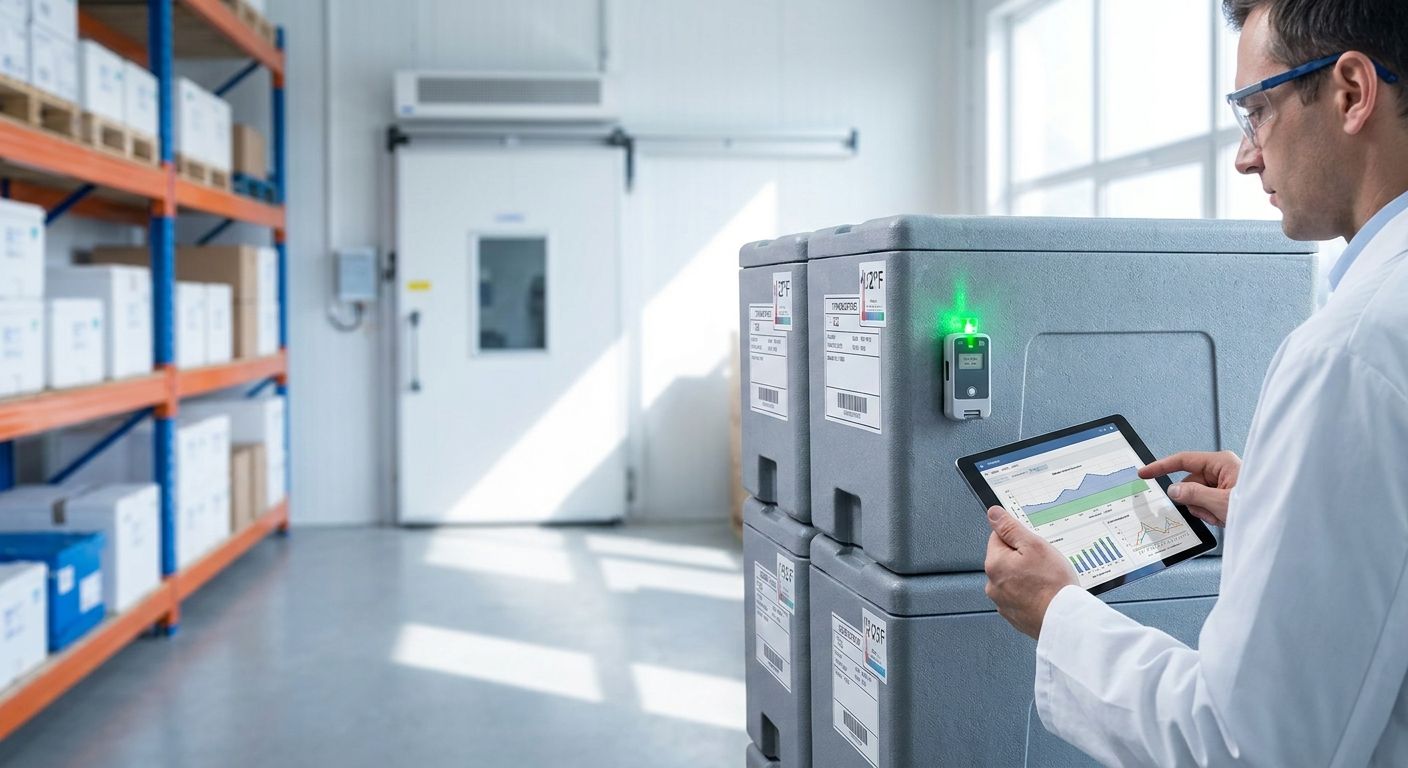
A temperature excursion report turns raw sensor logs into the document a cold chain auditor actually wants: what happened, how long it lasted, who caught it, and what was done about it. Building one by hand from spreadsheet exports in 2026 is the fastest way to get a report kicked back.
- A temperature excursion report cold chain audit needs raw logs, a written threshold, root cause notes and a signed escalation chain — not a chart screenshot.
- CDC sets 2°C to 8°C for standard vaccine refrigerators; any reading outside that band is worth documenting, regardless of duration.
- The Kilo IoT Platform timestamps every alarm and escalation step and exports an immutable audit trail an inspector can request directly.
- Skip manual spreadsheet logging for regulated cold storage sites — data gaps during network outages are the most common reason auditors kick a report back.
Why cold chain audits fail without a temperature excursion report
Inspectors reviewing cold storage, pharmacy or food service sites in 2026 aren't looking for a clean-looking dashboard. They're looking for proof a deviation was caught, understood, and closed out. The World Health Organization's Good Distribution Practice guidance (WHO Technical Report Series 961, Annex 9) treats an undocumented temperature deviation as an open risk, not a non-event, even when the product itself was never damaged. Food-side inspectors working from HACCP principles or the FDA Food Code apply the same logic to walk-in coolers and reach-ins.
That's the gap most reports fail on. A chart showing a spike above range tells an auditor something happened. It doesn't tell them the threshold that was violated, how long the excursion lasted, who was alerted, or what corrective action a quality assurance manager or cold chain manager actually took. Platforms like the Kilo IoT Platform exist partly to close that gap: sensor data, alarm history and escalation timestamps live in one system instead of three disconnected exports.
What you need to build a temperature excursion report for a cold chain audit
- Continuous sensor logs for the full audit window — not daily min/max spot checks, which miss excursions that recover before the next reading
- A written threshold definition tied to a named standard: 2°C to 8°C for vaccines per CDC, or below 41°F (5°C) for time/temperature-controlled foods per the FDA Food Code
- A duration rule, so a rules engine can separate a real excursion from a brief blip during a door-opening event
- Alarm and escalation history, showing who was notified over email, SMS or push, and when they acknowledged it
- Root cause and corrective action notes for every flagged event — door seal failure, compressor fault, defrost overshoot, power interruption, or a battery-depleted sensor
- An export format matching what the auditor asked for: PDF summary, raw CSV, or direct API access
If a site still relies on handheld loggers or one sensor per room, cold chain compliance sensors with continuous LoRaWAN or mioty reporting close most of the logging gaps before the report is even built.
The 7 steps to build a temperature excursion report for a cold chain audit
1. Define the excursion threshold and duration rule
Set the exact temperature band and how long a reading has to sit outside it before it counts as an excursion rather than a blip. Auditors reject reports built on a verbal understanding of "too warm" — the threshold has to trace back to a standard: CDC's 2°C to 8°C for refrigerated vaccines, or the FDA Food Code's danger-zone ceiling for TCS foods.
Write the rule into the system that generates the alarm, not into a person's memory. A CEL-based rules engine that evaluates threshold and duration together, the kind built into Kilo, means the same logic fires every time, and version control on the rule shows exactly when the threshold was set or changed.
Common mistake: the threshold lives in a policy document but was never configured into the monitoring system, so every excursion gets argued about after the fact.
2. Pull raw sensor logs for the full audit window
Export every reading, not an average. A walk-in cooler door left open during a shift change can push the room above the food-safety threshold without moving the daily average enough to raise a flag.
Continuous logging at short, fixed intervals is what makes this possible. Twice-daily manual checks, still common in ISO 22000 and HACCP-adjacent food operations, miss excursions that recover before the next scheduled reading. This is the single biggest reason inspectors distrust spreadsheet-based logs: two data points a day isn't a continuous record.
Common mistake: relying on manual min/max checks instead of continuous sensor logging, which leaves blind spots an auditor will ask about directly.
3. Flag every excursion event, not just the worst one
Run the threshold-and-duration rule across the entire dataset and list every event with a start time, end time, and peak reading. A single long excursion overnight is a different finding than several short repeat excursions during defrost cycles, and the pattern matters more to a reviewer than the headline number.
Build an excursion table: one row per event, duration and peak value as separate columns. That table, not the chart, is what most reviewers read first.
Common mistake: reporting only the single worst excursion and leaving out smaller repeat ones that would have revealed a failing compressor or a bad door seal.
4. Attach root cause and corrective action to every event
For each row in the excursion table, write what caused it and what was done. GDP guidance treats a deviation with no documented cause as unresolved, no matter how minor it looked. Root cause categories are usually one of a short list: door left open, compressor fault, defrost cycle, power interruption, or a sensor fault.
Common mistake: leaving "cause unknown" against a flagged event. That single blank field is often what triggers a follow-up audit.
5. Timestamp the alarm and escalation chain
Show when the alarm fired, who it went to, and when it was acknowledged. This is the part that proves the deviation was caught in near-real time rather than discovered a week later while assembling the report.
Kilo's alarm system supports five severity tiers and multi-step escalation chains over email, SMS and push, with quiet hours and a centralized inbox, so the acknowledgment timestamp against each excursion is already on record rather than reconstructed after the fact. If a site doesn't have that escalation chain configured yet, setting up SMS and email alerts for critical sensor thresholds is worth doing before the next audit cycle, not during it.
Common mistake: an alarm fires but nobody's acknowledgment gets recorded, so the report can't prove the loop was closed.
6. Export in the format the auditor asked for
Match the deliverable to the audit type. Some inspectors want a printable PDF summary. Regulatory reviewers working under electronic-record requirements like 21 CFR Part 11 want the underlying raw data with a tamper-evident trail, not a slide deck.
Converting sensor data into a static presentation strips timestamps and source sensor IDs, exactly the fields an auditor needs to verify the record wasn't edited after the fact.
Common mistake: handing over a summary chart instead of the raw, timestamped export the regulation actually calls for.
7. Store the report with the underlying data, not just the summary
Archive the finished report alongside the raw sensor logs it was built from, for the retention period the audit requires. EU Good Distribution Practice guidelines call for keeping distribution records for at least one year past a product's expiry date, and some product categories require longer. Keeping only the PDF summary means a re-audit six months later can't be reproduced from source data.
Common mistake: deleting or archiving raw logs once the summary report is filed, leaving nothing to reconstruct if a regulator asks follow-up questions.
Set up excursion alarms before the next audit
Configure thresholds, escalation chains and exports on the Kilo IoT Platform.
Troubleshooting a temperature excursion report before your cold chain audit
- Gaps in sensor data during a network outage — check gateway coverage first. Both LoRaWAN and mioty buffer payloads and catch up once connectivity returns, but a dead gateway still leaves a real gap in the record.
- False excursions from routine door-opening events — fix the rule, not the data. A duration threshold in the CEL expression, not just an instant reading, filters out short recoveries that never should have counted.
- Timezone mismatches between sensor timestamps and site local time — standardize the dashboard and export on one timezone before generating the report; mismatched timestamps are a common reason auditors flag a report as unreliable.
- No root cause field filled in — make it a required field in the escalation workflow itself, not an optional note added weeks later when nobody remembers what happened.
- Manual copy-paste errors from spreadsheet logs — pull the export directly from the platform or its API instead of retyping numbers from a printout.
- Report volume too large to review across multiple sites — filter by dashboard or rule per site rather than generating one global export nobody can actually read.
Tools and sensors for cold chain audit temperature excursion reporting
- Cold chain compliance sensors reporting continuously over LoRaWAN or mioty instead of manual spot checks
- A rules engine capable of threshold-plus-duration logic, so short recoveries don't get flagged as excursions
- An alarm system with severity tiers and an escalation chain, so acknowledgment timestamps exist without manual tracking
- Kilo Electronics, the hardware side of the business, ships temperature and humidity probes worldwide if a monitoring point needs adding before the next audit cycle
- REST or gRPC API access for pulling raw records directly instead of exporting through a UI
What to check after your temperature excursion report passes a cold chain audit
Passing one audit doesn't mean the threshold, duration rule, or escalation chain is right for the site. It means nobody challenged it this time. Review the excursion table for real recurring patterns: repeat excursions during the same shift or the same time of day usually point at equipment, not bad luck.
Pharmaceutical or clinical cold chain sites tend to carry stricter reporting requirements than general food storage, but the reporting principles are the same whether the product is a vaccine, a blood product, or a food shipment: continuous logs, a named threshold, root cause, and a closed escalation loop.
FAQ
What counts as a temperature excursion in cold chain monitoring?
A temperature excursion is any reading outside the defined storage range for a product, such as above 8°C or below 2°C for a standard vaccine refrigerator per CDC guidance. Whether it needs corrective action depends on how long it lasted and how far outside range it went.
What does an auditor want to see in a temperature excursion report cold chain audit?
Auditors want raw sensor logs, a written threshold tied to a named standard, every flagged excursion with a documented root cause, and a timestamped record of who was alerted and when. A chart alone, without root cause or escalation records, is usually rejected.
Can a spreadsheet log satisfy a cold chain audit?
A manually maintained spreadsheet can satisfy an audit only if it captures continuous readings rather than periodic spot checks, and it rarely does. Gaps during unattended hours or network issues are the most common reason spreadsheet-based logs get flagged.
How long should cold chain temperature records be kept?
EU Good Distribution Practice guidelines call for keeping distribution records for at least one year past a product's expiry date, and some product categories require longer retention. Keep the underlying raw sensor data, not just the summary report.
What's the difference between an alarm and a documented excursion?
An alarm is the real-time notification that a threshold was crossed; a documented excursion is the closed-loop record showing the alarm, who acknowledged it, the root cause, and the corrective action. An audit report needs the second, not just proof the first happened.
Is a chart of temperature readings enough for a cold chain audit?
No, a chart shows that a deviation occurred but doesn't prove it was caught, understood, or corrected. Auditors working under GDP or FDA Food Code frameworks expect root cause and escalation records attached to every flagged event.
How often should cold chain sensor data be reviewed?
Continuous automated monitoring with real-time alarms replaces the older twice-daily manual check, since a threshold-and-duration rule catches excursions the moment they happen rather than at the next scheduled check. Review the excursion log at a fixed cadence, weekly at minimum, even when no alarm fired.
The detail auditors actually check first
Most reviewers skip straight to the root cause column before they read a single chart. A report with fifteen flagged excursions and a filled-in cause for every one of them reads as more trustworthy in 2026 than a report with two excursions and a blank explanation next to each. The gap isn't the number of events, it's whether someone can show the loop was closed every time.


