
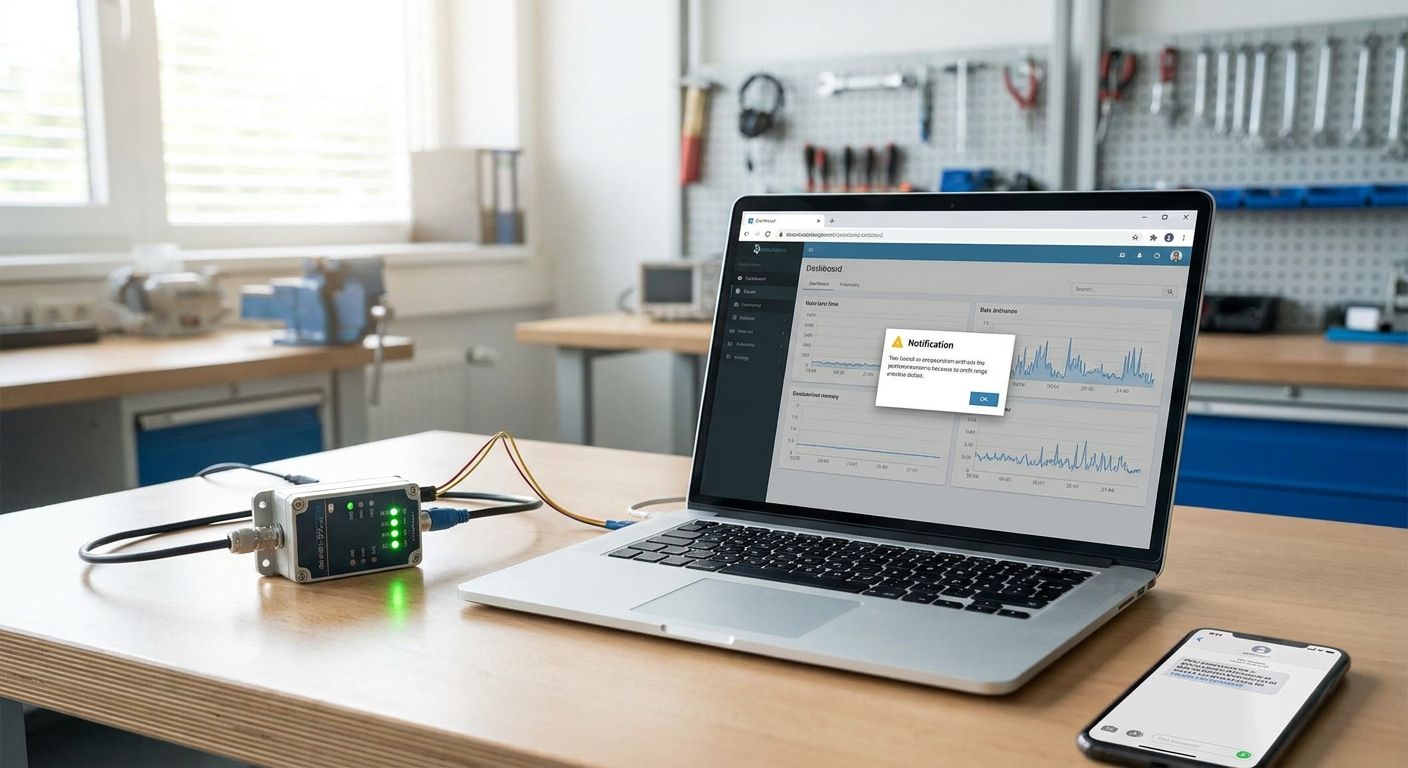
Setting up SMS and email alerts for critical IoT sensor thresholds takes five moving pieces: a connected sensor, a threshold rule, a severity tier, an escalation chain, and a tested notification path. Skip any one of those and you get either alarm fatigue or a critical event nobody hears about until it's too late.
- SMS and email alerts for IoT sensor thresholds need a rule, a severity tier, and an escalation chain, not just a contact list.
- Kilo's rules engine uses CEL expressions and BPMN to define a threshold, like temperature above 8°C for 10 minutes.
- Five severity tiers and multi-step escalation chains stop one missed SMS from becoming an unnoticed alarm.
- Test every threshold rule on a sample payload before deploying it live in 2026 - untested rules cause most false alarms.
- Quiet hours and a centralized alarm inbox cut alert fatigue without silencing real critical events.
Why SMS and Email Alerts Matter for IoT Sensor Thresholds
A sensor reading is worthless if the right person doesn't see it in time. The CDC's Vaccine Storage and Handling Toolkit sets refrigerated vaccine storage at 2\u00b0C to 8\u00b0C, and a breach outside that range for even a short window can mean discarding an entire batch — which is why pharmacies and clinics running IoT vaccine storage monitoring treat the alert path as seriously as the sensor itself.
The same logic applies outside cold chain: a tank overflow, a server room heat spike, or a compressor running dry all have a window between "detected" and "damage done." The Kilo IoT Platform exists to shrink that window — a rule fires the instant a threshold is crossed, and the alert routes to a phone or inbox before the problem compounds.
In 2026, most facilities teams already have sensors reporting data somewhere. The gap is almost always in the alert path: no severity tiers, no escalation, one person's email address as the entire notification plan. Fix that and the sensor data actually does something.
What You Need Before Setting Up SMS and Email Alerts for IoT Sensors
- At least one sensor already reporting live data — LoRaWAN, mioty, or a device publishing over MQTT
- A specific threshold value for the metric that matters: a temperature ceiling, a tank level floor, a vibration amplitude
- A contact list split by role: who gets the first SMS, who gets escalated to by email if it's not acknowledged
- A decision on severity — not every threshold breach deserves a 2 a.m. text
- Quiet hours or coverage schedule if the site runs shifts
- Optional: a webhook or API endpoint if the alert also needs to land in a ticketing tool
How to Set Up SMS and Email Alerts for Critical IoT Sensor Thresholds
1. Connect the sensor and confirm live data
Onboard the device through Kilo's built-in LoRaWAN or mioty network server, or point an MQTT-publishing device, PLC, energy meter, or BMS at the MQTT connector — there's no external network server to stand up first. Check the device's digital twin and confirm readings are landing on a dashboard before touching the rule.
Common mistake: building the alarm rule before verifying the payload format. If the field name in the rule doesn't match what the sensor actually sends, the rule silently never fires.
2. Define the threshold as a rule, not a guess
Open the visual rules engine and write the condition as a CEL expression inside the BPMN workflow — for example, temperature above 8\u00b0C sustained for 10 minutes, not just a single spike reading. A single-reading trigger on a noisy sensor turns into a pager going off every hour.
The rules engine for industrial IoT alarms is where this logic lives — version control tracks every change so you can see exactly what changed if a rule starts misbehaving.
3. Set the severity tier
Kilo alarms support five severity tiers. Map the threshold to one: a slow humidity drift over 24 hours is not the same urgency as a freezer temperature past 8\u00b0C for 10 minutes. Assigning severity up front is what lets step 4 route the right alarm to the right channel instead of blasting SMS for everything.
4. Build the multi-step escalation chain
Set who gets notified first, and who gets escalated to if the first person doesn't acknowledge within a set window. A typical chain: SMS to the on-call tech immediately, escalate to the facilities manager by SMS and email after 10 minutes unacknowledged, then loop in a director after 30 minutes. Set quiet hours so low-severity alarms wait until morning while critical ones still page through.
5. Choose SMS, email, or push per escalation step
SMS is for someone who needs to act in the next few minutes. Email is for the record and for lower-urgency tiers. Push notifications work for anyone with the mobile app open during a shift. Most working setups use SMS for the first escalation step and email for every step after, so there's a paper trail even after the SMS is read and dismissed.
6. Test the rule on a sample payload before it's live
Use Kilo's step-through rule debugging to run a test payload through the exact rule you just built — simulate the temperature spike or tank level drop without waiting for it to actually happen. This step catches unit mismatches (Fahrenheit vs. Celsius) and threshold typos before they cost you a false alarm or, worse, a missed real one.
7. Deploy and watch the centralized alarm inbox
One-click deploy pushes the rule live, and every alarm it fires lands in a centralized inbox alongside every other alarm across the site. If something looks wrong after deploy, rollback reverts to the previous version instantly — no re-building the rule from scratch.
8. Review the audit trail
Every alarm fire, acknowledgment, and escalation step is logged in an immutable audit trail. Pull it monthly to see which thresholds fire too often — that's your signal to revisit step 2, not to ignore the alarm.
Why Do SMS and Email Alerts Fail on IoT Sensor Thresholds
Alerts fire constantly and get ignored. This is alarm fatigue, and it's the single biggest reason critical alerts get missed — people stop reading texts from a system that's cried wolf twenty times this month. The fix lives in the rule itself: widen the sustained-duration window, tighten the threshold, or drop the severity tier so it stops paging on-call at 3 a.m. The guide to reducing false alarms in industrial IoT alert systems walks through the specific rule adjustments that cut noise without cutting coverage.
SMS isn't arriving. Check that the number format is correct and that the carrier isn't filtering the sender — this is more common on landline-to-mobile ports than people expect. Build the escalation chain so email always fires as a backup, never SMS alone as the single point of failure.
Email lands in spam. Sender reputation and SPF/DKIM records affect deliverability more than the alert platform does. If email alerts are inconsistent, add a webhook to a Slack or Teams channel as a third channel rather than troubleshooting email indefinitely.
The rule never fires at all. Nine times out of ten this is a field-name mismatch between the sensor payload and the CEL expression. Re-run the rule against a test payload — this is exactly what step-through debugging is for.
Everyone acknowledges, nobody acts. Acknowledgment isn't resolution. Use the centralized alarm inbox to separate "seen" from "resolved," and check the audit trail weekly if a specific threshold keeps getting acknowledged and re-firing.
What Tools Do You Need for IoT Alarm Notifications
- A rules engine that supports conditional logic beyond a flat threshold — see the rules engine software for industrial IoT alarms for what a version-controlled, testable rule setup looks like
- Multi-channel notification support: SMS, email, and push in the same escalation chain
- A centralized inbox so alarms from every site and every sensor type land in one place
- An API or webhook connector if alerts need to reach a ticketing or messaging system outside the platform
- Sensors matched to the environment — extreme cold, wet, or hazardous locations need hardware rated for it, which Kilo Electronics (kiloelectronics.com) stocks with worldwide shipping if you're sourcing new devices
What to Do After Setting Up SMS and Email Alerts for IoT Thresholds
Once temperature or level alerts are live, the same rules-engine pattern applies to mechanical failure signals. If pumps, motors, or compressors are part of the site, extend the same escalation logic to vibration data — the guide to building automated alarms for equipment vibration anomalies covers threshold selection for amplitude and frequency, which behaves differently from a simple temperature ceiling.
FAQ
What's the difference between SMS and email alerts for IoT sensor thresholds?
SMS reaches someone in minutes and is meant for immediate action; email is slower but creates a permanent record and works better for lower-severity tiers. Most working escalation chains use SMS first and email as the backup and audit trail.
How many severity tiers should an IoT alarm system have?
Kilo's alarm system uses five severity tiers, which is enough to separate a minor drift from a critical breach without over-engineering the rule set. Fewer tiers tend to collapse everything into one urgency level, which is how alarm fatigue starts.
Is SMS more reliable than email for critical IoT alerts?
SMS is generally faster to reach someone, but neither channel alone is fully reliable — carrier filtering can block SMS and spam filters can block email. A multi-step escalation chain using both, plus an optional webhook, is more reliable than either channel alone.
How much does an IoT alert and monitoring platform cost in 2026?
Kilo's free plan covers up to 5 devices, 1 dashboard, and 1 rule at no cost with no card required, and the Starter tier is 25 EUR per month for up to 25 devices. Gateways are unlimited on every tier.
What threshold should trigger a critical alert versus a warning?
A critical alert should map to conditions with immediate, costly consequences — a cold storage unit past 8°C for 10 minutes, for example — while a warning tier fits slower drifts that need attention but not an immediate response. The split should match how fast the underlying failure actually causes damage.
Can IoT alarms integrate with a work order or ticketing system?
Alarms can post out over the API or a webhook to external systems, letting an alert trigger a ticket or message in another tool. The alarm itself is still a threshold or CEL rule firing and escalating inside the platform, not a separate maintenance-prediction engine.
How do you stop IoT sensor alerts from becoming noise?
Widen the sustained-duration window on the rule, set the right severity tier, and use quiet hours for anything below critical. Reviewing the audit trail monthly to find rules that fire too often is the fastest way to catch a threshold that needs adjusting.
The Detail Most Teams Miss When Setting Up IoT Sensor Alerts
The rule almost everyone gets right is the threshold value. The one they skip is the sustained-duration window. A single reading above 8\u00b0C for one second is a sensor blip; the same reading held for 10 minutes is a real cold chain event. Building that duration into the CEL expression, not just the raw number, is the difference between an alarm that gets trusted in 2026 and one that gets muted by week two.
If sourcing new sensors for the deployment, Kilo Electronics (kiloelectronics.com) ships hardware worldwide and is a separate operation from the cloud platform itself — the platform runs the same regardless of which sensors feed it.


