
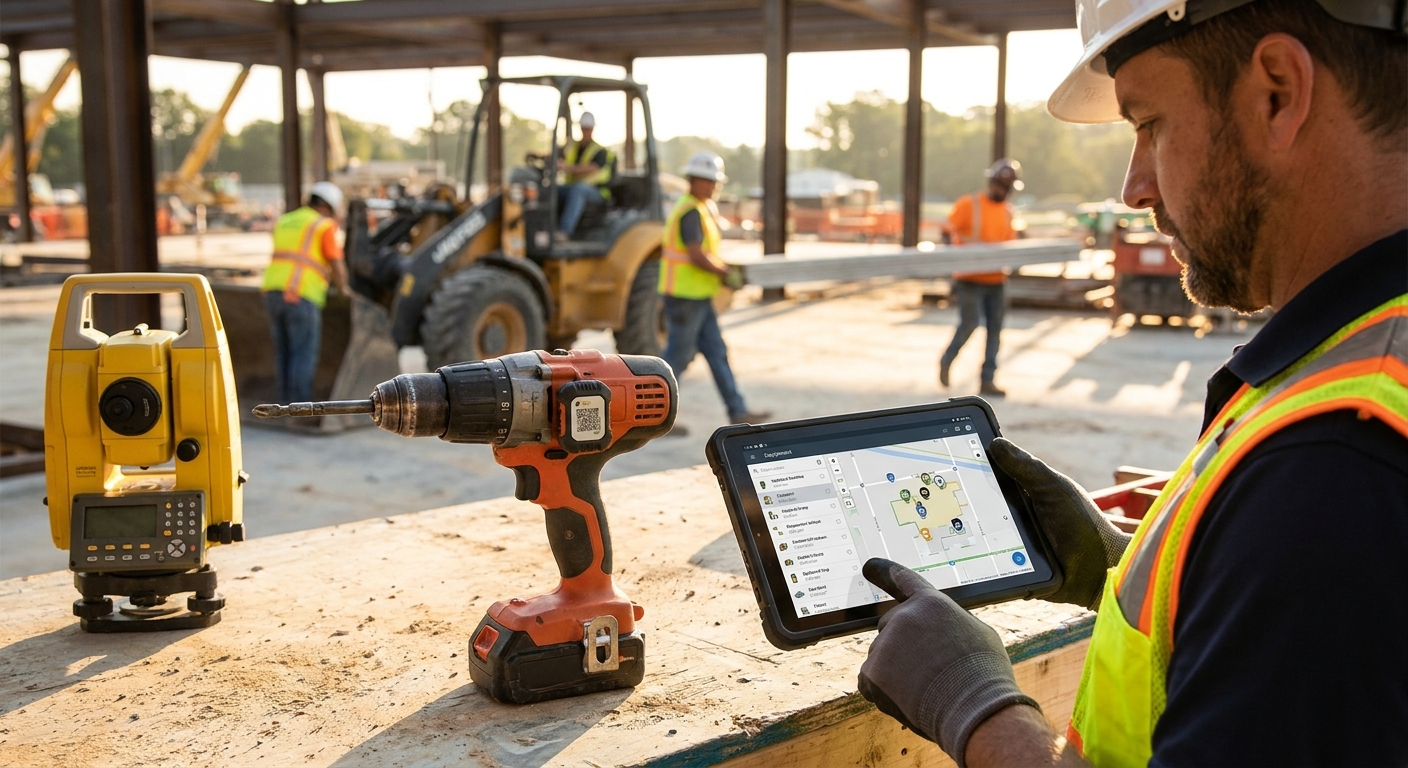
Tools disappear from job sites in ways that never show up on a police report — a generator walks off a trailer, a laser level gets left in a dumpster, a $4,000 rebar tier gets "borrowed" between crews and never comes back. Tracking high-value tools and equipment across job sites means putting a location and status on every asset that matters, then routing exceptions to the person who can act on them before the tool is gone for good.
- GPS/LoRaWAN trackers with geofencing catch tool movement in real time — the core method to track tools and equipment job sites in 2026.
- Battery-powered asset trackers run 5-10 years without a wired power source, so they work on trailers and loose gear.
- Automated alarms on unauthorized movement beat manual check-in logs for high-value tools over $500.
- Kilo Cloud dashboards centralize every tracked asset across multiple job sites in one view.
Why this matters
A lost or stolen tool costs more than the replacement price. It costs the delay while a crew waits for a rental substitute, the insurance deductible, and the time someone spends re-entering the asset into inventory once it turns up (or doesn't). In 2026, most of that cost is preventable with a tracker that's smaller than a deck of cards and a rule that fires the moment a tool crosses a boundary it shouldn't.
The shift that matters most: tracking has moved from a clipboard exercise at day's end to a live feed. If a trailer full of tools leaves the yard at 2 a.m., the alert should hit a phone before the trailer clears the gate — not the next morning when someone notices the trailer is empty.
What you'll need
- A battery-powered GPS or LoRaWAN asset tracker per high-value tool or tool group (not every wrench needs one — reserve trackers for equipment over roughly $500 in replacement value)
- A gateway or existing cellular/LoRaWAN coverage at each job site, or a mioty deployment for sites spanning several square kilometers
- An asset tracking platform for construction equipment that supports geofencing and rule-based alarms
- A list of your highest-risk assets, ranked by replacement cost and how easily they walk off site
- 30-60 minutes to define your first geofence and alarm rule
- A point of contact who actually gets the alert — not a shared inbox nobody checks after 5 p.m.
The steps
1. Inventory your high-value assets first
List every tool and piece of equipment worth tracking, sorted by replacement cost. Generators, welders, laser levels, compactors, and battery packs for power tools are the usual top of the list. Skip anything under roughly $300 — the tracker and monitoring overhead won't pay for itself. Expect this list to run 15-40 items on a mid-size job site in 2026, fewer on residential crews, more on multi-building commercial sites.
Common mistake: tracking everything at once. Start with the 10 items that would hurt most to lose, get the workflow right, then expand.
2. Attach a tracker to each asset
Mount a battery-powered GPS or LoRaWAN tracker directly on the tool — bolted, epoxied, or slid into a housing depending on the tool type. Battery life on these trackers typically runs 5 to 10 years depending on reporting frequency, so a one-time install lasts most of a tool's working life. For sites where cellular and standard LoRaWAN don't reach — deep basements, remote pads, spread-out yards — mioty's extended range handles gaps standard LoRaWAN gateways miss.
Common mistake: mounting trackers where they get knocked off during use (blade guards, moving parts). Pick a fixed, low-vibration surface.
3. Set a home geofence for each site
Draw a virtual boundary around the job site or yard where the equipment is expected to stay. A 50-100 meter radius covers most single-site jobs; multi-building sites need a boundary per zone. Once the geofence is set, the platform tracks entries and exits automatically instead of relying on someone eyeballing a map.
4. Build an alarm for unauthorized movement
This is the step that turns tracking into prevention instead of forensics. Set a rule that fires when a tracked asset crosses the geofence outside approved hours — say, between 6 p.m. and 6 a.m. Kilo Cloud's rules engine handles this kind of condition without custom code, and the AI integrator can build the rule from a plain description like "alert me if the welder leaves the north yard after hours." For equipment that also needs to flag abnormal vibration or runtime, automated alarms for equipment vibration anomalies follow the same rule-based pattern.
Common mistake: setting the alert to email only. Route it to SMS or a push notification — email gets buried in a crew foreman's inbox by lunch.
5. Centralize every site on one dashboard
If you're running more than one job site, don't check five separate apps. A single dashboard that shows every tracked asset, its last known location, and its battery status across all sites in one view is what makes daily checks take 5 minutes instead of 45. This matters even more for equipment rental fleets moving between customers, where asset tracking for rental equipment companies has to account for gear leaving your custody entirely.
6. Review location history weekly, not just when something's missing
Pull the movement log for each tracked asset once a week. Patterns show up before losses do — a tool that's been sitting in the wrong trailer for three weeks, a generator that's crossed three site boundaries when it should be stationary. Catching drift early prevents the "where did this even come from" conversation six months later.
7. Confirm coverage before scaling up
Before adding trackers to 40 more assets, confirm signal reliability at the edges of your site — behind steel structures, in trailers, underground. A tracker that reports fine in the yard but drops out inside a parking structure gives you false confidence. Test at the actual worst-case location on site, not the office.
Set up job site tool tracking
Map high-value equipment across every site from one dashboard.
Troubleshooting
Tracker shows "no data" for days. Check battery status first — a dead battery is the most common cause, not a network issue. If the battery reads fine, confirm the tracker is within gateway range; move it 20 feet and retest.
Geofence alerts fire constantly, even for approved movement. The radius is probably too tight for how equipment actually moves on a working site. Widen it to cover the full working area, not just where the tool is parked at night.
Location pings are delayed by hours instead of minutes. Reporting interval is likely set too conservatively to save battery. Shorten the interval for high-risk assets and accept the tradeoff in battery life — a tool worth $5,000 justifies a shorter cycle than a $300 hand tool.
A tool went missing and there's no location history. This usually means the tracker was never actually paired to that specific asset, or it was swapped onto a different tool without updating the record. Audit tracker-to-asset assignments monthly.
Multiple sites, inconsistent naming, confusing dashboard. Standardize a naming convention (site code, tool type, serial number) before scaling past a handful of assets. Retrofitting names after 50 trackers are live is a slog.
Beyond software rules, physical identification still matters — a durable, visibly-branded ID on the tool itself deters casual theft even before a tracker fires an alert, which is the logic behind construction site tool tracking programs that pair tags with electronic monitoring rather than relying on either alone.
Tools and resources
- A rule-based alarm engine that can trigger on geofence exit, not just a raw location feed
- An AI integrator that builds rules from plain-language descriptions instead of manual configuration
- Multi-site dashboards, covered in more depth in how to choose a device management platform for multi-site ops
- mioty connectivity for spread-out or signal-challenged yards
- A weekly review habit — the cheapest tool on this list and the easiest to skip
What to do next
Once tool tracking is running cleanly, extend the same rule-based approach to equipment condition, not just location — vibration alarms, runtime hours, and temperature thresholds on the same assets close the loop between "where is it" and "is it still working right."
FAQ
What's the best way to track tools and equipment across job sites in 2026?
Battery-powered GPS or LoRaWAN trackers paired with geofencing and automated movement alarms are the standard approach in 2026. They report location without a wired power source and flag unauthorized movement without manual checks.
How long do GPS asset trackers last on job site tools?
Battery-powered trackers typically last 5 to 10 years depending on reporting frequency. Shorter reporting intervals for high-risk tools reduce that lifespan but improve alert speed.
Is LoRaWAN or mioty better for tracking equipment on large job sites?
LoRaWAN covers most standard job sites with gateway ranges up to several kilometers. mioty is the better choice for very large or spread-out sites where standard gateway placement leaves coverage gaps.
How much does it cost to track tools and equipment on job sites?
Cost scales with the number of tracked assets and reporting frequency rather than a flat fee. Reserve trackers for equipment over roughly $500 in replacement value to keep the cost proportional to the risk.
Can I set alerts for tool movement outside work hours?
Yes, a rules engine can trigger an alert when a tracked asset crosses its geofence outside a defined time window, such as after 6 p.m. This is the single most effective rule for catching theft in progress rather than after the fact.
Do I need a tracker on every tool?
No. Track the 10-40 highest-value or easiest-to-lose items first, not every hand tool on site. Expanding coverage after the core workflow works reduces wasted setup time.
What's the difference between tracking rented equipment and owned equipment?
Rented equipment tracking has to account for the asset leaving your custody entirely and returning to a rental fleet, which changes how geofences and ownership handoffs are configured compared to equipment that stays on one company's sites.
How often should I review tool location history?
Weekly reviews catch drift patterns before a tool is actually reported missing. Waiting until something's gone means the location history is already stale.
One last thing
The single highest-leverage rule most crews skip in 2026 isn't the geofence — it's the after-hours alarm. A tool sitting still inside the yard boundary all day generates zero useful signal. The theft almost always happens between 8 p.m. and 5 a.m., which means an after-hours movement alarm alone catches the majority of real losses without needing a single other rule configured.


