
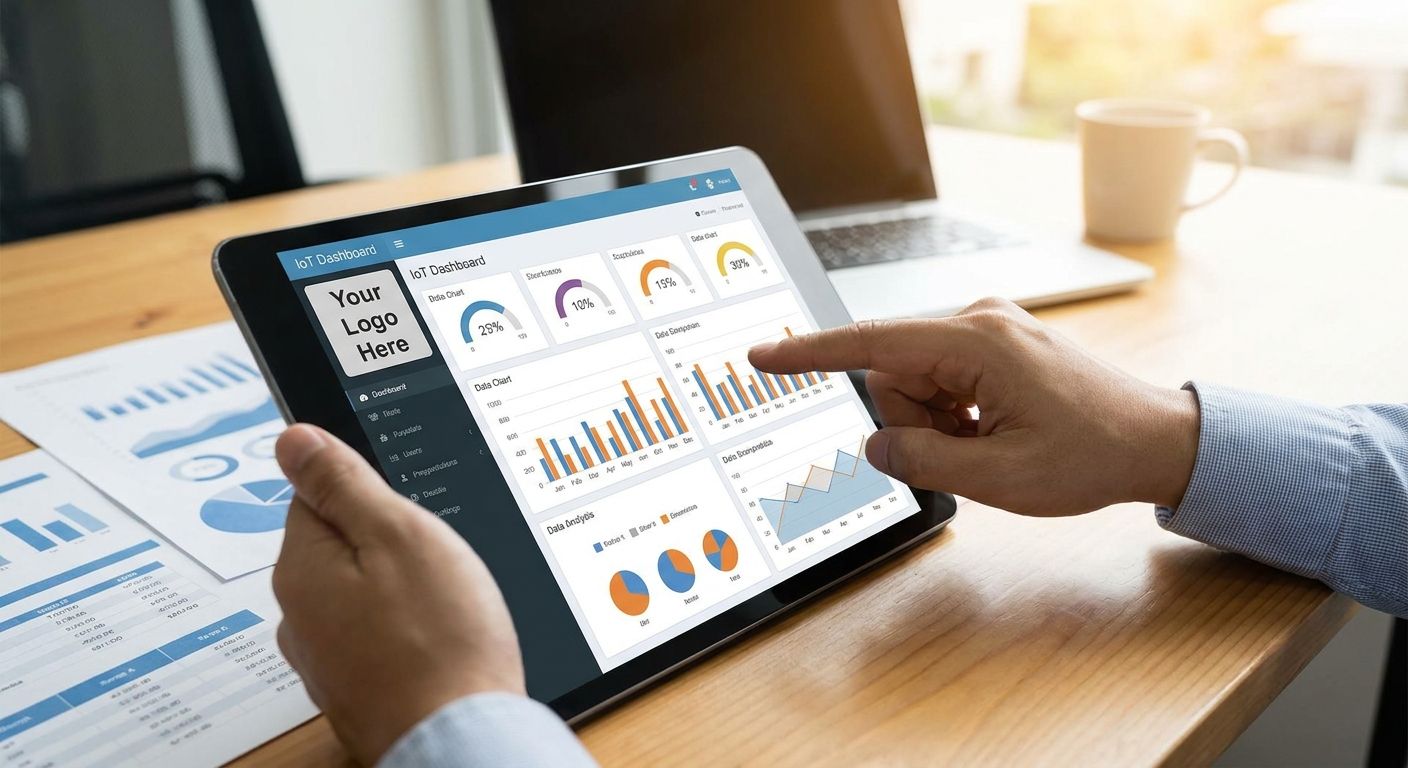
Building a white-label IoT dashboard for client reporting means every device, chart, and alarm a client sees carries your brand, your domain, and only their data, never a vendor logo and never another tenant's sensors. The mechanics come down to three things: how you rebrand the dashboard layer, how you isolate tenants, and how you route alarms so nothing crosses accounts.
- White-labeling an IoT dashboard for client reporting means custom branding plus strict per-client data isolation, not just a logo swap.
- ABAC-based multi-tenant access control keeps each client's devices, alarms, and dashboards walled off on one platform instance.
- REST and gRPC APIs let integrators pull sensor data into their own reporting front end instead of shipping the vendor's UI.
- Kilo's Free tier covers 5 devices and 1 dashboard for a pilot in 2026; Starter runs 25 EUR per month for up to 25 devices.
What does white-labeling an IoT dashboard actually change?
Three layers exist in any IoT stack: the network layer (LoRaWAN, mioty, MQTT), the platform layer (device management, rules, alarms), and the presentation layer (the dashboard a client actually looks at). White-labeling only touches the third layer, and sometimes reaches into the second when a client needs their own scoped API keys.
On the Kilo IoT Platform, that presentation layer is built from configurable widgets: map, chart, image floor-plan pins, gauges, and control widgets. Swap the logo, set client colors, arrange the widget grid per site, and the underlying device management, rules engine, and alarm routing stay untouched underneath. A system integrator running dashboards for ten clients doesn't need ten separate backend deployments — the device management platform built for system integrators runs one instance with per-client views on top.
What doesn't change: the network server. LoRaWAN and mioty connectivity, and MQTT ingestion from PLCs, energy meters, or BMS systems, all sit below the branding layer and stay identical across every client.
How to white-label an IoT dashboard for client reporting
- Separate each client into its own tenant. Use attribute-based access control (ABAC) so a client's login only sees their own devices, dashboards, and alarm history. NIST's ABAC guidance (SP 800-162) treats this as the standard model for exactly this problem: permissions attached to attributes, not to a single flat role.
- Build a dashboard per tenant from the widget library. Map widgets for site layout, chart widgets for trend data, gauge widgets for live thresholds, and image floor-plan pins for room-level readings. Each tenant gets its own arrangement, not a shared template with filtered data.
- Bind devices to a digital twin per site. Every sensor gets its own digital twin, and a live 3D digital building twin can pin sensors to actual objects when a client wants a floor-plan view instead of a flat list.
- Route alarms through client-specific escalation chains. Five severity tiers, multi-step escalation, email, SMS, push, quiet hours, and a centralized inbox all need to be configured per tenant so a critical alert for one client's cold room never lands in another client's inbox.
- Pull data via API if you need full front-end control. REST and gRPC APIs with scoped API keys let you build a completely custom reporting interface outside the platform's own dashboard widgets — see how to integrate IoT sensor data with your dashboard via API for the connection pattern.
- Use the built-in AI assistant to provision new clients faster. It onboards devices, writes and deploys rules, and creates alarms through plain-language requests, scoped to the signed-in user's own permissions, so an integrator can spin up a new tenant's alarm set without touching another client's configuration.
Set up your first white-label tenant
Start on the Free tier and test tenant isolation before rolling out to clients.
What determines how much of the dashboard you can rebrand?
How far you can push white-labeling depends on a handful of concrete factors, not just how much time you have:
- Widget-based dashboard vs. custom front end. Using the platform's own widgets gets you branding and layout control fast. Building against the API gets you full domain and UI control but takes real development time.
- Number of tenants and whether ABAC roles are shared or per-client. A handful of clients with individually scoped roles is simple. Fifty clients on shared roles with filtered views is a different setup entirely, and one worth planning around multi-tenant sensor network management.
- Whether clients need a 3D digital twin or just 2D widgets. A floor-plan-bound 3D twin is heavier to set up per site than a chart-and-gauge dashboard.
- Alarm complexity per client. One escalation chain per client is straightforward. Different quiet hours, different severity mappings, and different contact lists per client multiply configuration work.
- Device command requirements. Named typed commands with closed-loop verification need parameter validation set up per device type, and that work doesn't shrink just because the dashboard is rebranded.
- API key scoping. Pulling data into an external front end means managing scoped API keys per tenant, plus keeping an eye on the platform's immutable audit trail for who accessed what.
How to set up multi-tenant access for white-labeled client dashboards
ABAC is the mechanism, not a nice-to-have add-on. Instead of assigning a client's login a single role like "viewer," attributes control exactly which devices, dashboards, and rules that login can see or touch. That's how one platform instance serves multiple clients without data leaking between them, and it's the same model NIST describes for enterprise access control generally.
A scoped API key follows the same logic on the integration side: a key tied to one client's attribute set can only pull that client's sensor data, even if it's hitting the same REST endpoint every other tenant uses. Pair that with the platform's immutable audit trail and you get a record of exactly which key accessed which device, which matters the first time a client asks who touched their data.
Is a white-labeled IoT dashboard the same as a custom-built app?
No. A white-labeled dashboard reuses the platform's own widgets and rebrands them; a custom-built app pulls raw sensor data through the API and renders it in a completely separate front end you control end to end. Integrators who need only logo and color changes stay with widgets. Integrators building a client-facing product with its own domain and design system go the API route.
FAQ
What does white-label mean for an IoT dashboard?
White-label means the dashboard shows the integrator's or reseller's branding instead of the platform vendor's, with each client's devices and data kept separate from every other client on the same platform instance.
Can I remove vendor branding entirely from an IoT platform?
Dashboard widgets like maps, charts, gauges, and floor-plan pins can be rebranded and arranged per client. Full removal of the vendor's own name from every surface typically requires pulling data through the REST or gRPC API into a separate front end you build yourself.
How much does a white-label IoT dashboard cost in 2026?
On Kilo, the Free tier is 0 EUR for up to 5 devices, 1 dashboard, and 1 rule, with no card required, and it never expires. Starter is 25 EUR per month for up to 25 devices, and gateways are unlimited on every tier.
Do I need one platform account per client or one shared account?
One shared account with ABAC-based tenant separation is the standard setup in 2026 for integrators managing multiple clients, rather than a separate account per client.
Can client data be isolated on a single platform instance?
Yes, attribute-based access control scopes each login to only its own devices, dashboards, and alarm history, even though every tenant runs on the same underlying platform.
What happens to alarms in a white-labeled multi-tenant setup?
Each client needs its own escalation chain across the five severity tiers, with its own contact list, quiet hours, and centralized inbox, so an alarm from one client's site never reaches another client's team.
Can system integrators resell IoT dashboards under their own brand?
Yes, that is the standard use case for white-labeling: an integrator manages device onboarding and rules on one platform account and presents a rebranded dashboard to each client separately.
What is the difference between a white-label dashboard and a custom-built one?
A white-label dashboard rebrands the platform's own widgets. A custom-built dashboard pulls data through the API into a completely separate application the integrator designs and hosts.
What integrators get wrong the first time they white-label a dashboard
The most common mistake isn't branding — it's alarm scoping. An integrator sets up ten clients, rebrands ten dashboards, and forgets that the escalation chain for client one's cold storage alarm still points at the internal ops inbox instead of client one's facilities contact. Test every tenant's alarm path with a real threshold breach before handing over credentials, not just the dashboard's visual layout. Kilo Electronics, the separate hardware arm, ships the sensors that trigger those alarms with worldwide shipping, but the escalation logic itself is configured entirely inside the platform, per tenant, before go-live.


