
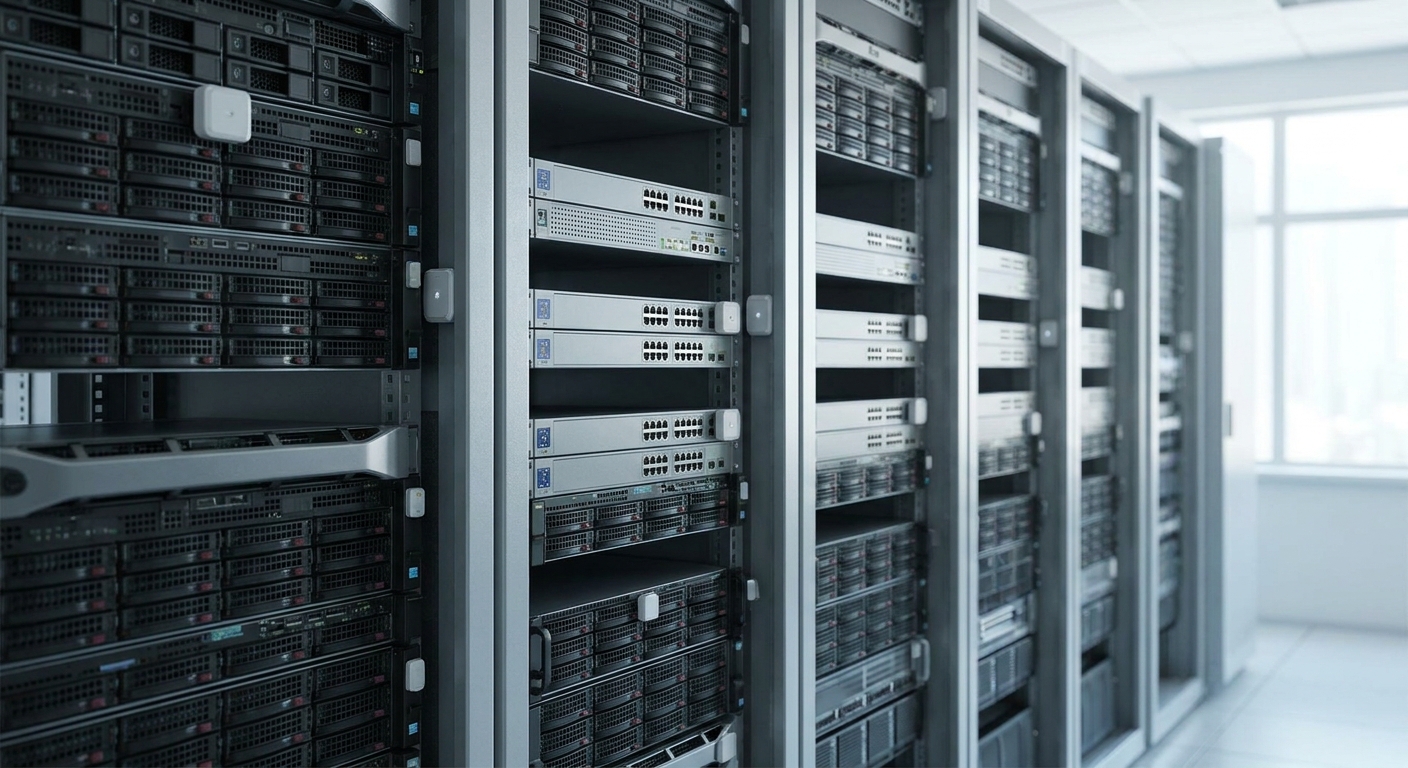
IT and network racks fail quietly — a fan seizes at 2 a.m., a cage door gets left open, a UPS load creeps past 80% — and asset tracking sensors are how you catch it before a ticket becomes an outage. This guide ranks the sensor types that actually hold up in a rack environment in 2026, based on how they perform against metal enclosures, dense cabling, and 24/7 duty cycles, not just spec sheets.
- BLE indoor asset tags and LoRaWAN environmental sensors together are the best asset tracking sensors for IT and network equipment racks in 2026 — buy both, not either.
- Door and tamper contact sensors flag unauthorized rack access in under 2 seconds; skip units rated below IP20.
- A multi-protocol gateway beats single-radio sensors past 20 racks on one floor.
- Rules-engine alarms turn a sensor reading into a text alert in under 60 seconds — the sensor alone does nothing without one.
Why this matters
A rack that hits 90°F (32°C) for 20 minutes can throttle or shut down networking gear before a human ever sees a dashboard. ASHRAE's TC9.9 guideline puts the recommended cold-aisle range at 64-80°F (18-27°C), and most IT teams still find out they've breached it from a support call, not a sensor.
Asset tracking in this context means two separate jobs: knowing where a piece of equipment physically is, and knowing what condition the rack around it is in. Confusing the two is the most common buying mistake — a location tag doesn't catch a failing fan, and a temperature probe doesn't tell you a switch walked out the door.
How this list was built
Each sensor category below is scored against four things that matter specifically for IT and network racks: read reliability through sheet-metal enclosures, battery or power draw under continuous cycling, integration with an alarm or rules layer (a reading nobody acts on is worthless), and installation time per rack unit. Categories that only work in open-floor warehouse conditions or require line-of-sight radio got marked down — rack rooms are full of steel, cable trays, and RF noise.
The ranked list
1. LoRaWAN temperature and humidity sensor — the workhorse pick
This is the sensor every rack room needs first. A single unit mounted at the top of a cold aisle reads temperature and relative humidity on a schedule as tight as every 5 minutes, and a coin-cell or AA-powered version typically runs 3-5 years before a battery swap, depending on report frequency. It threads a signal through steel racks better than Wi-Fi or Bluetooth because LoRaWAN operates at sub-GHz frequencies with better penetration. Environmental sensors built for exactly this kind of monitoring cover both temperature and humidity from one device, which cuts the sensor count per rack row in half. Verdict: Buy.
2. BLE indoor asset tag — the location pick
When the question isn't "how hot is this rack" but "where is this switch," you need Bluetooth Low Energy, not LoRaWAN. BLE tags ping every few seconds and get triangulated by gateways or anchors placed every 15-20 meters, giving room-level or aisle-level position accuracy indoors, which is exactly the resolution a data hall or server closet needs. Bluetooth mesh sensors built for indoor asset tracking solve the specific problem of tracking equipment as it moves between racks, cages, or floors during a migration or audit. Verdict: Buy if you're auditing more than 50 mobile assets a year; Hold if your rack inventory rarely moves.
3. Door and tamper contact sensor — the security pick
A magnetic contact sensor on a rack or cabinet door triggers on a gap as small as 2-3mm, which is tighter than most facilities physically test during a walkthrough. Paired to an alarm rule, it turns an unlogged rack-open event into a timestamped alert instead of a mystery during a post-incident review. Verdict: Buy for any rack holding regulated data or shared colocation space; Skip for a single closet with no compliance requirement.
4. Vibration sensor on cooling fans and PDUs — the early-warning pick
Bearing wear on a rack fan or a PDU cooling fan shows up as a vibration signature days before the fan actually fails. A three-axis accelerometer sampling at short intervals catches the frequency shift long before the failure trips a thermal alarm — by which point the rack has already overheated. This is the sensor most IT teams skip and the one that would have paid for itself the first time a fan died on a Friday night. Verdict: Consider for racks with active cooling; Skip for passive-cooled edge cabinets with no moving parts.
5. Current or power clamp sensor — the load pick
A clamp-on current sensor on a PDU branch circuit reads amperage in near real time and flags load creeping toward breaker capacity, typically 80% of rated amps as the standard warning threshold. It's the only sensor on this list that catches capacity problems before you add one more rack unit and trip a breaker at 3 a.m. Verdict: Consider for shared or multi-tenant power circuits; Hold if each rack already has dedicated, monitored PDUs.
6. Multi-protocol LoRaWAN gateway — the backbone pick
None of the sensors above matter without a gateway that actually gets their data off the rack floor. Past roughly 20 racks on one floor, a single-protocol gateway starts missing readings from mixed sensor fleets — LoRaWAN temperature probes, BLE tags, and Modbus power meters don't share one radio. A gateway built for multi-protocol sensor networks consolidates all three onto one uplink instead of running three separate networks in the same room. Verdict: Buy once you're past a single rack row.
7. Rules engine and alarm layer — the brain pick
A sensor reading sitting in a database is not an alert. The gap between "the rack hit 85°F" and "the on-call engineer got a text" is a rules engine, and it's the piece most teams bolt on last instead of first. A rules engine built for industrial IoT alarms turns a threshold breach into a notification in under 60 seconds instead of waiting for someone to check a dashboard. Verdict: Buy — this is not optional if you're deploying any sensor above.
Comparison table
| Sensor type | Best for | Typical read interval | Verdict |
|---|---|---|---|
| LoRaWAN temp/humidity | Cold-aisle threshold monitoring | Every 5 min | Buy |
| BLE indoor asset tag | Equipment location tracking | Every few seconds | Buy |
| Door/tamper contact | Unauthorized access alerts | Instant on trigger | Buy |
| Vibration sensor | Fan/PDU bearing wear | Continuous sampling | Consider |
| Current clamp | Circuit load monitoring | Near real-time | Consider |
| Multi-protocol gateway | Consolidating sensor fleets | N/A (backbone) | Buy past 1 rack row |
| Rules engine/alarms | Turning readings into action | Under 60 sec to alert | Buy |
Where to buy
- Match sensor and gateway protocol before you order. A LoRaWAN sensor on a Wi-Fi-only gateway is dead weight — confirm the radio standard on both ends of the deal.
- Check the IP rating against the room, not the spec sheet headline. A rack in a cooled data hall needs less environmental sealing than one in an unconditioned closet or edge site.
- Buy battery-life margin, not the minimum. A sensor rated for 3 years at a 15-minute report interval will run shorter once you tighten reporting during an incident — budget for the shorter number.
Map your rack sensor stack
See how Kilo IoT connects rack sensors, gateways, and alarms in one dashboard.
FAQ
What are the best asset tracking sensors for IT and network equipment racks in 2026?
BLE indoor asset tags for location and LoRaWAN temperature/humidity sensors for environmental thresholds cover the two core jobs in 2026. Add door/tamper contacts and a rules engine to turn readings into alerts.
Is Bluetooth or LoRaWAN better for rack-level asset tracking?
Bluetooth Low Energy wins for locating equipment because it pings every few seconds for aisle-level accuracy. LoRaWAN wins for environmental monitoring because its sub-GHz signal penetrates steel racks better over longer battery life.
How often should a rack temperature sensor report data?
Every 5 minutes is standard for cold-aisle monitoring in 2026, tight enough to catch a cooling failure before equipment throttles. Some teams tighten to 1-minute intervals during a known-risk period, like a cooling system swap.
Do I need a gateway if I only have a few racks?
A single-protocol gateway usually handles one rack row fine. Past roughly 20 racks or mixed sensor types on one floor, a multi-protocol gateway prevents missed readings from sensors competing for one radio.
How much does rack asset tracking cost to deploy?
Cost varies by sensor count, protocol, and whether you're adding gateways or reusing existing infrastructure — get a quote against your actual rack count rather than a per-unit estimate.
Can vibration sensors actually predict fan failure?
Yes — a three-axis accelerometer on a PDU or rack fan picks up bearing wear as a frequency shift days before the fan trips a thermal alarm. That's the gap between planned replacement and an unplanned outage.
What triggers a door/tamper alarm on a rack?
A magnetic contact sensor triggers on a gap as small as 2-3mm between the door and frame. Paired with a rules engine, it logs a timestamped event instead of relying on someone noticing later.
Do sensors alone stop rack downtime?
No — a sensor reading sitting in a database changes nothing on its own. The alert only happens when a rules engine turns a threshold breach into a notification, typically in under 60 seconds.
One last thing
Most rack sensor deployments fail not on the hardware but on the second step: nobody wires the alarm rule before the sensor ships live. A temperature probe reporting every 5 minutes for six months with zero rules attached to it is a very expensive logging exercise, not asset tracking. Wire the alert before you mount the sensor, not after the first overheat.


