
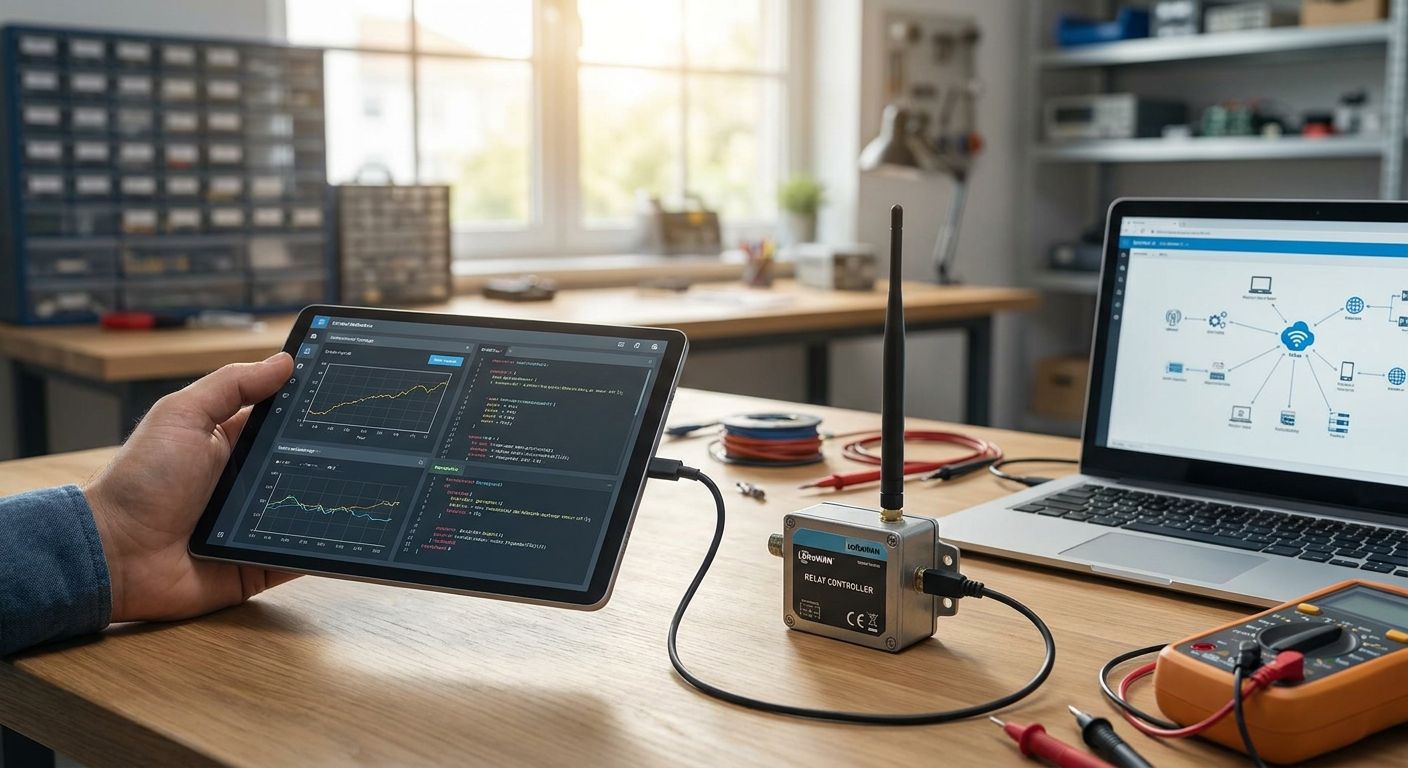
Configuring a downlink command for a LoRaWAN actuator or relay means defining a named, typed command on the device, validating its parameters, then sending it as an MQTT downlink for wired connectors or a LoRaWAN Class C downlink for wireless relays. For Class A devices, the command sits in queue until the next scheduled uplink opens a receive window, so timing depends on the device's own transmit schedule, not on when you clicked send. A downlink that's "delivered" only means the network accepted the packet — it does not confirm the relay actually switched state, which is a separate, and often skipped, verification step.
- To configure downlink commands lorawan actuators, define a named typed command, validate its parameters, then send it over MQTT or LoRaWAN Class C.
- Class A actuators queue commands until the next uplink opens RX1 (1 second later) or RX2 (2 seconds later), per the LoRaWAN specification.
- Class C relays hold a near-continuous receive window, so commands land in near real time instead of waiting on a schedule.
- A delivered downlink is not the same as an executed one — closed-loop verification confirms the relay reported its new state back.
- The Kilo IoT Platform logs execution history for every downlink command sent to a LoRaWAN actuator.
A relay that never gets a downlink, or gets one and never actuates, is one of the most common support tickets in LoRaWAN deployments in 2026 — usually because someone assumed Class A behaves like Wi-Fi. It doesn't. The actuator only listens right after it talks.
How do you configure downlink commands for LoRaWAN actuators?
On the Kilo IoT Platform, configuring a downlink command for a relay or actuator follows the same sequence regardless of the connector:
- Define the command as a named, typed parameter on the device's digital twin — for example "set_relay_state" as a boolean, or "set_setpoint" as an integer with a valid range.
- Add parameter validation so an out-of-range or malformed value never reaches the queue. This catches operator error before it becomes a stuck relay.
- Pick the delivery path. MQTT for wired connectors, PLCs and BMS points that already publish over MQTT; LoRaWAN Class C downlink for wireless relays and actuators that need near-real-time control.
- Trigger the command manually from a device's dashboard widget, from a rule in the visual rules engine, or through the built-in AI assistant, which can build and deploy the rule from a plain-language request and confirms before firing anything consequential.
- For Class A devices, expect a queue, not instant delivery. The command waits for the actuator's next scheduled uplink before it can be pushed down.
- Check the execution history. Every downlink command logs a timestamp, the payload sent, and — where the device supports it — a confirmed state change, not just a network acknowledgment.
The Kilo IoT Platform treats this the same way whether the relay sits in a boiler room or on a remote gate, because the command definition, validation and logging live in the platform layer, not the radio.
Class A actuators: downlink queued for the next uplink window
Most battery-powered LoRaWAN relays run Class A to save power, which means the end device is asleep unless it just transmitted. Per the LoRaWAN specification (LoRa Alliance), a Class A device opens a first receive window, RX1, roughly 1 second after its uplink ends, and a second window, RX2, roughly 2 seconds after. If the network server has a downlink queued, it has to land in one of those two windows or it waits for the next uplink cycle.
This has a direct operational consequence: a relay that only reports once an hour won't receive a command any faster than that, no matter how urgent the command is. If you need faster turnaround for a Class A actuator, the fix is shortening its uplink interval, not fighting the receive-window math.
Class C actuators: downlink delivered in near real time
Class C devices keep their receive window open continuously except while transmitting, which is why relays that control something time-sensitive — a damper, a valve, a mains-powered contactor — are usually built as Class C rather than Class A. The tradeoff is power draw: Class C listening constantly costs more energy than sleeping between Class A uplinks, so Class C relays are almost always mains-powered rather than battery-powered.
This is where LoRaWAN downlink commands stop feeling like a scheduling problem and start behaving like a normal remote control: send the command, get a near-immediate response, log the result. A rules engine built for industrial IoT alarms can fire that Class C downlink automatically the moment a threshold trips, without a human in the loop.
Why do LoRaWAN downlink commands get delayed or dropped?
A handful of causes account for most stuck or missing downlinks:
- Device class mismatch — expecting Class A response times from a device that's actually configured Class A, when the use case needed Class C.
- Single-slot queuing — many network servers hold only one pending downlink command per device at a time, so a second command sent before the first delivers can overwrite it.
- Gateway duty-cycle limits on the sub-GHz ISM bands, which cap how much airtime a gateway can spend on downlinks in a given period.
- Payload size versus data rate — a downlink sent at a low spreading factor has less airtime budget, and an oversized command payload can be rejected or fragmented.
- FPort mismatches between what the device firmware expects and what the command was sent on.
- Firmware that doesn't implement the command at all — the network delivers the packet fine, but the actuator's application layer ignores an unrecognized opcode.
MQTT downlink or LoRaWAN Class C: which command path fits your relay?
| Factor | MQTT downlink | LoRaWAN Class C downlink |
|---|---|---|
| Typical device | PLCs, BMS points, mains-connected controllers already on IP | Wireless relays, valves, gates without wired network access |
| Latency | Near-instant, bound by network/broker latency | Near-instant, bound by gateway airtime and duty cycle |
| Power draw | Not a factor — device is already powered and networked | Higher than Class A; device listens continuously |
| Best for | Sites with existing IP infrastructure to the controller | Remote or wireless relays with mains power available |
Best for MQTT: facilities that already run an MQTT connector to PLCs or a BMS and want one dashboard for both wired and wireless points. Best for Class C LoRaWAN: wireless relays where running a network cable isn't practical, but the actuator needs faster response than Class A can offer.
See downlink commands configured live
Named commands, validation and execution history in one dashboard.
How do you confirm a downlink command reached the actuator?
Network acknowledgment and actual execution are two different confirmations, and conflating them is how relays end up silently stuck in the wrong state for weeks. A confirmed-uplink ACK only tells you the LoRaWAN network delivered the packet to the device's radio — it says nothing about whether the actuator's firmware parsed the command or the relay physically switched.
Closed-loop verification closes that gap: the platform waits for the device's next uplink to report its actual state, compares it against the commanded state, and only then marks the command as executed. If the actuator doesn't report the expected state, Kilo's alarm system can escalate through its five severity tiers to the right person by SMS, email or push, instead of the failure sitting unnoticed in a log. That escalation logic runs on the same visual rules engine used for threshold alarms, and pairs well with a private LoRaWAN network built for a single facility where you control gateway placement and interference directly.
What happens to a queued downlink command if the actuator goes offline?
A queued downlink command sits idle at the network server until the device sends another uplink — it does not expire immediately, but it also does not retry or escalate on its own. If the actuator has gone offline for hours or days, the command simply waits, and whoever sent it has no way to know that without checking execution history or getting an alarm for the missed uplink itself. That's why command execution history and connectivity alarms need to run together: one confirms the command, the other confirms the device is even reachable. Persistent downlink failures are frequently a symptom of interference rather than a dead device, which is worth ruling out before assuming the relay itself has failed — see how to reduce LoRaWAN packet loss in high-interference environments for the diagnostic steps.
FAQ
What's the difference between a downlink command and an uplink message?
An uplink message is data the sensor or actuator sends to the network; a downlink command is data the platform sends back down to the device. Actuators and relays rely on downlinks to receive instructions, while sensors mostly generate uplinks.
How long does a Class A actuator take to receive a downlink command?
A Class A actuator only opens its receive windows, RX1 and RX2, after it sends an uplink — roughly 1 second and 2 seconds later per the LoRaWAN specification. If the device only transmits once an hour, the command effectively waits up to that long.
Does the Kilo IoT Platform support LoRaWAN Class C for downlink commands?
Yes, Kilo supports downlink commands over LoRaWAN Class C for devices that need near-real-time delivery, alongside MQTT downlinks for wired connectors, PLCs and BMS points.
Can you send downlink commands over MQTT instead of LoRaWAN?
Yes, any device or system publishing over MQTT — a PLC, energy meter or BMS — can receive named, typed commands through Kilo's MQTT connector instead of a radio-based downlink.
How do you know if a downlink command actually executed on the actuator?
A network acknowledgment only confirms the packet was delivered, not that the relay switched. Closed-loop verification checks the device's next reported state against the commanded state before marking it executed.
What happens if you send two downlink commands to the same actuator quickly?
Many network servers queue only one pending downlink per device, so a second command sent before the first delivers can overwrite it. Space out commands or confirm execution before sending the next one.
Is LoRaWAN Class B useful for actuator downlink commands?
Class B adds scheduled beacon-based receive windows between Class A's uplink-triggered windows, giving more predictable downlink timing than Class A without the constant power draw of Class C. It's less common for actuators than A or C but can fit a middle-ground latency need.
Do downlink commands need parameter validation?
Yes — validating a command's parameters before it queues (range checks, enums, type checks) prevents malformed values from reaching the actuator and causing an unexpected or unsafe state change.
What's the one thing teams miss about downlink queuing?
Most integrators tune latency and forget the queue depth. A network server that only holds a single pending downlink per device means retry logic matters more than speed — sending a second command before confirming the first is one of the fastest ways to lose a relay command entirely in 2026 deployments. Build the confirmation step into the rule before worrying about shaving milliseconds off Class C delivery.
Wireless relays and actuators still need to be physically installed and wired correctly before any of this matters, and hardware for LoRaWAN deployments — including relay-capable devices — ships worldwide through Kilo Electronics, Kilo's sister hardware company.


