
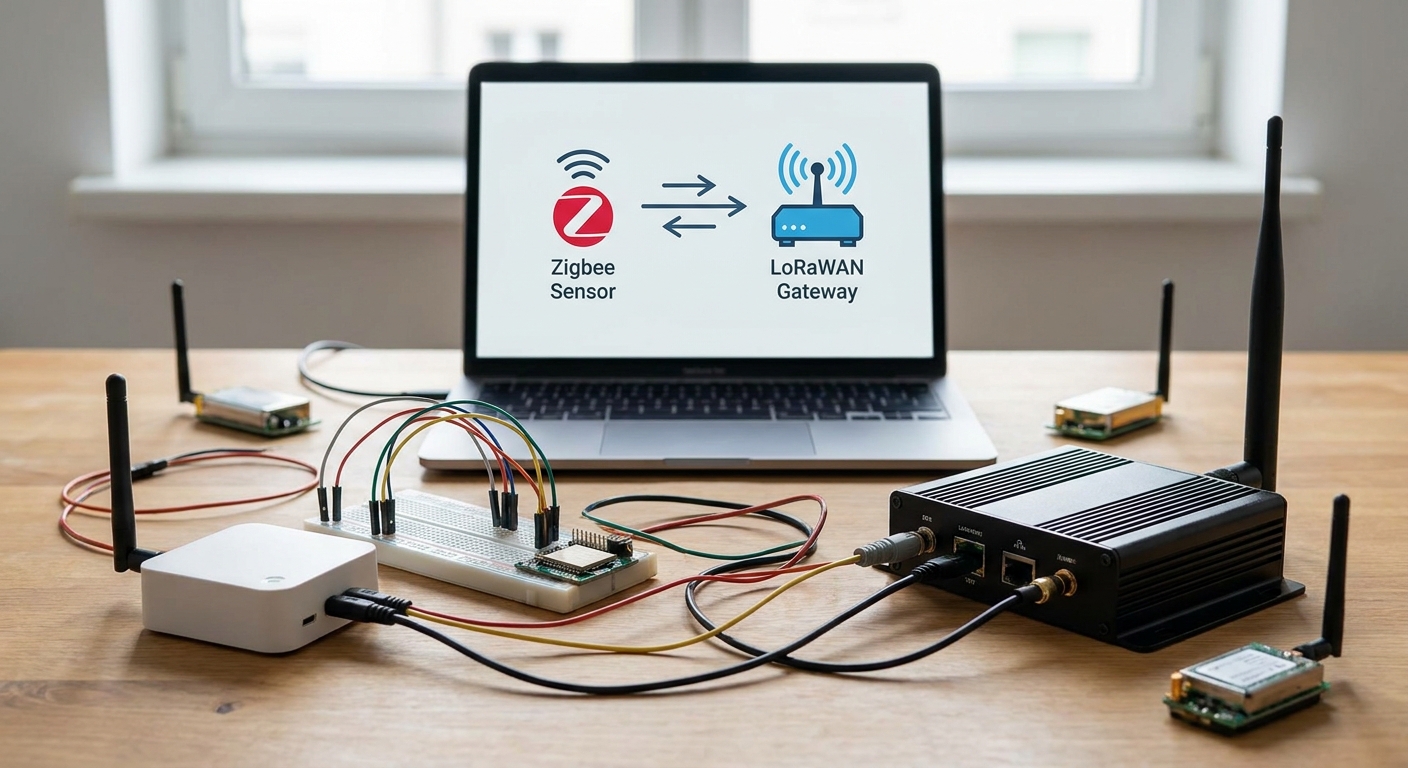
Migrating a Zigbee sensor network to LoRaWAN means swapping a short-range mesh for a star topology that reaches farther on less power — and it changes how you think about gateways, battery life, and node count.
- Migrate a Zigbee sensor network to LoRaWAN by running both networks in parallel for 2-4 weeks before decommissioning Zigbee hubs.
- LoRaWAN gateways replace Zigbee repeaters at a ratio of roughly 1 gateway per 2-5 km outdoor radius versus dozens of mesh hops.
- Zigbee sensors typically run 1-2 years on a battery; equivalent LoRaWAN sensors run 5-10 years because there is no mesh relaying draining the radio.
- Kilo IoT's Kilo Cloud platform provisions LoRaWAN devices and rebuilds Zigbee-era rules and alarms without writing firmware.
- Verdict for 2026: migrate site by site, not all at once — a phased cutover avoids blind spots during the switch.
Why this matters
Zigbee was built for smart homes: short hops, mesh relaying, a coordinator that chokes past a few hundred nodes. Facilities and industrial sites outgrow that fast — a warehouse with 40 temperature sensors already stresses a Zigbee mesh once walls, metal racking, and RF noise start eating signal.
LoRaWAN flips the topology. Sensors talk directly to a gateway, not to each other, so there is no mesh to maintain and no battery drain from relaying a neighbor's packets. One gateway on a rooftop can cover a multi-building campus that would need a dozen Zigbee repeaters.
The catch: you cannot just swap radios. Sensor IDs, dashboards, rules, and alarms all live on the old network, and none of that carries over automatically. The migration is a project, not a firmware flash.
What you'll need
- A current inventory of every Zigbee sensor: type, location, battery status, and which alarms depend on it
- At least one LoRaWAN gateway rated for your building's construction (steel and concrete cut range faster than drywall)
- LoRaWAN-equivalent sensors for each Zigbee sensor type in use (temperature, humidity, door/contact, vibration)
- A device management platform that can provision LoRaWAN endpoints and rebuild your rules engine — best IoT device management software for LoRaWAN networks covers what to compare
- 2-4 weeks of overlap time where both networks run simultaneously
- A list of every downstream system reading Zigbee data today (BMS, spreadsheets, alert emails) so nothing goes dark mid-migration
The steps
1. Audit the existing Zigbee network
Walk the site and log every sensor: model, install date, battery percentage, and what it triggers. This step accomplishes one thing — it stops you from discovering a forgotten freezer sensor three weeks into the migration. Note which sensors sit at the edge of the mesh; those are usually the ones with the weakest signal and the most dropped readings, and they are the first candidates for LoRaWAN because a direct-to-gateway link fixes exactly that weak-edge problem.
Common mistake: skipping sensors that seem fine. A sensor reporting intermittently on Zigbee often looks fine in a dashboard that only shows the last successful reading, hiding hours of missed data.
2. Map Zigbee sensor types to LoRaWAN equivalents
For every Zigbee sensor class in your audit, find the LoRaWAN sensor that matches the measurement — temperature and humidity, door/contact, motion, vibration. Reporting intervals differ: Zigbee sensors often report every 30-60 seconds because battery cost is low on a mesh with mains-powered repeaters, while LoRaWAN sensors typically report every 5-15 minutes to preserve that multi-year battery life. Decide upfront whether your alarms need that faster cadence anywhere — cold storage door-open alarms usually do, ambient humidity logging usually does not.
3. Plan gateway placement before ordering hardware
One LoRaWAN gateway can replace a network of Zigbee repeaters, but only if it is placed correctly. Roof or high-wall mounting with clear line of sight to sensor locations gets you closer to the 2-5 km urban range; basements and dense steel structures cut that dramatically and may need a second indoor gateway. Compare options against best LoRaWAN gateways for industrial deployments before you commit to a count — under-provisioning gateways is the single most common reason a LoRaWAN migration underperforms in month one.
4. Stand up the LoRaWAN network server and dashboards in parallel
Get your device management platform live before touching the Zigbee hardware. Provision a handful of LoRaWAN sensors in the easiest-access locations first, confirm they are reporting on schedule, and build the dashboard views alongside — not instead of — the existing Zigbee dashboards. This is where a platform like Kilo Cloud earns its keep: instead of hand-writing rules for each sensor, an AI integrator built into Kilo IoT's platform can provision devices and set up alarms through plain-language instructions, which cuts the rebuild time on a 40-sensor network from days to hours.
5. Rebuild rules and alarms, don't copy them blindly
A Zigbee alarm threshold tuned for 60-second reporting will not behave the same on a LoRaWAN sensor reporting every 10 minutes — a temperature excursion could be missed for nine extra minutes. Rebuild each alarm with the new reporting interval in mind, and widen the time-above-threshold window where the old logic assumed faster data. How to build automated alarms for equipment vibration anomalies walks through threshold logic if vibration monitoring is part of your migration.
6. Run both networks for 2-4 weeks
Do not decommission Zigbee hardware the day LoRaWAN sensors go live. Overlap gives you a comparison baseline — if the LoRaWAN sensor and the Zigbee sensor at the same location disagree by more than a degree or two, you have found a calibration or placement issue before it becomes an operational blind spot. Skip this step and you are migrating blind.
7. Decommission Zigbee hardware site by site
Pull coordinators and repeaters only after every dependent alarm and dashboard has been confirmed working on LoRaWAN for at least a week. Do it building by building on multi-site deployments rather than flipping the whole portfolio at once — a phased cutover means a problem at site one does not take down monitoring everywhere in 2026.
8. Validate coverage and battery reporting for 30 days
Check signal strength (RSSI/SNR) reported by each gateway against every sensor and flag anything in the weak range before it drops packets. Confirm battery percentage is dropping at the expected multi-year rate, not the Zigbee-era annual rate — a sensor burning through battery fast usually means it is reporting too often or sitting at the edge of gateway range.
Plan the sensor cutover with integrator support
See how Kilo Cloud provisions LoRaWAN devices and rebuilds alarms without new firmware.
Troubleshooting
Sensors drop off intermittently after migration. Usually a gateway range problem, not a sensor fault — check RSSI at that location and consider a second gateway or an indoor repeater before replacing hardware.
Alarms firing late compared to the old Zigbee setup. The reporting interval changed. Widen the threshold window in your rules engine to account for a 5-15 minute LoRaWAN cadence instead of a 30-60 second Zigbee one.
Battery draining faster than the advertised 5-10 years. Check the reporting interval — a sensor set to report every minute instead of every 10 minutes burns through a battery in months, not years. Confirm the interval matches what you configured, not the factory default.
Downstream dashboard or BMS integration breaks after cutover. The old system was likely pulling from a Zigbee hub's local API. Re-point it to the new platform's API — how to integrate IoT sensor data with your dashboard via API covers the connection pattern.
Packet loss in a metal-heavy or RF-congested environment. LoRaWAN's sub-GHz frequencies do better than Zigbee's 2.4 GHz through steel and concrete, but dense industrial RF noise can still cause loss. If it persists after gateway repositioning, mioty is worth evaluating as an alternative protocol on the same platform.
Tools and resources
- A device management platform that provisions LoRaWAN endpoints and manages rules across the whole site
- A gateway sized for your building's construction and sensor count
- API access to whatever BMS or spreadsheet system currently consumes Zigbee data
- A calibration baseline from the overlap period to validate new sensor accuracy
If your current stack is also an open-source IoT platform you are trying to leave behind at the same time as the radio swap, how to migrate from an open-source IoT platform to a managed one covers that separate but related decision.
What to do next
Once the LoRaWAN network is stable and validated for 30 days, look at whether a digital building twin is worth layering on top — it gives facilities teams a single visual map of every sensor's status instead of a list of device IDs, which matters more once a site runs past 50-100 sensors.
FAQ
How long does it take to migrate a Zigbee sensor network to LoRaWAN?
A single-site migration typically takes 4-6 weeks including a 2-4 week overlap period where both networks run simultaneously. Multi-site portfolios take longer because each building needs its own cutover and validation window.
Do I need new sensors, or can I reuse my Zigbee hardware?
Zigbee radios cannot join a LoRaWAN network, so sensors need replacing. Mounting hardware and enclosures often carry over if the new sensor has a similar form factor.
Is LoRaWAN better than Zigbee for large facilities?
For facilities beyond a few hundred sensors or spread across multiple buildings, LoRaWAN wins on range and battery life. Zigbee stays reasonable for small, single-room deployments where mesh hops are short.
How many LoRaWAN gateways replace a Zigbee mesh?
Often just one to three gateways per building, covering 2-5 km outdoors depending on construction, versus a Zigbee mesh needing a repeater every 10-20 meters indoors.
Will my existing alarms and rules transfer automatically?
No. Alarms tuned for Zigbee's faster reporting interval need rebuilding with wider time windows to match LoRaWAN's typical 5-15 minute cadence.
What happens to battery life after switching to LoRaWAN?
Battery life usually improves from 1-2 years on Zigbee to 5-10 years on LoRaWAN, because sensors talk directly to a gateway instead of relaying neighbors' mesh traffic.
Can I run Zigbee and LoRaWAN at the same site permanently?
Yes, some sites keep both — Zigbee for dense, short-range indoor clusters and LoRaWAN for spread-out or hard-to-reach locations. A platform that ingests both protocols avoids running two separate dashboards.
Does mioty matter for this migration?
Mioty is a separate LPWAN protocol worth considering in RF-congested industrial sites where LoRaWAN packet loss stays high after gateway repositioning. It is not required for a standard Zigbee-to-LoRaWAN move.
One last thing
The part teams underestimate is not the hardware — it is the alarm rebuild. A Zigbee alarm set for a 60-second polling cycle and copied verbatim onto a LoRaWAN sensor reporting every 10 minutes will either fire late or not at all on fast events. Rebuild the logic, do not copy the numbers.


