
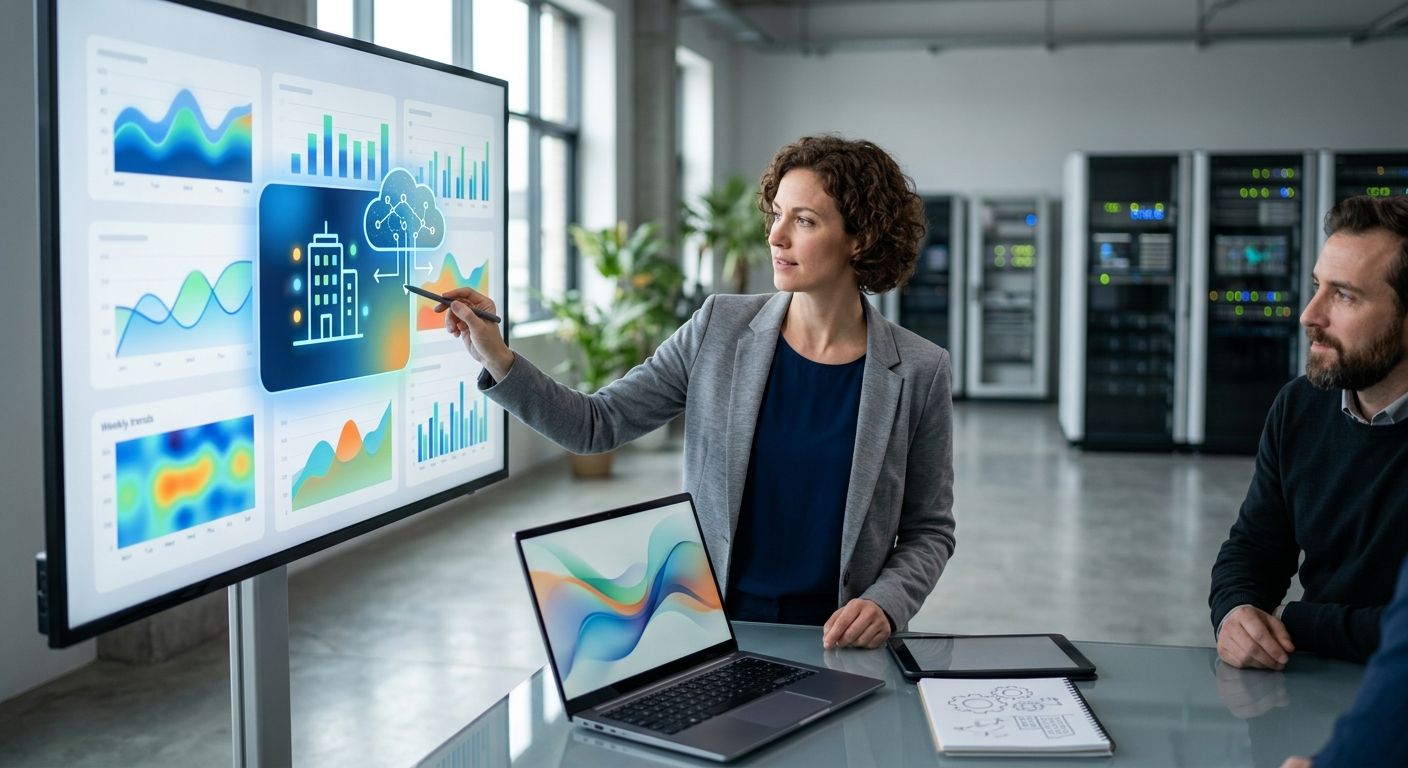
An AI summary of facility sensor trends turns a week of temperature, humidity, vibration or power readings into a plain-language brief you can read in under a minute, built from the alarms, rules and telemetry history your platform already logged. The catch: the summary only covers what your rules and alarms actually captured, so a sensor with no threshold set drifts silently and never shows up as an event worth reporting.
- Kilo's built-in AI assistant answers direct questions against your telemetry history — ask what changed this week and it reads alarm and rule activity to answer in plain language.
- An AI summary of facility sensor trends is only as complete as the rules and alarms configured on that sensor — no threshold means no event to summarize.
- Kilo's CEL-based rules engine with version control and rollback is what generates the events an AI assistant later reports on.
- Five alarm severity tiers and multi-step escalation chains give the assistant structured signal instead of raw sensor noise.
Why facility teams want an AI summary of sensor trends
A facilities manager running cold storage, a data center, or a multi-building campus in 2026 doesn't have time to scroll a week of raw chart data across a dozen dashboards. The alternative — reading a written summary that names which zones drifted, which alarms fired, and which thresholds are getting tight — turns a 20-minute review into a two-minute check.
That only works if the underlying platform already has structured, normalized telemetry to draw from. A spreadsheet of manual logbook entries can't be summarized by an AI assistant the same way live sensor data flowing through an IoT platform can, because there's no consistent schema to query against.
How do you get an AI summary of facility sensor trends
Getting a usable summary is a sequencing problem more than an AI problem. The order matters:
- Get sensors reporting normalized data. Temperature, humidity, vibration, power or tank-level readings need to land in the platform as structured telemetry, not raw payloads, before anything can summarize them.
- Set thresholds with a rules engine. A visual rules engine using CEL expressions defines what counts as a deviation — 8°C in a cold room, a pressure differential outside range, a vibration spike on a pump. Kilo's rules engine supports version control, one-click deploy and rollback, and step-through debugging on a test payload before it goes live.
- Configure alarms with severity and escalation. Kilo assigns five severity tiers and multi-step escalation chains across email, SMS and push, with quiet hours and a centralized inbox — this is the structured signal an AI summary draws from instead of raw noise.
- Ask the AI assistant a direct question. In the Kilo app, ask something like "what changed in the loading dock sensors this week" and the built-in assistant queries telemetry, cross-references rule triggers and alarm history, and answers in plain language — scoped to your permissions, confirming before it takes any consequential action.
| Data source | What it contributes to the summary |
|---|---|
| Dashboard telemetry history | The raw trend line — averages, spikes, drift over the week |
| Rules engine execution log | Which thresholds fired, when, and how often |
| Alarm inbox | Severity tier, escalation path, and whether anyone acknowledged it |
| Digital twin | Which physical asset a given reading belongs to |
Each row above is a different input the assistant has to combine — miss one, and the summary has a gap. A campus that hasn't built out a facility monitoring dashboard for compliance reporting yet is usually missing the telemetry-history row entirely.
“If your rules and alarms are configured, an AI summary is just asking the right question. If they aren't, there's nothing yet to summarize.”
What feeds the AI's summary of your sensor data
The rules engine does most of the real work before the AI assistant ever gets involved. A CEL expression like "temperature > 8 for 10 minutes" is what turns a raw reading into an event worth mentioning in a weekly brief. Without that layer, an AI assistant summarizing raw telemetry has to guess what counts as noteworthy, and guessing is exactly what a facility team doesn't want from a system controlling real equipment.
This is also why a well-built rules engine for industrial IoT alarms matters more to the quality of an AI summary than the AI model itself. The assistant reports on what the rules already decided was significant — it doesn't independently judge whether a 0.3°C drift over six hours is a problem unless a rule says so.
Digital twins add the last piece: context. A twin per device, plus a live 3D building twin with sensors bound to physical objects, means a summary can say "the compressor on loading dock 3" instead of "sensor ID 88214." That naming difference is the difference between a report a technician can act on and one they have to decode first.
Why do AI sensor trend summaries vary from site to site
- Sensor sampling interval — a LoRaWAN sensor reporting every 15 minutes gives a finer trend line than one reporting hourly, which changes how granular a weekly summary can be.
- Rule coverage — sites with CEL-based thresholds on every critical sensor generate far more summarizable events than sites relying on default or missing rules.
- Alarm severity configuration — five severity tiers only help the summary if they're actually assigned per alarm rather than left at a single generic level.
- Escalation chain completeness — an alarm that never escalated because the chain wasn't built won't show up as "resolved" or "acknowledged" in a trend summary.
- Digital twin coverage — sites with every physical asset bound to a twin get asset-named summaries; sites without twins get sensor-ID summaries.
- Protocol mix — a site running LoRaWAN, mioty and MQTT devices side by side needs all three normalized into the same telemetry schema before a single summary can cover the whole building.
Can the AI assistant write a weekly report automatically?
Ask Kilo's built-in AI assistant for a trend read any time you open the app in 2026, and it answers from live telemetry and alarm history on demand. Current platform documentation describes an on-demand, conversational assistant rather than a scheduled auto-email report, so treat it as a question-and-answer tool you run when you need it, not a subscription digest.
Does the AI assistant only summarize alarms, or raw sensor data too?
It draws on both raw telemetry history and structured alarm/rule events, which is why the underlying data quality — sampling interval, rule coverage, twin naming — determines how useful the answer is. A summary built only from raw readings without any rule context tends to read like a chart description rather than a diagnosis.
Can the AI assistant change settings, not just summarize?
Yes — the same assistant that answers trend questions can also onboard devices, write and deploy rules, and create alarms, scoped to the signed-in user's permissions and confirming before it takes a consequential action. That's a different capability from summarizing, but it runs through the same conversation.
See what your sensor data can tell you
Start free with up to 5 devices, 1 dashboard and 1 rule — no card required.
FAQ
What is an AI summary of facility sensor trends?
It's a plain-language brief generated from a week of sensor telemetry, rule triggers and alarm history, built by asking an AI assistant a direct question against that data. In 2026 this typically runs through a conversational assistant built into the IoT platform rather than a separate reporting tool.
How often can you get an AI-generated sensor trend summary?
As often as you ask — an on-demand assistant answers whenever you open the app, rather than sending a scheduled report on a fixed cadence. Check your platform's current changelog before assuming a scheduled digest exists.
Does an AI summary replace manual logbook reviews?
It replaces the manual scanning of raw charts and paper logs, but only for sensors that are already reporting into the platform with rules and alarms configured. A site still running paper logbooks for part of its equipment gets a partial summary at best.
Can AI summarize sensor data from LoRaWAN, mioty and MQTT devices together?
Yes, once all three protocols are normalized into the same telemetry schema on one platform — Kilo runs a built-in LoRaWAN and mioty network server plus an MQTT connector so readings from mixed protocols land in one place to summarize.
Is the AI-generated summary auditable?
The events behind it are — rule execution history, alarm escalation records and command execution logs are retained, so a summary claim can be traced back to the underlying record rather than taken on faith.
Do you need a rules engine before AI can summarize trends?
You need it for a summary that flags what matters, not just what happened. Without CEL-based thresholds, an assistant can describe a raw trend line but can't tell you which part of it was actually significant.
What happens if a sensor was never given an alarm threshold?
It reports data but generates no events, so a weekly AI summary has nothing to say about it beyond the raw numbers — the drift could be real and still go unmentioned.
Can facility managers ask the AI assistant follow-up questions?
Yes, the assistant works conversationally, so a summary answer can be followed with a narrower question like which specific sensor drove an alarm, scoped to the same permissions as the original request.
One detail worth checking before you trust an AI summary
A summary describing a command as "sent" or "accepted" isn't the same as confirming the physical equipment actually changed state. Kilo's command execution history separates delivery state from device confirmation or subsequent telemetry, and that distinction matters more in a summary than almost anywhere else — an AI assistant repeating "delivered" as if it means "done" is the one framing worth double-checking every time.


