
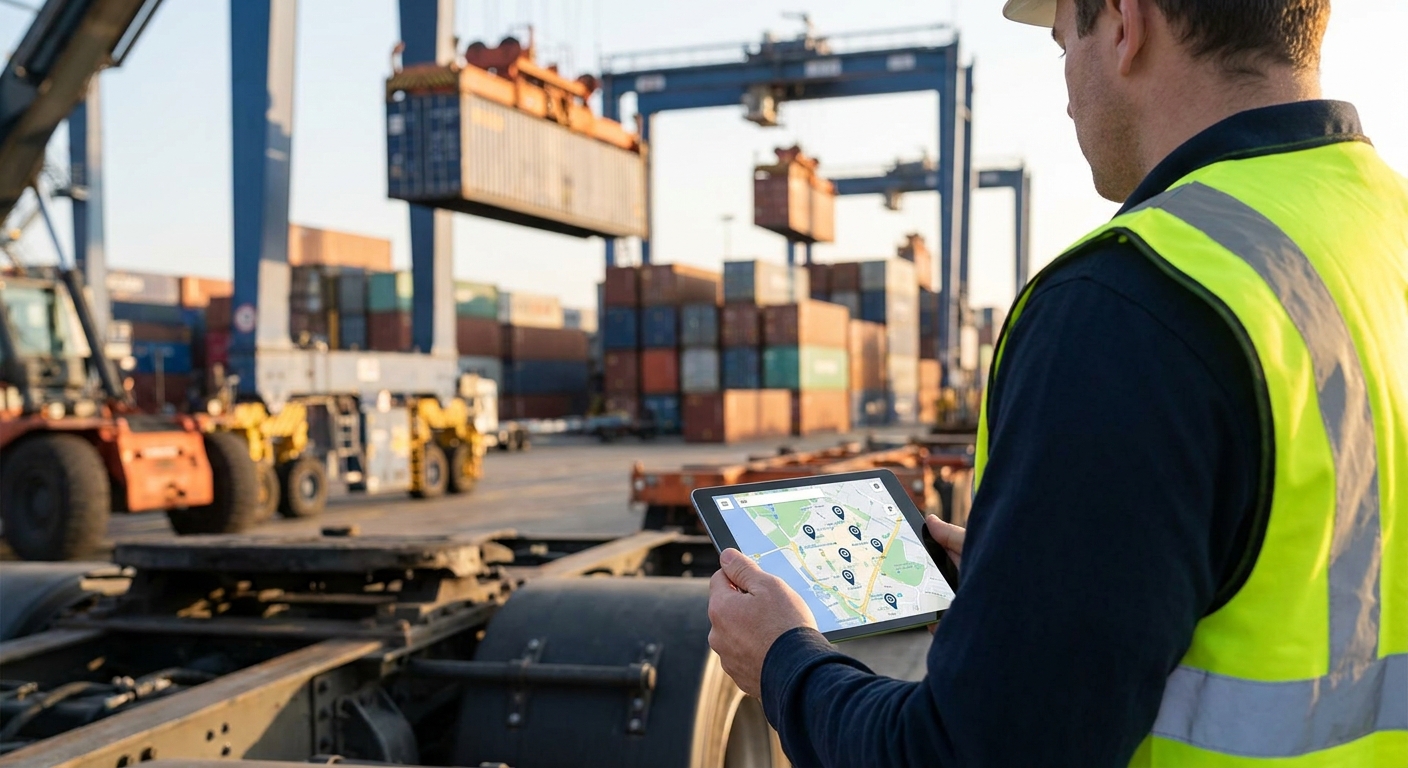
Container yards run 24 hours a day across acres of asphalt and stacked steel, and equipment location changes by the minute — a reach stacker moves, a chassis gets repositioned, a generator disappears for three days before anyone notices. Tracking equipment across a shipping port or container yard in 2026 means picking connectivity that survives steel walls and yard distances, then building alarms around movement, not just watching a map.
- Tracking equipment across a shipping port or container yard needs cellular or LoRaWAN — consumer GPS tags fail inside container stacks.
- Geofence the yard perimeter and staging lanes first; unauthorized-movement alarms catch theft within minutes, not days.
- Battery-powered trackers in cold, wet port conditions need a 5+ year rating or you're swapping batteries every quarter.
- Onboard sensors zone by zone across gates, not all at once, or you'll spend 2026 chasing false alarms instead of fixing them.
Why this matters
A container yard isn't a warehouse. Stacked steel containers block line-of-sight signal, chassis and yard tractors move dozens of times a shift, and the yard itself can stretch past 200 acres at a large terminal. Lose track of a reach stacker or a generator for even a day and you're either paying for a replacement rental or delaying a vessel turnaround.
Most ports still rely on a mix of paper logs, radio calls, and gate cameras to know where equipment sits. That works until a piece of gear gets moved off-lease, parked in the wrong block, or walked off the property entirely. Container yard asset tracking built on cellular or LoRaWAN tags with geofencing turns "where's the chassis" into a dashboard query instead of a radio call.
What you'll need
- Asset tags or trackers — GPS/cellular for mobile equipment that leaves the yard, LoRaWAN or BLE beacons for gear that stays on-site
- A connectivity layer — cellular for wide-area coverage across a sprawling terminal, LoRaWAN gateways for dense, low-cost tag deployments inside the fence line
- A yard map — block layout, gate locations, staging lanes, and known dead zones between container stacks
- A dashboard and rules engine — somewhere to see tag positions, set geofences, and fire alarms on unauthorized movement or dwell time
- Install time — 2-4 hours per zone for gateway placement and initial tag pairing, more if the yard spans multiple gates
- A pilot list — 10-20 high-value assets (reach stackers, generators, chassis) to tag first before scaling yard-wide
The steps
1. Map the yard and pick your connectivity layer
Walk the yard and mark every block, gate, and staging lane, then note where container stacks are tall enough to block signal. Stacked steel containers three or four high create dead zones that kill line-of-sight radio and weaken GPS fixes.
For equipment that stays inside the fence — chassis, spreaders, generators — LoRaWAN gateways cover the yard at a fraction of the per-unit cost of cellular. For anything that leaves the property on a truck or barge, cellular IoT connectivity for mobile assets keeps the location feed live once the tag is off-site. Most ports in 2026 run both: LoRaWAN inside the fence, cellular for anything that crosses it. Common mistake: picking one connectivity type for the whole yard and discovering gaps once containers get stacked three-high in Q2.
2. Tag high-value assets first
Start with the 10-20 pieces of equipment that cost the most to replace or rent — reach stackers, top loaders, generators, and leased chassis. Don't try to tag every piece of gear in the yard on day one.
A battery-powered tracker rated for 5-10 years in cold, wet port conditions beats a cheaper unit you'll be swapping every 90 days. Mount tags where they won't get knocked off during container handling — frame-mounted, not bolted to anything a crane touches. Common mistake: mounting a tracker on a spot that gets sprayed with salt water or crushed during normal container handling, which kills the unit inside a month.
3. Set geofences around the yard boundary and staging lanes
Draw a geofence around the property line first, then add smaller zones for staging lanes, maintenance bays, and the gate itself. This is what turns raw GPS pings into something actionable.
An asset crossing the outer geofence outside scheduled gate hours should trigger an alert within minutes, not show up in a report the next morning. Inner zone geofences catch equipment parked in the wrong block before it becomes a two-hour search during a vessel call. Common mistake: geofencing only the outer perimeter and missing internal movement that matters more day-to-day — like a chassis sitting in the wrong lane blocking a truck route.
4. Build alarms for unauthorized movement and dwell time
A location dashboard nobody watches is just a map. Alarms are what make tracking equipment across a shipping port or container yard actually prevent loss instead of just documenting it after the fact.
Set dwell-time alarms for equipment that hasn't moved in an unusual amount of time (a generator sitting idle for 72 hours when it should be running), and movement alarms for anything crossing a geofence outside its assigned shift. Route these to the shift supervisor's phone, not a report nobody opens until Friday. Common mistake: setting alarm thresholds so tight that every normal shift change triggers a false alert, which trains staff to ignore all of them within a week.
5. Onboard sensors at scale, zone by zone
Don't deploy every tag in the yard in a single afternoon. Onboard one block or zone at a time, confirm signal strength and alarm behavior, then move to the next.
Onboarding LoRaWAN sensors at scale across multiple gates or terminal sections works the same way whether you're rolling out 20 tags or 200 — batch by physical zone, verify, then expand. A terminal running three gates in 2026 should expect the full rollout to take 2-3 weeks done this way, versus a chaotic single-day install that leaves half the tags unconfirmed.
6. Integrate location data into your existing dashboard
Gate staff, dispatch, and operations managers need to see equipment location without logging into a separate system. Feed tracker data into the dashboard your team already checks each shift.
This is also where dwell-time and movement history become useful for planning — knowing a reach stacker averages 40 moves a shift tells you when it's due for maintenance before it breaks down mid-vessel-call. Common mistake: running tracking as a standalone system that only the IT team checks, so the people who actually need the alerts never see them.
7. Train gate staff on exception handling
The system only works if someone acts on the alarms. Gate staff and yard supervisors need a clear process: an unauthorized-movement alert means a radio call and a physical check within 10 minutes, not a note for the morning meeting.
Run a two-week pilot with the tagged assets before going yard-wide, and use that window to tune alarm thresholds based on what's actually a false positive versus a real exception.
See container yard tracking in action
Map your yard's connectivity and alarm setup for 2026.
Troubleshooting
- GPS position jumps or drifts near stacked containers — steel reflects and blocks GPS signal; switch that zone to LoRaWAN or BLE beacon coverage instead of relying on satellite fixes near tall stacks.
- Battery drain faster than the rated 5-10 years — check mounting; tags exposed to direct sun or running frequent GPS pings instead of scheduled check-ins burn through battery life much faster than spec.
- False movement alarms during normal crane handling — widen the geofence buffer around staging lanes by 10-15 meters; a container being lifted onto a chassis can register as movement on a tight boundary.
- Tags going dark near the yard exit — confirm cellular handoff is configured for equipment leaving LoRaWAN coverage; a tag built only for in-yard LoRaWAN has no signal once it's on a truck past the gate.
- Gateway dead zones between tall stacks — add a gateway at yard midpoints rather than relying on perimeter-only placement; container walls block signal more than open-yard range specs suggest.
- Staff ignoring alarms — if dwell-time or movement alerts fire more than a few times a shift, thresholds are too tight; loosen them and re-test for a week before trusting the data.
Tools and resources
- Container yard asset tracking for the full connectivity and geofencing setup
- Cellular connectivity for equipment that leaves the yard
- A yard map with gate, block, and staging lane boundaries marked before any hardware goes in
- A pilot list of 10-20 high-value assets to tag first
- System integrators managing multi-site device rollouts should look at LoRaWAN onboarding workflows before scaling past a single terminal
What to do next
If the yard sits somewhere without reliable cellular coverage — a remote port, an inland terminal, or a facility waiting on a carrier upgrade — satellite IoT connectivity for remote industrial sites covers the gap without waiting on tower buildout.
FAQ
What's the best way to track equipment across a shipping port or container yard?
Pair LoRaWAN tags for equipment that stays on-site with cellular GPS trackers for anything that leaves the property, then layer geofences and movement alarms on top. GPS alone struggles inside stacked container blocks, so relying on satellite fixes only creates blind spots in 2026-era yards.
Is LoRaWAN or cellular better for container yard tracking?
LoRaWAN costs less per tag and covers a dense yard well within its 2-5 km gateway range, but cellular is required once equipment leaves the fence line. Most yards run both, splitting coverage by whether the asset stays on-site or travels.
How much does it cost to track equipment in a container yard?
Costs vary by tag type, gateway count, and yard size, so get a quote based on your specific footprint and asset count rather than a flat number. LoRaWAN tags are generally cheaper per unit than cellular trackers but need gateway infrastructure on-site.
How long do asset trackers last on port equipment?
Industrial battery-powered trackers rated for cold, wet conditions typically run 5-10 years before a battery swap. Units without that rating, or mounted where they take physical impact, fail well before that window in a working yard.
Can you track chassis and containers with the same system?
Yes, as long as the platform supports mixed tag types on one dashboard — GPS/cellular for chassis that leave the property, LoRaWAN or BLE for containers and equipment that stay in the yard. Running two separate systems for this creates blind spots at the handoff point.
How do geofences prevent equipment theft in a yard?
A geofence around the yard perimeter triggers an alarm the moment tagged equipment crosses it outside scheduled gate hours, giving staff a window to intervene within minutes instead of discovering a loss the next day. Inner zone geofences also catch equipment moved to the wrong block before it turns into a search.
What causes false tracking alarms in a container yard?
Tight geofence buffers near staging lanes are the most common cause — a crane lifting a container onto a chassis can register as movement on a boundary set too close. Widening buffers by 10-15 meters and re-testing over a week usually fixes it.
Does GPS work reliably inside a container stack?
No — stacked steel containers block and reflect GPS signal, causing position drift or dropped fixes. LoRaWAN or BLE beacon coverage handles those zones better than relying on satellite positioning alone.
One last thing
The piece of equipment that goes missing longest in most yards isn't the reach stacker or the crane — it's the generator. Big, loud equipment gets noticed fast when it's gone; a portable generator parked in the wrong block can sit untracked for days because nobody's specifically looking for it. Tag the boring, portable gear first, not just the expensive machinery everyone already watches.


